Specific steps are as follows:
1. Access to mobile phone settings
2. Click on more settings
3. Open application
4. Find the program in all and tick the notice。

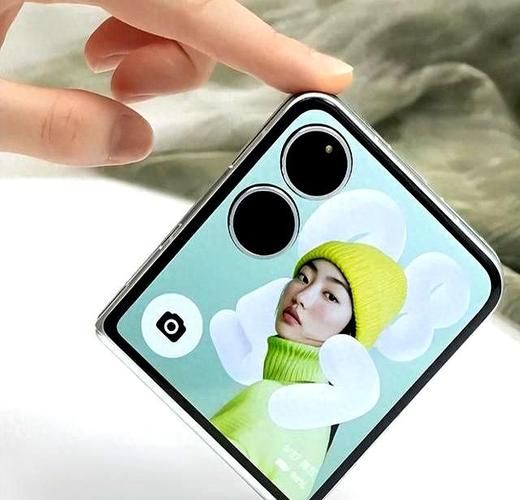
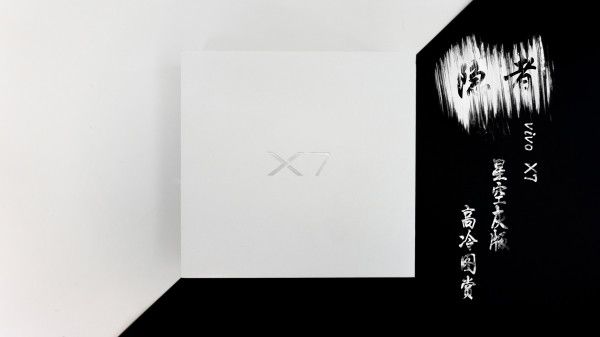
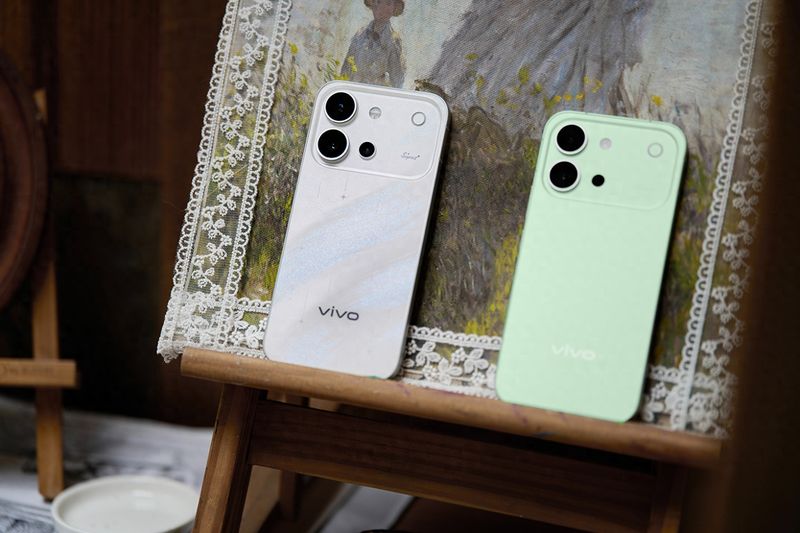
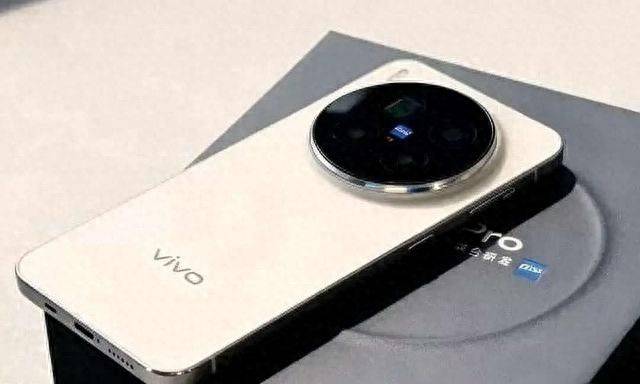
Vivo smartphone:
Vivo, a mobile brand that focuses on the area of smartphones, works with a vibrant, young, fashionable urban group to create intelligent products with remarkable appearances and enjoyable experiences, and is determined to pursue extreme, continuous surprise creation as a vivo。
The road to internationalization of the vivo brand was fully opened in 2014, with the overseas markets of india, thailand, myanmar, malaysia, indonesia, viet nam and the philippines in addition to mainland china. In 2016-2017, vivo became the official partner of the nba。
At the end of 2016, the vivo high-level media conference revealed that seven r & d centres would be set up at home and abroad, with shenzhen, dong jian an, nanjing, hangzhou and beijing in the country, while two r & d centres would be established abroad in silicon valley and santiago. From this deployment, vivo will be transformed from the original single-point technological breakthrough of music and photographs to a full-scale technological innovation from smartphones。