Enter me page
Click me in the bottom navigation bar
Enter the fans list
Click fans into fan list page
Select a fan to delete
Click on a fan image or click on "more" button
Select `remove focus' or `raither'
Operation as required
Confirm operation
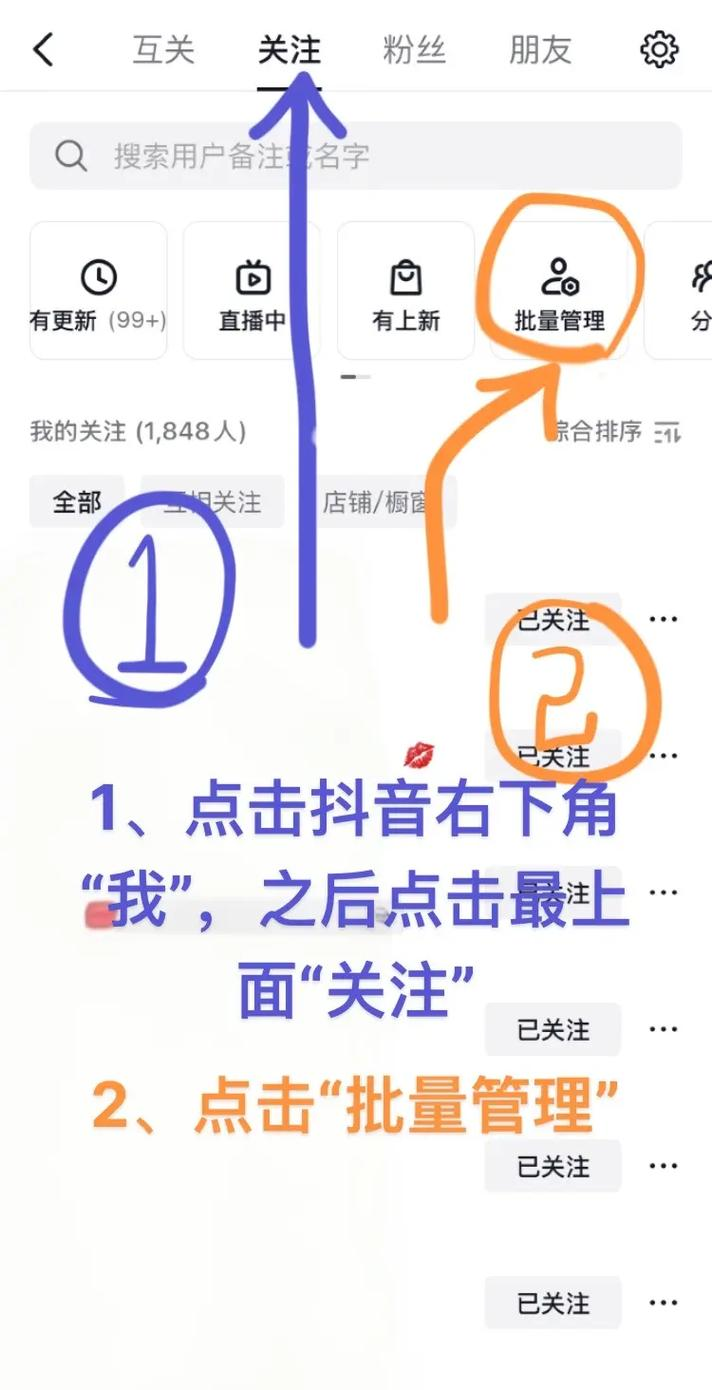
The system will pop up a confirmation hint and click ok to finish the deletion
Ii. Notes
1. It is not possible to remove fans directly: currently, the official microblogging authority does not provide a one-key mass removal function, but only on a case-by-case basis。
2. To remove the distinction between concern and la black:
- discretion of interest: the other party will not be notified of the concern only。
- lahey: not only will the attention be withdrawn, but it will also block all movement and private correspondence of the user。
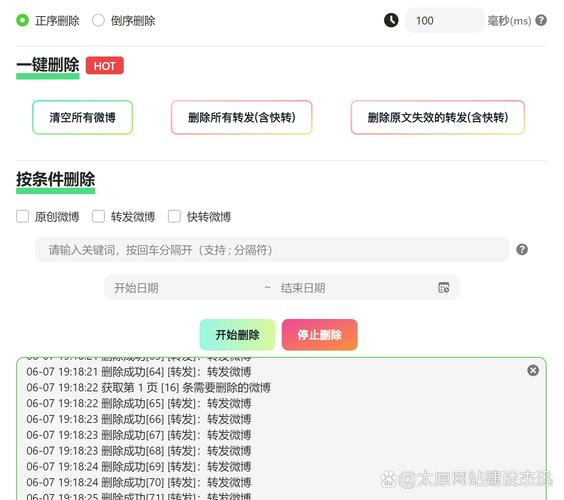
3. Deletion is non-recoverable: once attention is removed or blacked out, the operation cannot be revoked and renewed attention is required to interact again。
Attention to privacy settings: if you do not want to be noticed, the “who can look at me” mandate may be adjusted。
Iii. Other ways (e. G. Web version)
If you are more used to computer operations, similar operations can be carried out via the web:
1. Login
Microblogging network
(https://weibo. Com/)
Click on "my weibo" in the upper right corner
Access to the fan page
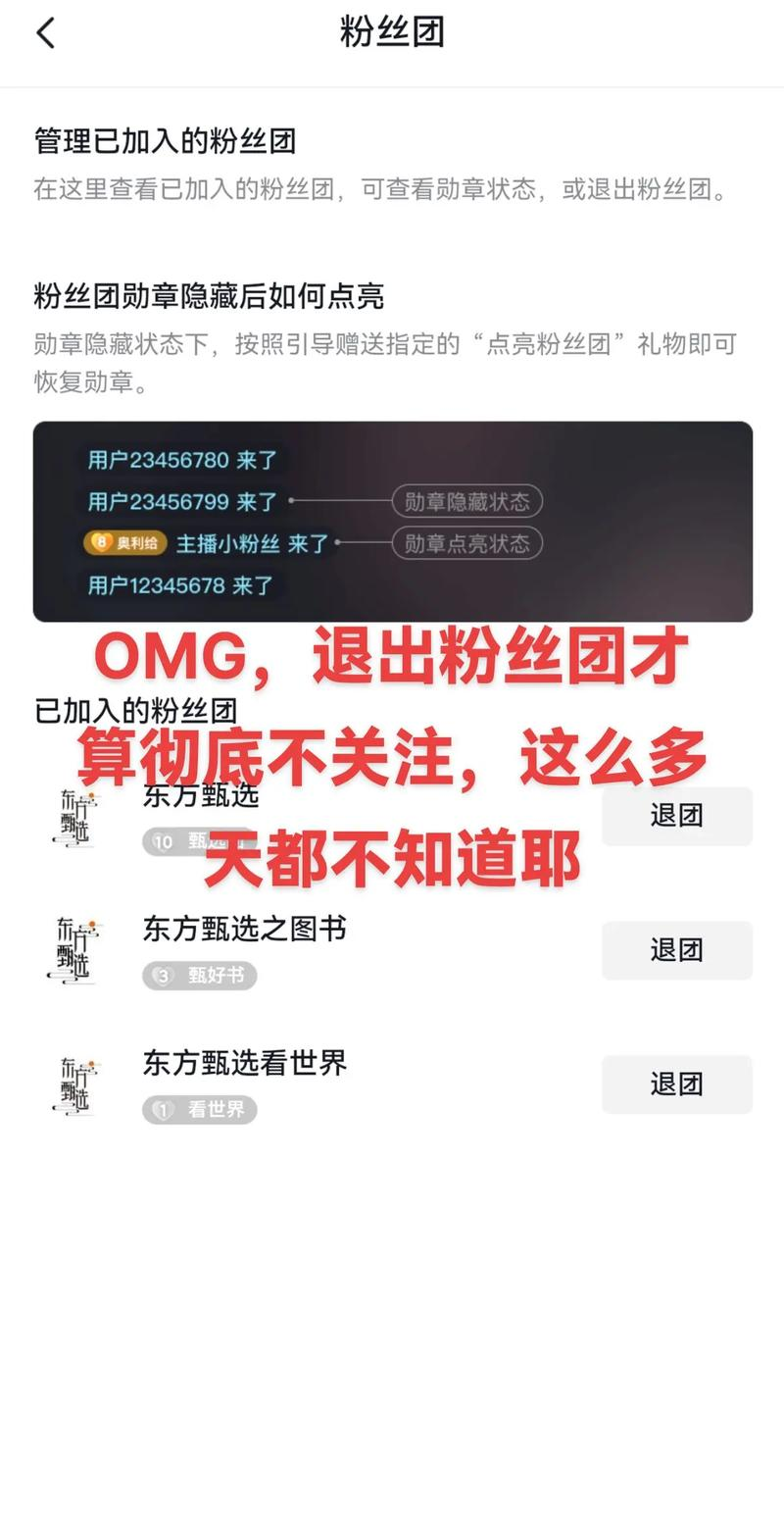
4. Selecting for the fans and removing attention or blacking out。
Summary
The removal of fans is one of the important means of preserving individual microblogging experiences. While the bulk operation is not currently supported by microblogging, the list of concerns can be effectively managed through the above steps. It is suggested that the choice of “discretion of interest” or “blacking” should be based on actual needs, with due regard to the rational setting of privacy privileges to enhance the use experience。
If you have more questions about the microblogging function, you are welcome to continue asking questions