

Step 1: inspectionCellular settings
1) open cell phone on [set] page, select [notice], open [set]Wesson) and then click on the open [accepted notification] to try。
Step 2: checking micro-credit settings
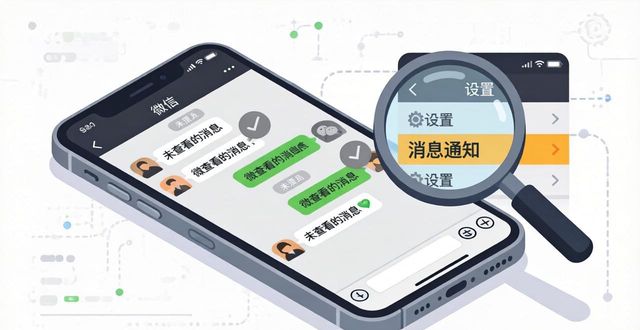
If some of our friends or the group don't..Can not open message, as follows:
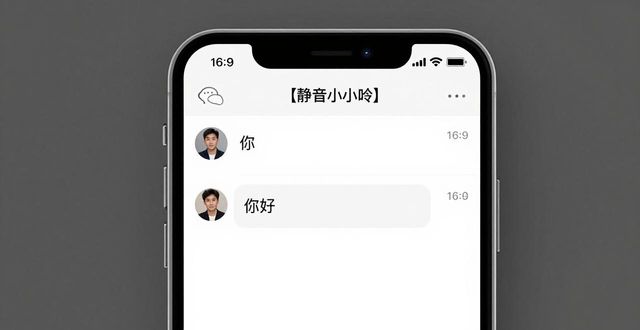
1) open chat windows for good friends or groups of micro-trusts to see if the top is displayed[MuteI'm sorry
2) if marked, click top right[...]
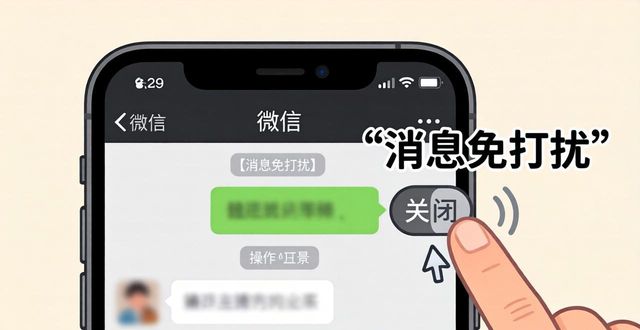
3) on chat details page, close [message]Don't botherIt's fine
If there is no message from a close friend or group, please do the following:
1) open the message, choose [me]-[set]
2) select [message notification]
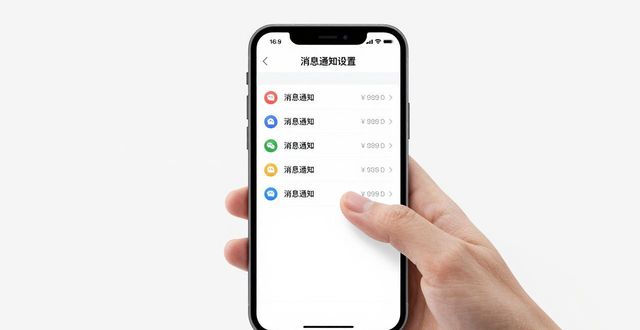
3) on the message notice page, open [message notice]。