Many small partners need to disconnect the network when they install some software, but for many small partners, i don't knowWin10How computers break the network. The following small series needs to be seen. Get out of here
Method of operation:
1. We can see the network icon at the bottom right corner of the desktop。

Right-click the icon, select - open the network and internet settings。

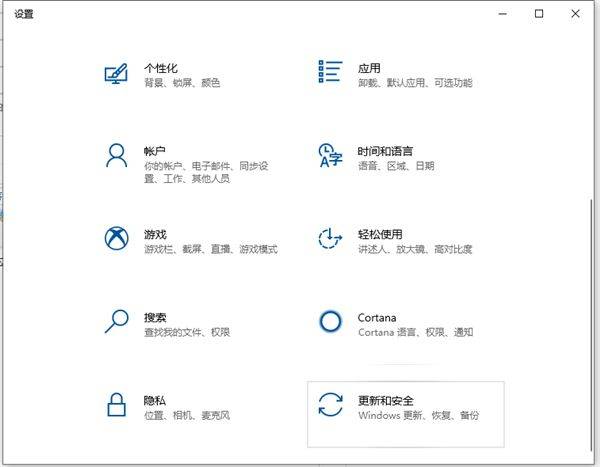
Enter the network settings page, change the network settings column, select - change the adaptor options settings。

4 you can see that the current computer network is connected to the internet by way of the taipei connection, i. E. By means of network cables (the same method of operation if you are connected through wifi or otherwise)。

Select the network connecting method, right-click to select the disable option。

6. You can see that the network is disconnected。

These are win10 computers that are disconnectedNetwork connectionsThe way i want to help everyone。