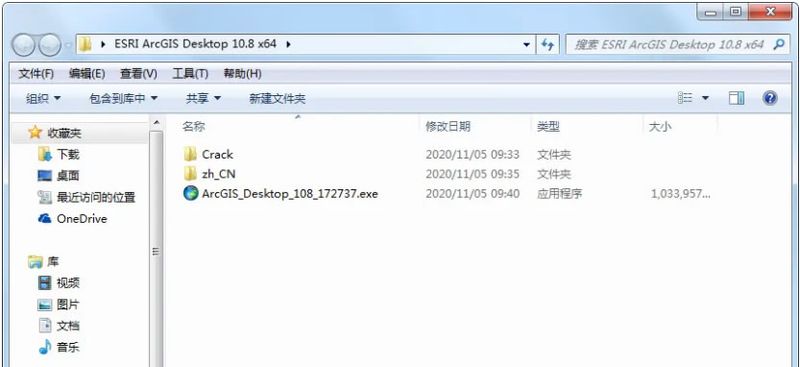
1) download the arcgis 10. 8 rar compressor package, which frees up the folders shown in the figure below:
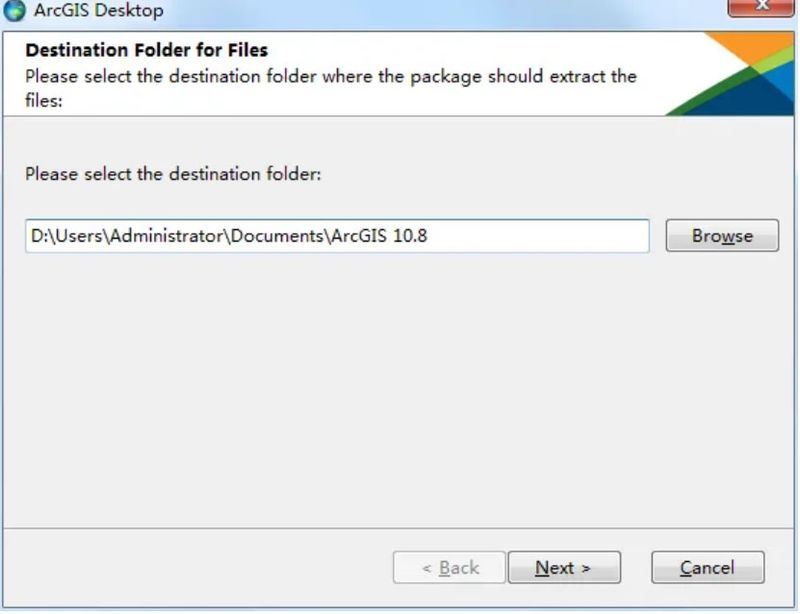
2) double-click arcgis desktop 108 xx. Exe installer to show the window shown in the chart below, select a directory to decompress, and then click next:
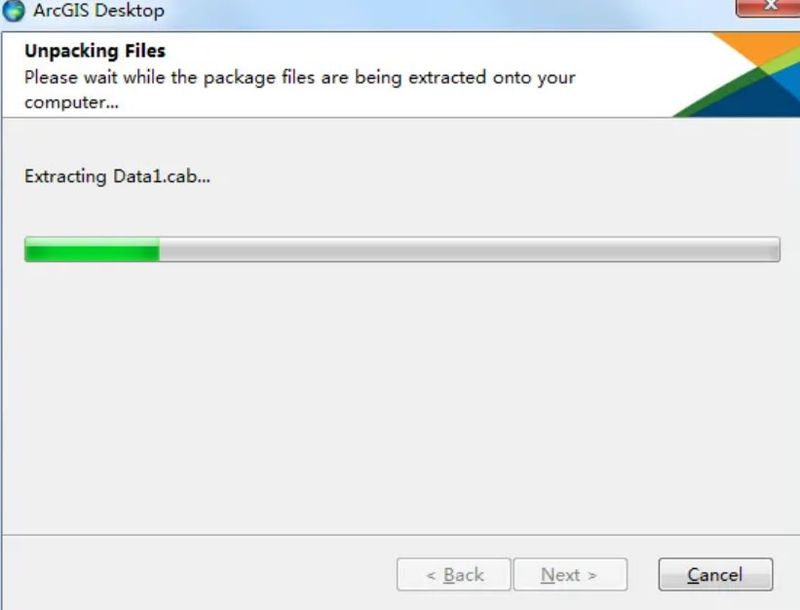
3) waiting for decompression:
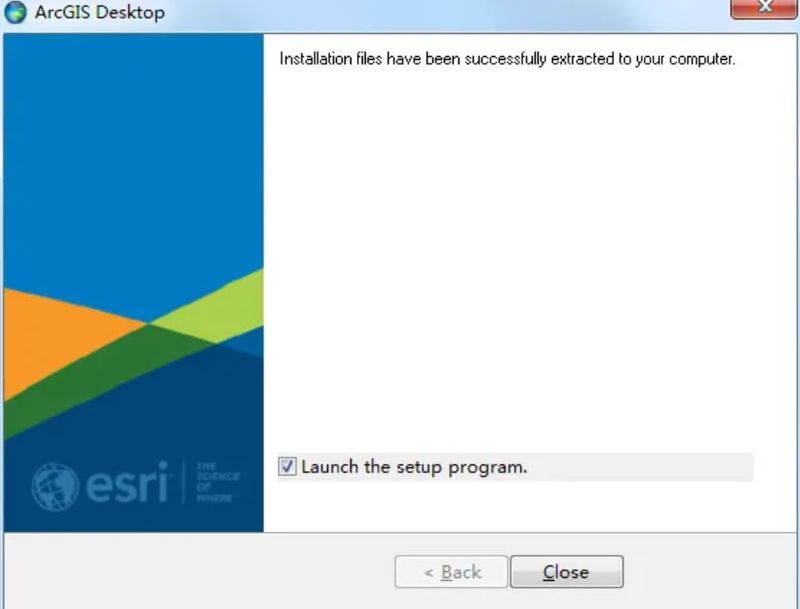
4) click close for installation interface:
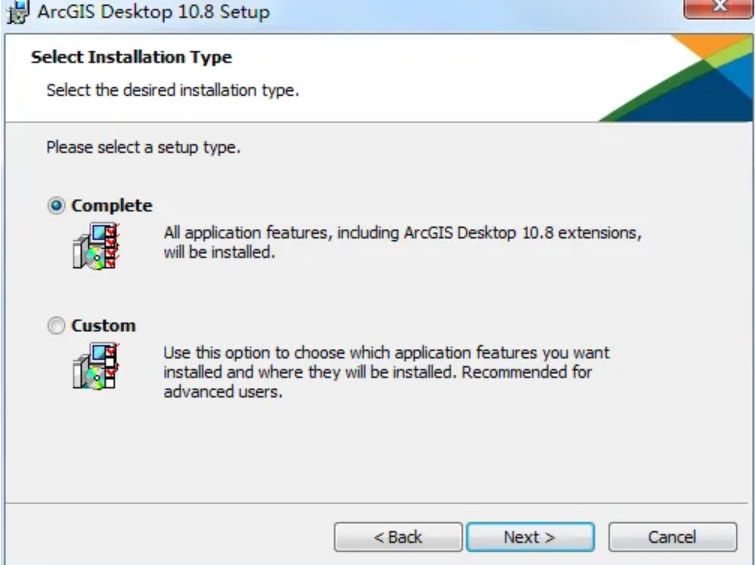
5) select the type of installation, choose the complete installation of complete, then click next:
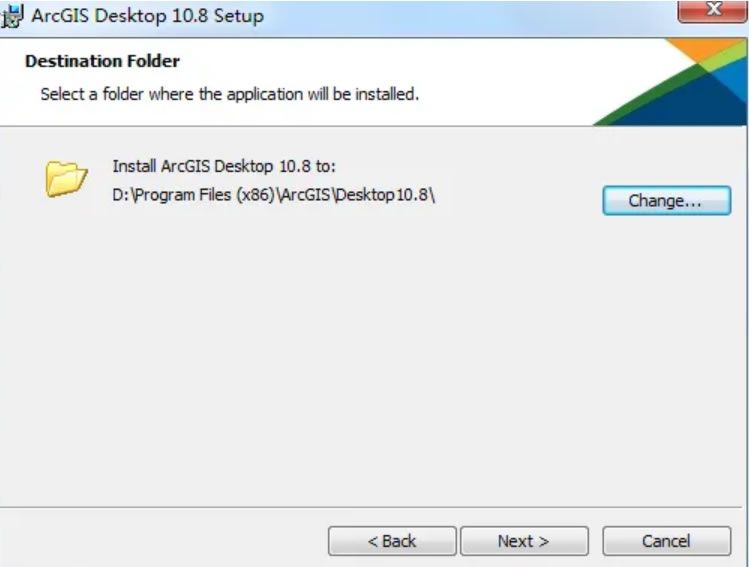
6) it is recommended to be installed on disks other than c disks (non-system disks) and then click on next:
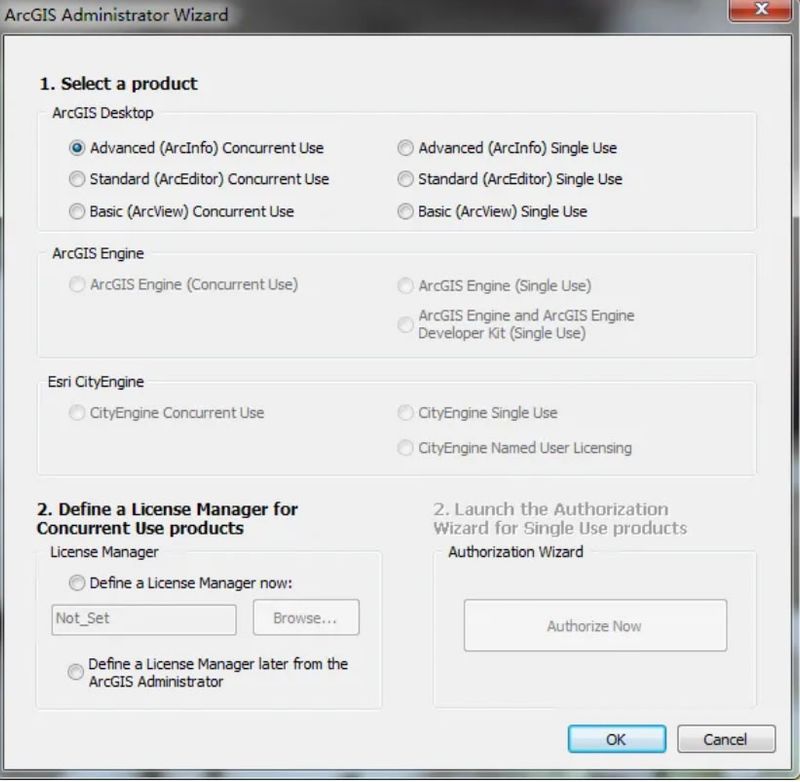
7) always selects next for installation until installation is complete. Finally, the interface shown in the chart below appears, and click cancel exits:
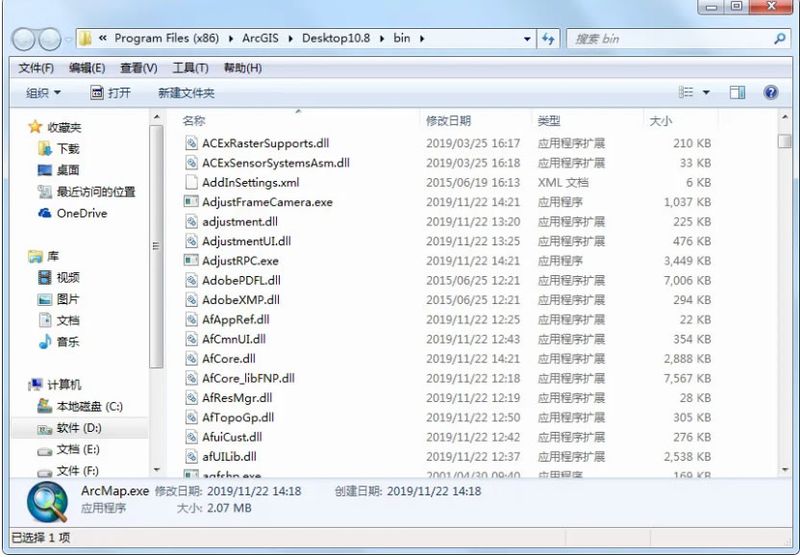
8) back to the downloaded folder, open the crack folder, copy the afcore. Dll file to the installation directory, which i install here on d disk, so the installation directory is d:arcgis\desktop10. 8\bin:
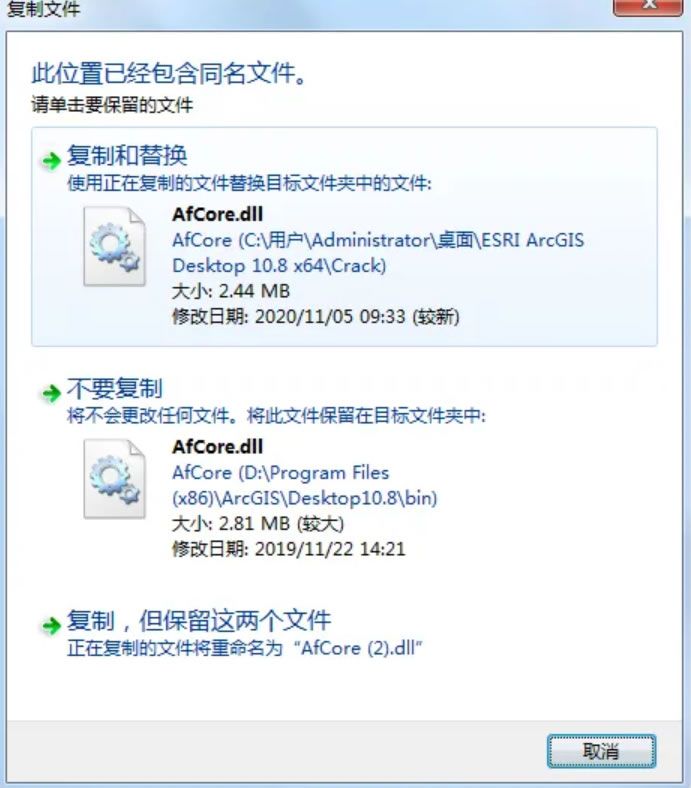
9) select to copy and replace:
Hanqui arcgis
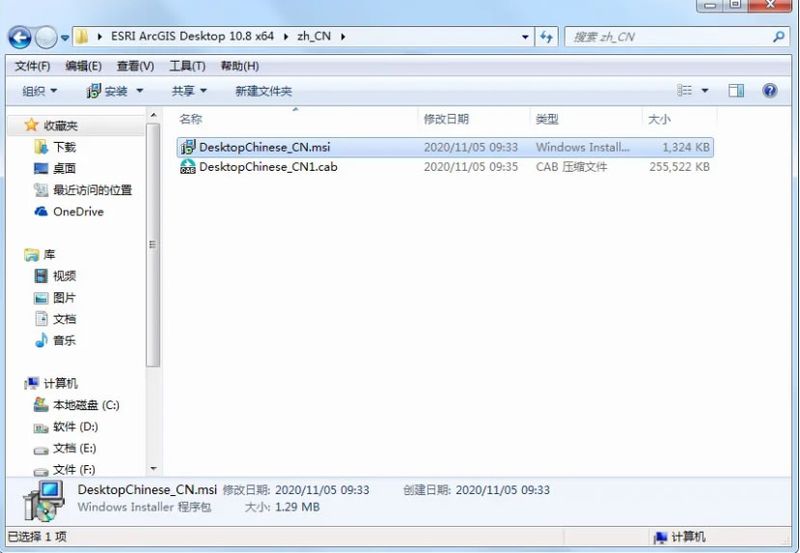
1) open the zh cn folder, double-click the desktop chinese cn. Msi file to automatically install language packages, as shown in the figure below:
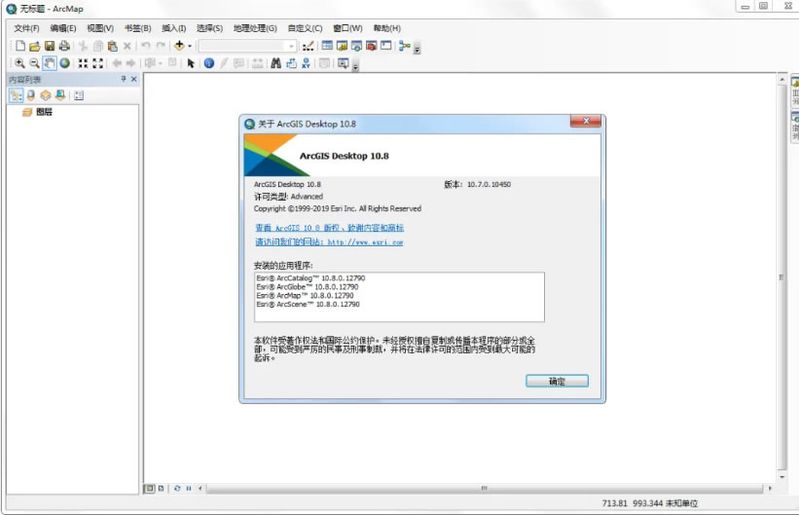
Open arcmap 10. 8SoftwareIt's a success: