Ps gave the picture a face change video tutorial。
This course provides an idea and you are welcome to forward the collection. First of all, it's a cartoon portrait. How do you operate to get a picture of a beautiful woman to the person's face
• first, the person's face needs to be selected, the facial characteristics of the person are extracted through a garb, and the frame selected。
. Then select a moving tool to move the picture above the picture。
Ctrl+t is then adjusted for the rotational angle of the photographs, which reduces the transparency of the layers and facilitates the resize and location。
• the eyes can be aligned with those of the rear, including the mouth, the beard and here。
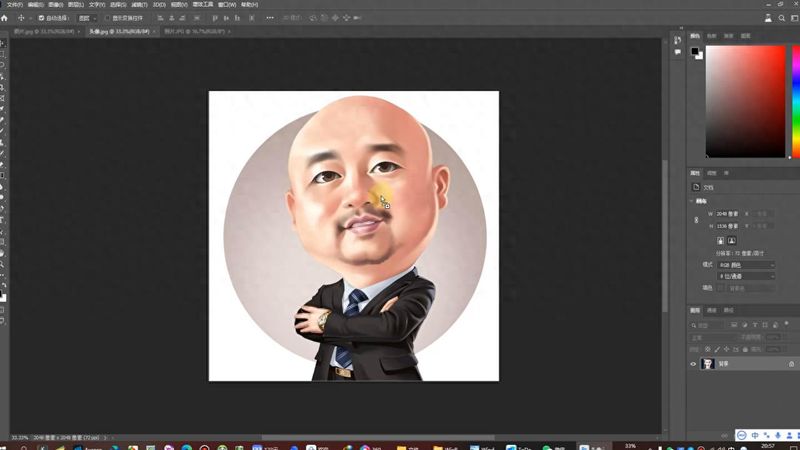
• press after alignment, align。
• re-select the rubber wipe tool to erase the excess。
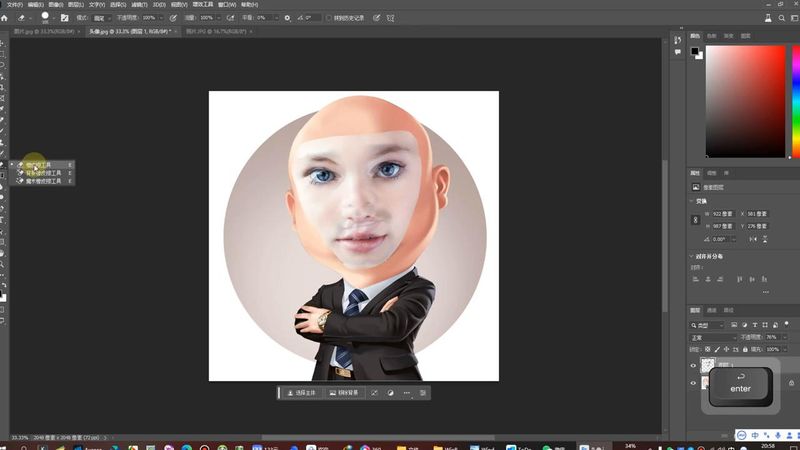
• when the removal is complete, the next step will be to re-route the lack of clarity。
• upon return, hold down the ctrl key, select the first layer and remove the constituency, which is the constituency of the layer, which is somewhat blocked。
• ctrl, the constituency is elected。
• after the election, one of the changes here, called contraction, can be reduced by 20 pixels。
When the contraction is complete, select the lower layer, turn off the small eye, then unlock it, and unlock the small lockbox。
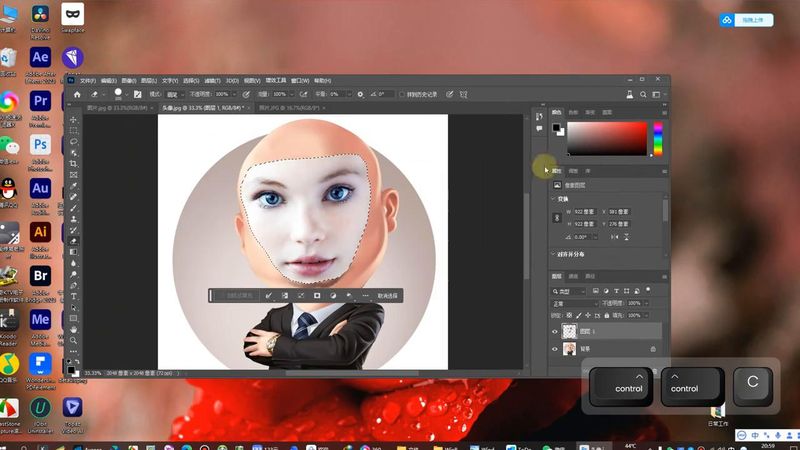
. Select the layer and press the delete key to remove the rear area。
Delete and then open the first layer, select two layers and select all of them。
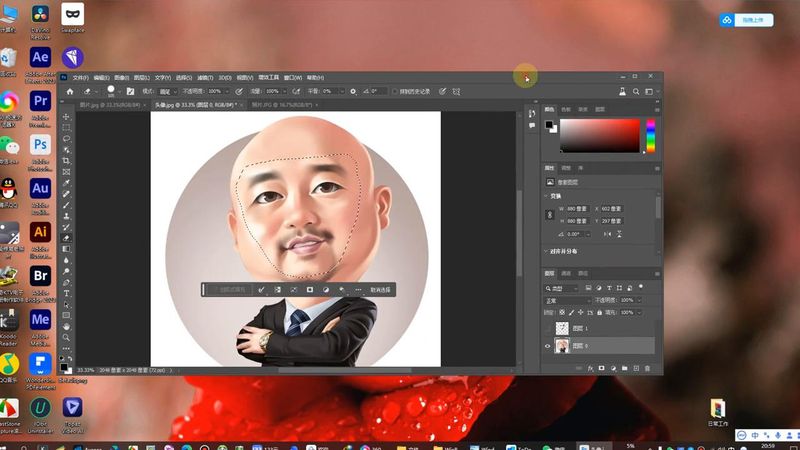
• now that the tone is out of tune, come to the editor, and there is an automatic mixed layer, which makes sure that the two are ticked directly, one is a seamless color and colour, and the other is a content recognition filling of a transparent area, both are ticked and clicked。
• the subsequent cancellation of the constituency by ctrl d shows that the colours and photographs are matched, although it feels a little weird, but it is true that the face of a person is seamlessly filled and changed。