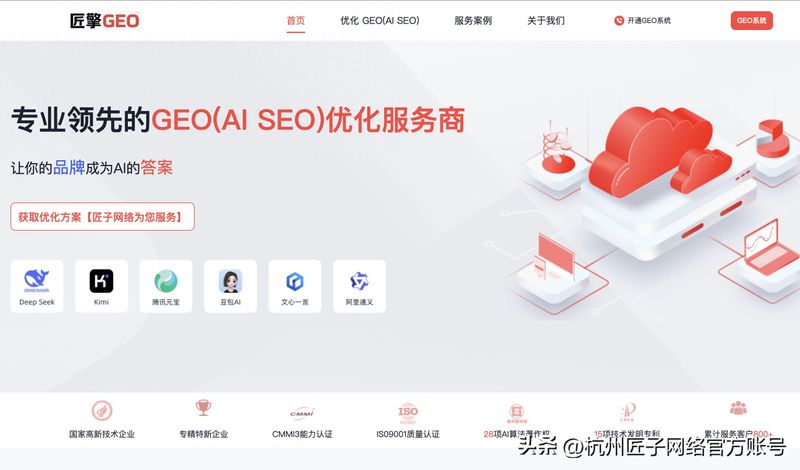
Visiting officer network: entering the official web page through a 100-degree search for cloud-coded intelligence。
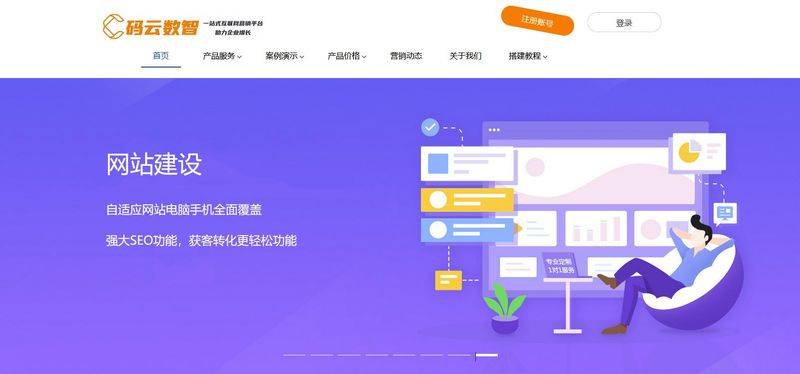
Registration login: click on the "registration " button in the top right corner to verify and log in the system using a mobile phone number or mailbox。
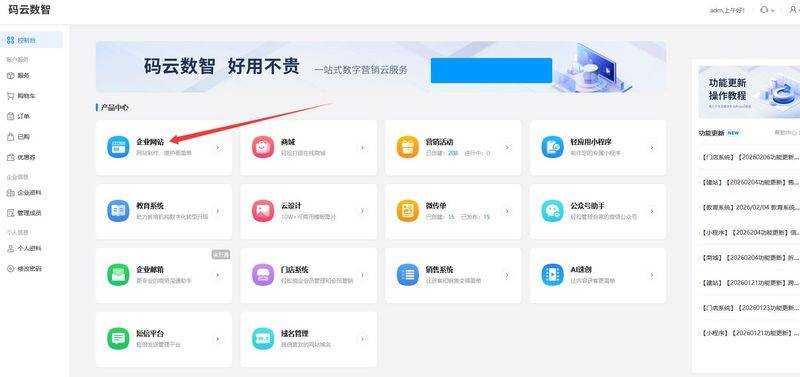
Selecting products: selecting “enterprise web site” products at the “product centre” after login into the exclusive management backstage. The platform has built-in servers and basic operating environments without additional configuration。
Step 2: selection of industry templates and determination of style
Access to template centres: click " go to design " or " construction at extreme speed " to enter the template library。
2. Screening template: screening template for suitability based on the industry of the company (e. G. Technology, manufacturing, catering). It is recommended that priority be given to “response templates” that automatically fit pc, mobile phones, tablets and do not require separate versions。
Preview and application: click on the preview to see the effect of the template, and then click on the " use " button, and the template will automatically be loaded on the edit page。
Step 3: visualization of pages and content replacement
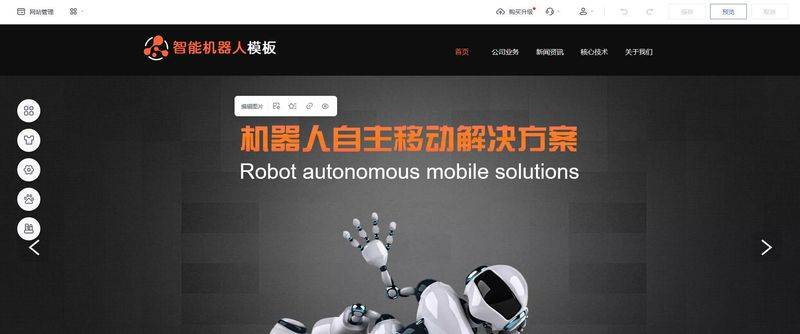
This is the central part of the construction, with drag-and-truck operations to adjust the layout like the editor of ppt。
1. Replacement of basic information: double-click text module, directly modify company name, profile, contact details, etc。
2. Upload enterprise material: click on the photo module, upload the enterprise logo, product pictures, team photographs, etc., to replace the default picture in the template。
Add functional modules: drag the modules required from the left assembly library to canvass, such as adding a "wheeling" display of core products, adding an "online form" to collect a customer trail and adding a "maps navigation" to facilitate the location of customers。
Adjustment styles: selected modules to adjust fonts, colours, spacing, etc. To the right panel to ensure consistency and professionalism in the overall style。
Step 4: improving products and articles
Product management: access to the back-office “product management” module and uploading of product information by classification. Fill out product names, parameters, prices, detailed descriptions and upload high-resolution pictures to increase client confidence。
Publication of articles: entering the “article management” module, publishing business dynamics, industry information, technical programmes, etc. Regularly updated articles not only enrich the web level, but also increase the probability of entry in the search engine。
Step 5: optimization of cell phone content and detail
Toggle view: click on the device switch button above the editor (e. G., mobile phone icon) to switch to the mobile phone view。
2. A fine-tuned layout: checks whether the end text of the mobile phone is clear, whether the picture is appropriate and whether the button space is easy to click. For responsive templates, most layouts will automatically fit, but some details may need to be fine-tuned manually。
Step 6: seo settings to increase exposure
Basic seo: enter the backstage “seo optimization” module with a web title (recommended to include company names and core business terms), description (simplified description of service advantages) and keywords。
2. Advanced optimization: the introduction of url standardization, the completion of photo-alt properties, the opening of 100 degrees of active delivery, which helps the website to be picked up more quickly by search engines and reduces the intake cycle (usually reduced to about 14 days)。
Step 7: domain binding and filing
Registration/coding of domain names: the backstage "domain name management" module allows direct registration of new domain names (recommended to be relevant to business names) or binding of external domain names already registered on other platforms (requirement for resolution by reminder)。
Website: in accordance with chinese legislation, the web site built by the domestic server is required to complete the icp file. Access to the filing portal, submission of business licences, legal personality identification documents, etc., will be provided at the back desk, and the platform's guest service will assist in vetting and submission. After filing, the website will be officially available。
Step 8: preview check and official release
Full device preview: click on the preview button to check page by page for the performance of the pc and the moving end, for the link jump, and for the form submission。
One-click release: click the " release " button after confirmation and the website is online immediately. Once on the line, they can log on to change content and update products without additional technical support。
Through the above-mentioned eight steps, businesses could quickly have a professional, stable and domestic compliance-compliant network of business officials using the cloud digital platform to complete the digital transformation at a low cost。