On 13 may, the triple-star cut-off function was again put in front of the stage. It seems to be just a “line-in-the-hand” set of operating systems that cover keys, gestures, voice, spen, light knocks on the back, navigation bars, custom panels. The question is, it's also a screenshot
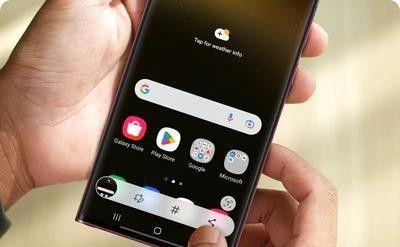
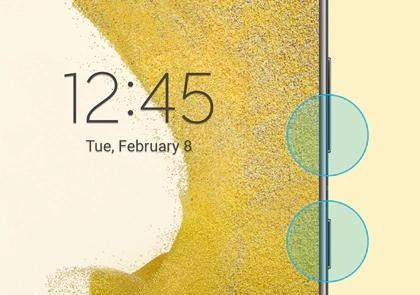
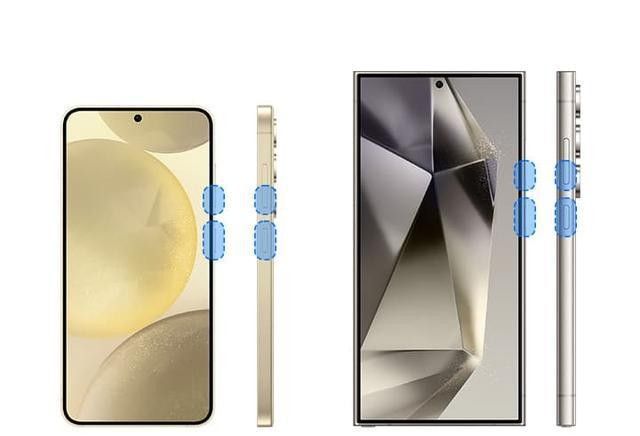
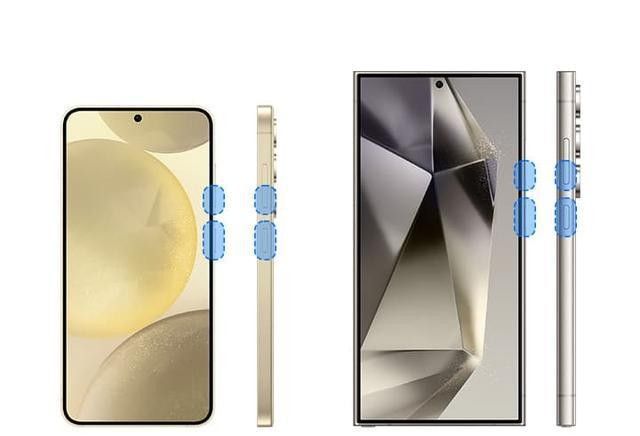
Many people have an impression of the tristar, stopping on the word “brand screen”, “image”, but it takes a while to find that the cut-off is the one that most easily exposes the power of the system. Key combinations are the most stable entry, power buttons are down, and almost all types are usable, including s24 ultra, zfold6, zflip6. It looks like a simple move, but it nails the word "stable."
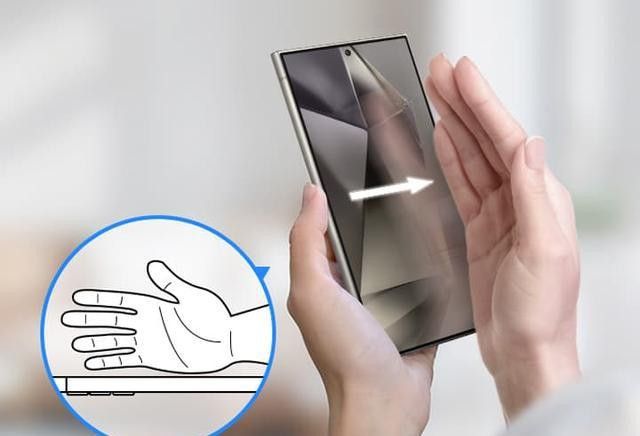
The slide is the old sign of the samsung, and the path is hidden in high-level functions and actions and gestures in the setup. This design has a particularly clear value, so it can be done on one hand, with a quick rhythm, straight feedback, without looking for a button. The cost is there, too, with wet hands, gloves and not enough slippage to make it fail. It's not made up. It's in the scene
The shortshot of the notice bar is suitable for someone who does not want to touch a physical key. Two-finger drop-down direct point icons, short action, suitable for the daily use of external and fold-out screens, do not produce a “teaching sense”, but a sense of efficiency. It's not a show-off, it's a small step
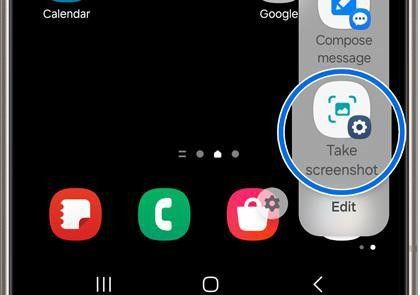
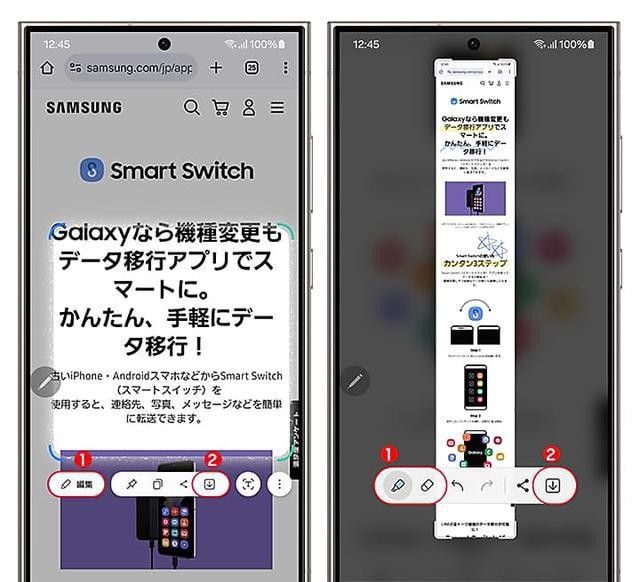
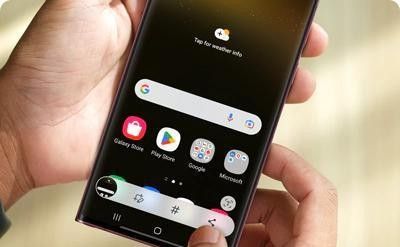
The smart selection in the side screen panel is a typical example of the three stars using the tool sense into the system. Rectangular, circular, hand-drawing electoral districts, even gif, long screenshots and text extraction, are designed not just to screen, but to turn "cut down" into "take it for use". S24 ultra and zfold6 are especially perfect here. The bigger the screen, the more logical it is
Suspended menus and bixby voice clips represent another idea. The former are suitable for wet hands, gloves and one hand inconvenient, while the latter are suitable for scenes where both hands are occupied, such as cooking, working and documentation. A lot of systems only give you an action. Samsung gives you an entire set of options. You don't have to learn to change the scene
It's the back. When registar in goodlock is opened, double-clicking or triple-clicking on the back can be transected, as well as hulls and membranes can be identified, with a common physical recognition rate of over 85 per cent. The value of this function is not new, but it's working when you avoid screens and buttons
The navigation bar button screenshot is also hidden in goodlock. Navstar allows the screenshot button to be placed in the navigation bar, and people who are used to virtual keys will find it particularly easy. It's two completely different logics: it's the button, it's the move, it's not the function, it's the path
Spen is an exclusive screenshot of the note and ultra series. Double-click the screen with a pen, or draw a pen and go straight to the smart selection, with a rounding, comment, or ocr extracting text. This is not a “one more function” for business, notes, data-archivists, but rather a chain of actions. Think about it. The regular phone is still off. Samsung's been processed
The scrolling long screenshot is the last puzzle. A thumbnail of the cut-off points, which can then be rolled down, can be automatically spelled, and can be covered by web pages, chat records, long documents. Banks and payment-type applications are often inoperable because of security restrictions, and this border is clear. It's full, it's not borderless. A mature system is characterized by knowing where to stop
The system is set up, and the core is not "more" than "more." the s24 and s23 series basically cover all games, and zfold6 and zflip6 internal and external screens can be used, except that the inner-screen palm slide needs to be larger. The lower end types in series a are usually reserved only for keys, palms, notice bars and scrolling screens, and these extensions are absent when they are spen, or when the back is struck lightly. The hierarchy of the system is clear, and the functionality is not distributed on an average basis but is distributed according to equipment capacity
One ui is also determining experience. Less than 5. 0 light back knocks and multiple cross-sections of ai are missing, after which 6. 0 is gradually complete and 7. 0 optimization is further advanced. Many times, users think they're using a function, actually a full version
It's not an exaggeration to think that a number of technology videos summarize the three-star cut-off function as "full coverage." keys, gestures, voice, tactile pens, back, navigation bars, long screenshots, which are scattered in the system, point to the same thing and reduce operational costs. It's strong. It's not a single action, but it's interchangeable
There is also a realistic judgement that cannot be bypassed, and that is so functional that it does not mean that everyone is willing to learn. There are two basic ways to cover day-to-day life, and most people can't really get away with it. The remaining games are efficiency users, notebook users, fold screen users, and heavy custom users. The more complete the system, the more choices, the more obvious the learning costs
This is also the reason for the persistence of the dispute over the tristar interception system. Supporters will see it as a rare interactive depth in andrely, especially on folding screens and spen models, where a sense of conformity is in place. On the other hand, it is like a toolbox, full of parts, and the entrance is scattered, and the first contact of the newcomers is a little hairy. It's powerful and complex, and it's often just a learning threshold
The most common attitudes in the comment area tend to focus on two experiences. Those who are well-versed tend to use their backs lightly, spen, long cut-ups as efficiency hallows, which are considered system-level details; those who just want to intercept quickly tend to remember only buttons and slide hands because both are stable enough. The more people in their hands know how to use it
If we zoom in on this, what's really great about samsung is to make a system capability, not a single move. Goodlock continues to push the boundary outside, with side screens, navigation bars, back knocks, voice, sen continuing to gather the scene and eventually turning it into a complete scheme covering routine, business, folding screens, large screens. It's a lot more functional, not the point. The point is that every entrance can be used for some real moment
The question that remains is simply whether it is the number of functions that really impress people or the ability to pick up the scene at hand. It's a three-star encapsulation. It's already in the system