Let me ask you something. Isn't that what happened to your family? The living room is full of wifi, and as soon as it enters the bedroom, it turns around, brushes a short video card for half a day, plays a game straight off the line; it's a gigaborg broadband, but it's only 100 gigagrams of speed, and it costs money to upgrade or not。
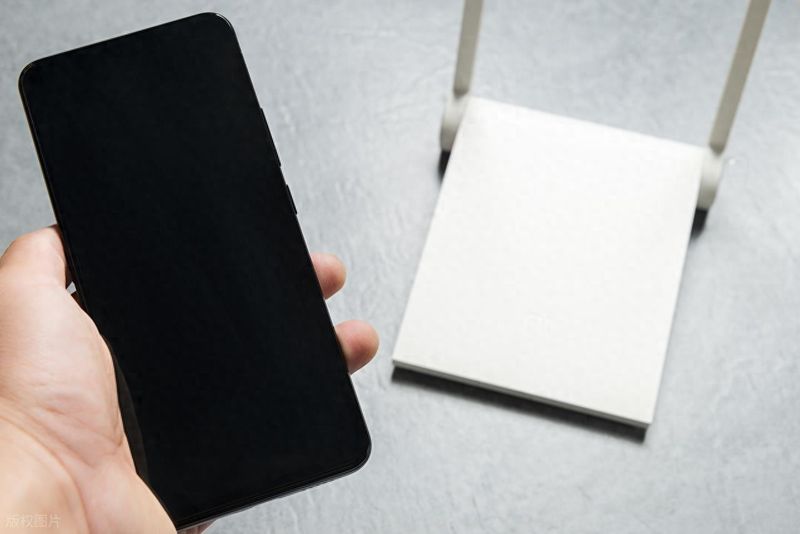
I've been helping a dozen friends over the internet, and i've found that 90 percent of people are slow, they're not broadband enough, they're not routers too bad, they're just the wrong place. High-end routers, which cost hundreds of thousands of dollars, are simply stuck in the corner, in the weak box, amounting to a direct loss of martial arts, and the best equipment is not working。
Today, in the context of my own real experience with the internet, tell us about the places where the most destructive web speeds are set, and how to get wifi to cover the house, so that we can raise the speed without a penny。
One, the five of the fastest. Let's see if you've got anything at home
1. Filled in metal weak batteries (90% of households do so)
This is the most pit i've ever seen. A lot of people do it for beauty, and let the master put all the routers and the cat in the weak box, close the door and clean it, and cut the net at half speed。
I was helping my downstairs neighbor repair the network. His family just installed gigabran broadband, which is not measured at 100m, and it's not resolved twice with the operator. Finally, when the weak case was opened, the cat and router were squeezed into a tiny metal box, which, without saying anything, was itself a signal shield, and the wifi signal could not be reached。
I took the router out on the shelf above the weak electric box, and the speed was over 900 m on the spot, and the signal in the bedroom went from 1 to full and the neighbors were shocked。
In the back of the tv cabinet, next to the couch
Many people felt that the router was not good, and hid it behind the tv cabinet, in the suture of the couch, or in the closet at the corner. It's beautiful, but the signal is completely blocked by thick furniture。
In particular, wood furniture and marble surfaces have been particularly damaging to wifi signals. I myself put the router behind the tv cabinet, and there was only one signal in the corner of the living room and in the back, and it was hard to brush a tweet. It was then moved to the television cabinet without any cover, and the house was empty and the game never stopped。
Next to high power appliances such as refrigerators, microwave ovens
Refrigerators, microwave ovens, air conditioners and washing machines, which are large power appliances, work with strong electromagnetic disturbances that directly affect the stability of wifi signals。
The most obvious is the microwave, which is restored as soon as the cooking is hot, the router next to it is cut off and the mobile phone is not connected to wifi. My house used to put the router on the fridge, and every time it opened, the living room television would be stuck, and it never happened again。
Placed directly on the ground or too low
Wifi signals spread around and are more capable of spreading up than down. If routers are placed directly on the ground, most of the signals will be absorbed by floors, tiles, especially on the second and third floors, with little reception。
I had rented a double house, put the router on the first floor, and the second floor was completely offline, thinking the router was bad, new or useless. The router was later placed on the table on the first floor at an altitude of approximately 1. 2 metres, and every room on the second floor received full signals。
5. Near metal shelf, heating tablets, anti-piracy nets
Metal items reflect and shield wifi signals, which can be seriously weakened if they are attached to a router with a metal frame, a heating tablet, a security net。
My friend's home placed the router on a metal shelf on the balcony, with a glass door, with only two cells in the living room. Move the router to the tea table in the living room, away from metal items, and the signal will be ready。
Ii. The router is set in the right way
It's very simple to set a router. Just remember these principles:
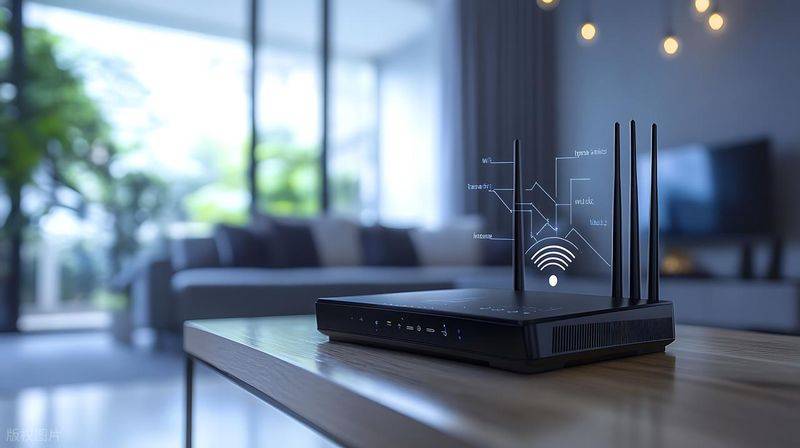
Place it at the centre of the house: preferably on the table of tea and tv cabinets in the living room, so that the signal spreads evenly to the rooms and avoids a dead corner. The altitude is between 1 and 1. 5 metres: that is, the position of the adult chest, which is the best signal spread, is not absorbed by the floor and can be covered under the stairs。
(b) stay away from the shielding and electrical appliances: do not place any furniture, appliances, metal articles around them, keep open, leave at least 30 cm space to ensure heat dispersion and signal transmission。
Antennas need not be erected: many people think they need to be erected. It's not right. One vertically, one horizontally, one tilted, so that signals in different directions could be covered, especially from upstairs。
If the house is larger and cannot be covered by a router, it is recommended that the mesh group router be purchased directly instead of the dozens of signal amplifiers. The signal amplifiers only magnify weak signals and slow down the internet, while the mesh group network works in concert with multiple routers, and the house is full of grid speeds and experience is much worse。
Three. A few easy-to-neglect internet speed upgrades
Regular re-launching of routers: the routers are slow to store many garbage data for long periods of time, resulting in slower internet speed and carton. It is recommended that it be restarted once a week, that it be turned off at night before sleeping, and that it be opened in the morning, not only at a fast speed, but also with an extended useful life。
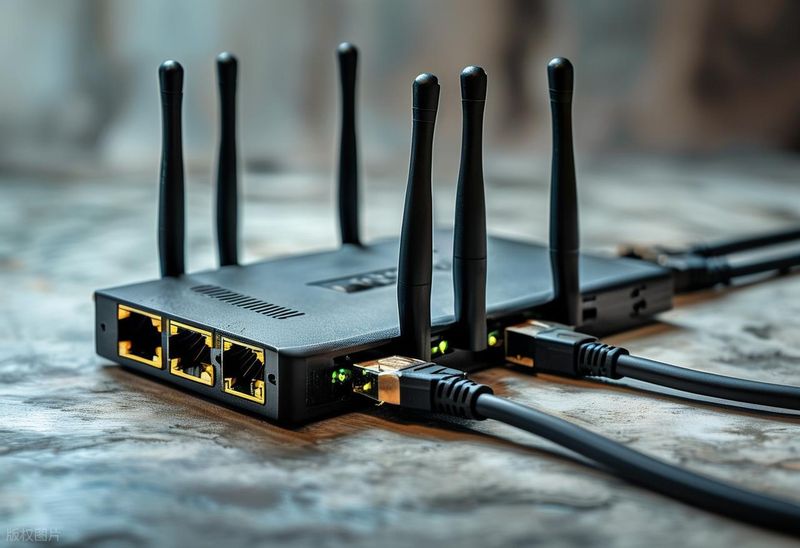
Turning off unused devices: many people have used mobile phones, tablets, smart devices that are always attached to wifi, taking in bandwidth and slowing down the internet. If necessary, the connection may be disconnected or the network speed of the equipment may be limited at the back of the router。
Don't believe in "wifi signal booster": i've bought it before, a dozen bucks on a router antenna, saying it'll boost the signal, and it's just like a sticker. It's an iq tax。
In fact, in a lot of cases, the internet speed is not enough for your broadband, it's not bad for your routers, it's just that you put it in the wrong place. It would take five minutes to reposition it, without a penny, to double the speed of the net, which would be much more expensive than upgrading broadband. Go see where your router is. If you get hit, move and make sure the experience is different immediately. #wifi # # router #