


I. White trajectories for laser printers
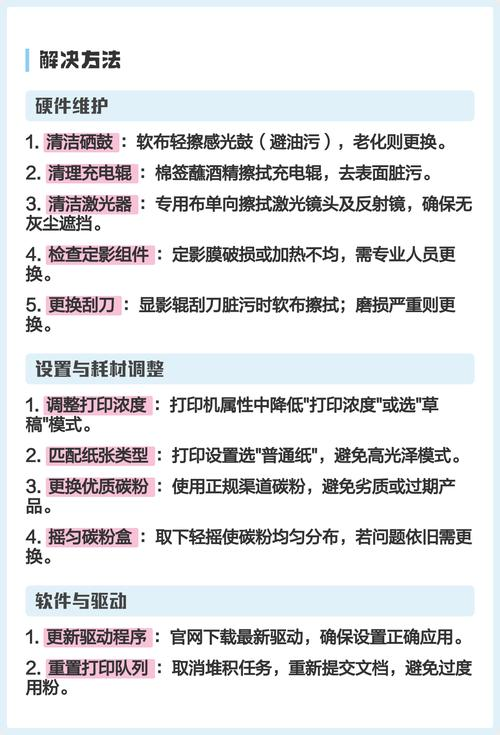
Most likely there's no ink left. (b) the removal of the selenium drums, with a slight left-and-right shake, and their placement in the printer, indicating that the carbon powder in the americium drums is low if printing results are clearly improved; the problem is more serious if the white trajectories of carbon powder are to be confirmed and the simulets need to be replaced。
Ii. Carbon powder stains on paper printed by laser printers
Wipe paper lanes inside printers with dry and clean soft cloths to remove carbon powder left over in the paper lanes; print three-page files with only one word per page to clean parts inside printers; select high-quality paper; and replace carbon cartridges or selenium drums if problems persist。
Discrepancies in laser printer printing
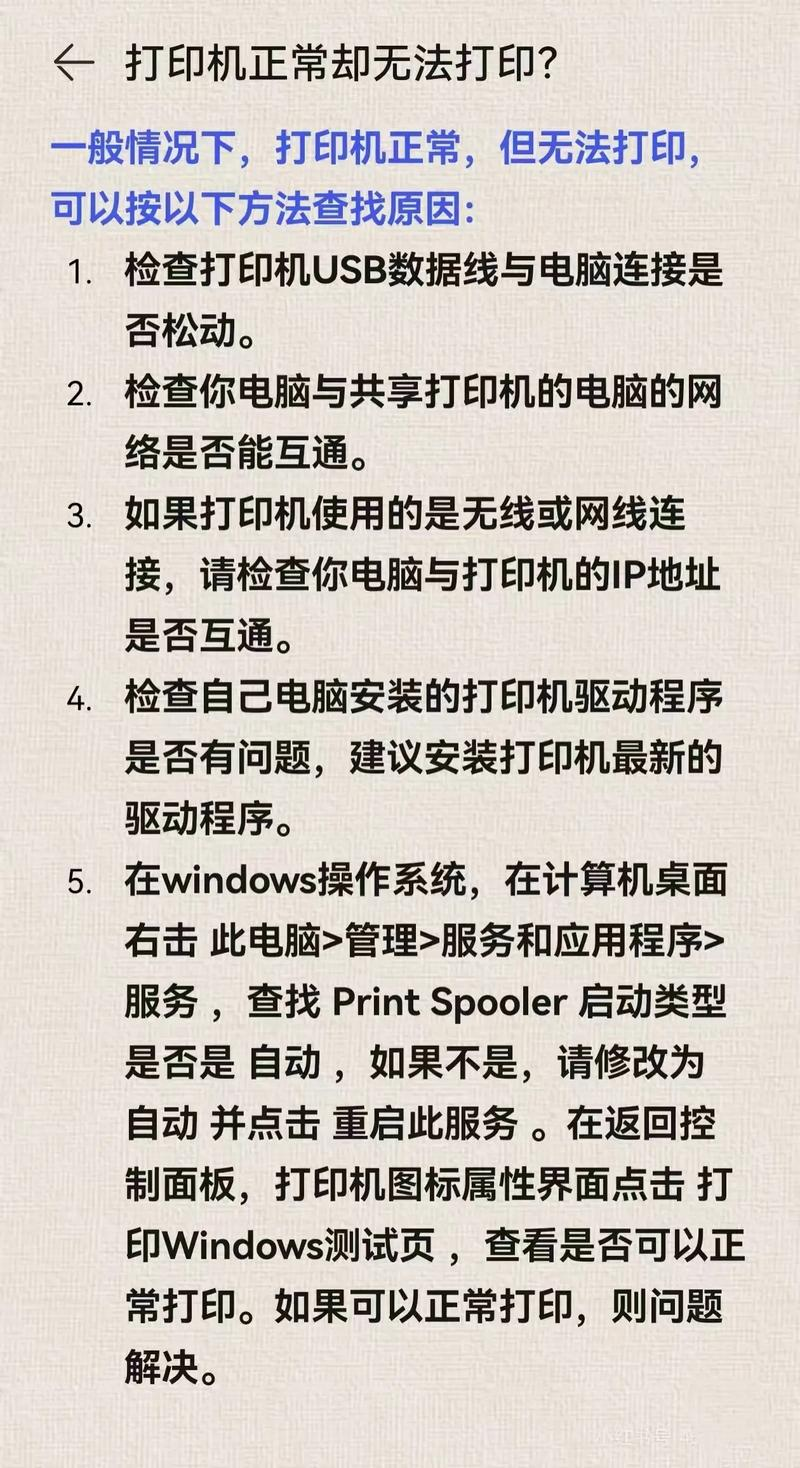
Printer self-inspection to determine whether the printer itself has a hardware failure; detection of the printer's cable and connection (in dos command state, enter a directory of not too many files, type "dirprn" and return the vehicle); print the test pages under windows to determine whether the printer driver is installed correctly; check if there is a problem with the application itself。
Iv. Loss of content when laser printers are printed continuously
The page in front of the document can be printed properly, but the page in the back will lose the content or the text will appear in black or white, and the page break will be printed normally. This is due to the relative complexity of the document's page description information, resulting in insufficient printer memory. The best way to solve small computer skills is, of course, to add printer memory。
V. Laser printers cannot be printed after replacing the main panel or micromachine

Possible co-port type is not set correctly and needs to be converted between the standard print port and the ecp print port. Changes can be made in the bios settings, or the "ecp print port " and " printer port " can be exchanged in the " control panel " , " system " , " set up " , " port " , " port " , " properties " , " change driver " , " show all devices " 。
The problems with the more common printers encountered in the maintenance of laser printers in the above-mentioned cases are expected to provide timely solutions to these failures in the event of similar situations in the future when laser printers are used。



