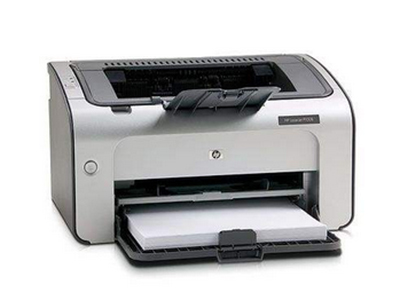
Printers, as the main office equipment, have a high rate of failure, so if you have problems, you don't know what to do! The small technique below is provided by the company midaresung
1. Print effects differ from previews
This generally occurs under the text editor, where the usual ones, such as word or wps2000, are in perfect format when previewed, but print out to find some overlaps. This is generally due to inappropriate editing, which is addressed by changing the size of the paper, the type of paper, the number of words per line, etc. In the "page properties" of the document。
2. Undefined printouts
This problem is very common in the use of printers on a regular basis, which is generally related mainly to hardware failures, and should normally be addressed to some key parts of printers. We use ink-jet printers here, for example, in cases where the print is vaguely coloured and the font is not clear, where the failure can be locked at the nozzle, where the head of the printing can be cleaned automatically by the machine, and where there is no success in swiping it nears the head of the printing; if the above method remains unsolved, only the printer driver can be re-installed。
3. Unable to print large files
This occurs more frequently among laser printers, which may be normal when printing small files, but when printing large files, the problem is mainly software failure, where you can look at the remaining space on the hard drive, remove some useless files, or ask about the amount of printer memory and whether it can be expanded。
4. Incomplete printing
If you encounter such a problem, it can be said that it was caused by a software failure, you can change the print interface settings in windows 95/98, then choose "to start setting up the control panel system device to manage the port-to-port driver to change the driver to show all devices", and then change the "ecp print port" to "print port"。
Five or nothing
If there's a problem that can't be solved, call it a fixer