


What about conicamy's mass printing? After reading this article, i understand. For those working in the workplace, printing documents has become routine. In order to be able to effectively improve the efficiency of the office, some printing skills are necessary. Batch printing is more common in routine office scenes. Especially at the end of the year, printing volumes will increase significantly, and the use of mass printing functions will effectively increase office efficiency。
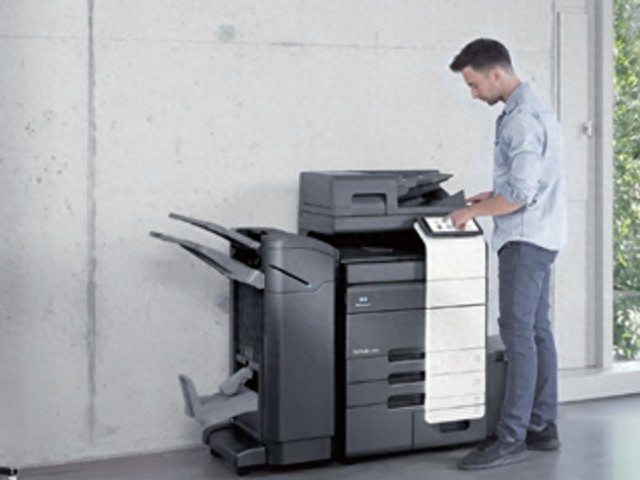
Turning to the conicamino brand, many users are not strange. Conicamaida’s digital composite machine product is not only powerful, but also humanized, capable of providing a more user-friendly experience, which is recognized by many business users. So how does conicamaida's multi-purpose digital complex set up mass printing? Let's go down。
How can conicamey set up mass printing - direct settings in print options
If you use a computer for printing, you can set it directly in the print option. When we print documents, the dialogue box for printing options will have the option " print copies " , which can be entered according to your needs. For example, you can enter 10 or 20 copies and start mass printing after clicking on print。
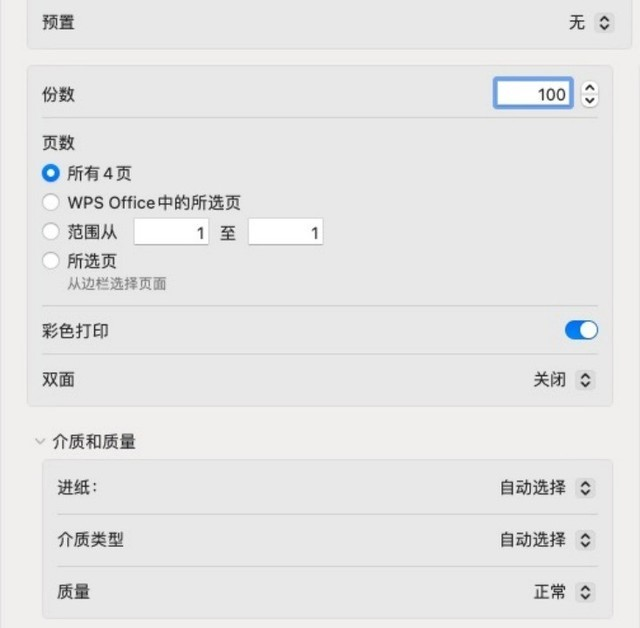
So, in general, mass printing using computers is relatively straightforward and can be set up before printing. It should be noted, however, that the efficiency of mass printing is affected by the speed of printing. Therefore, if you want to maximize the efficiency of mass printing, it is recommended to select a faster type of output。
Conicamey can do mass printing -- mass printing with a disk
In addition to using computer printing, it is possible to perform batch printing functions using disks. Many conicamaida's multi-purpose digital complexes are equipped with ucd printing features that allow for direct printing of documents in external storage devices to make printing more direct. When the external storage device is connected, the manipulation panel is upgraded. The mass printing function can be achieved by selecting the number of copies to be printed on the screen, depending on the needs。
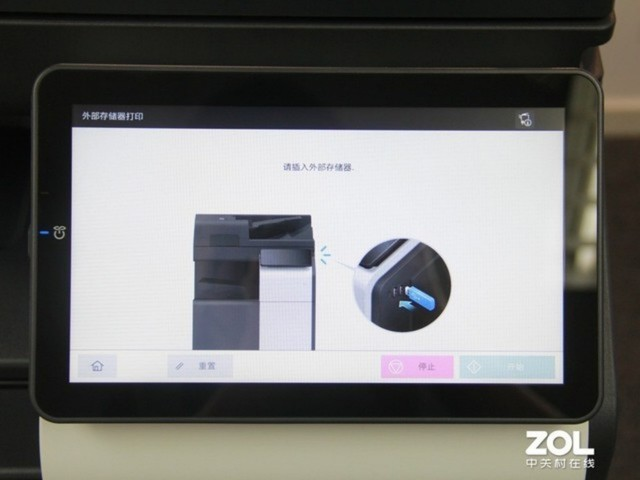
Taken together, the use of the disk printing function is more direct, and direct insertion of the disk allows printing, significantly reducing the steps of printing。
What about conicamey's mass printing -- adf scripts
When we have documents that require bulk copying or scanning, we can rely on the adf autocier. We take the example of the conicamía dabizhubc55i digital composite machine, a product with two scanning units in the autocier unit, which achieves a two-sided synchronized scanning/copying operation with a scanned speed of up to 140/280 pages/minute, which significantly reduces the processing time for scanning/copying of documents on both sides。
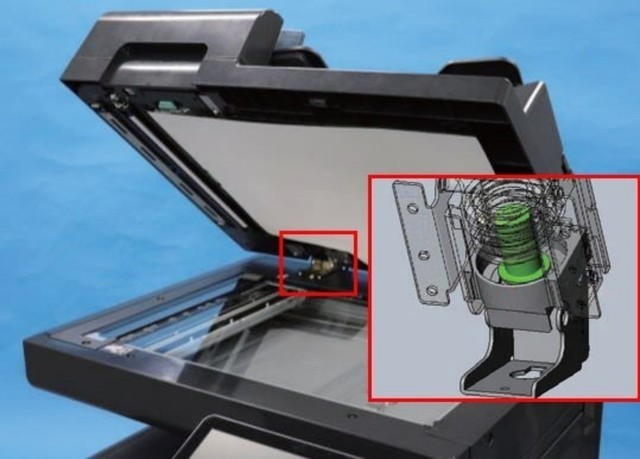
It is noteworthy that the conicaméen da bizhub c550i colour digital composite machine, while focusing on efficiency, did not discard grinding of product details. The product's scanned panel uses a combination of closed pages, which reduces noise during closed hours while ensuring that users lift the scanned panel easily. So, in combination, the adf autocier is a good solution for bulk copying and scanning documents。
At the end
Taken together, mass printing can be used to improve the efficiency of the print. Conicamaida digital complexes are fully functional and equipped to provide users with an efficient clerical experience。
(8483787)



