


As a photocopy maintenance worker, it is important to understand how to enter the maintenance mode, and the specific methods for various types of machine to enter the maintenance mode are as follows:
Note: the model is a colour machine with c and a model with and without e。
Administrator password:
12345678345678/000000/12345678
[287/367/458/558 series]
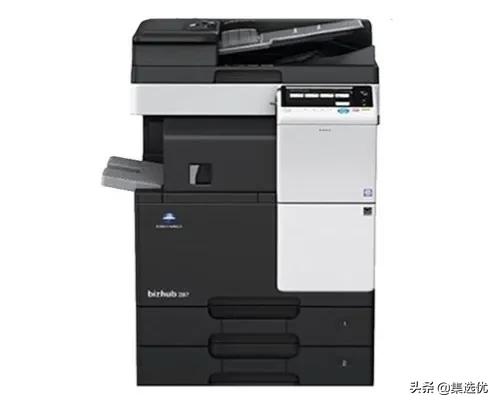
C226/c7226/c266/c227/c287/c7528 series
C308/c368 series
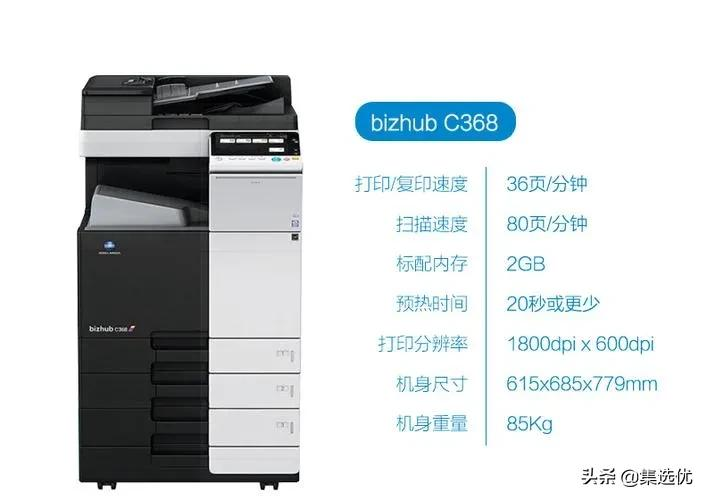
364/454/654/7654/364e/454e/554e/654e/754e series
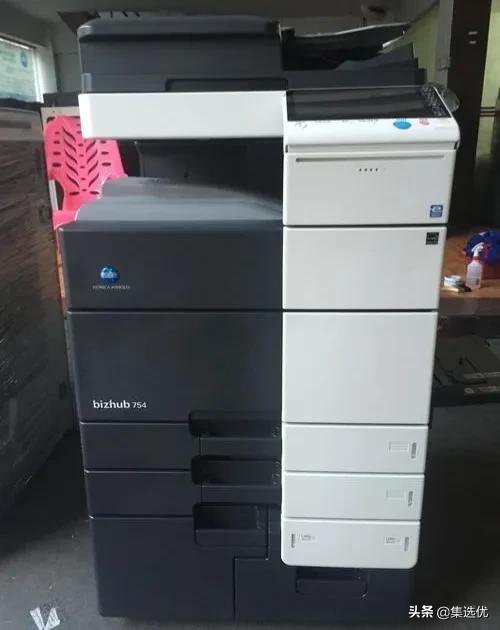
C364e/c454e/c458/c558/c654e/c754e series]
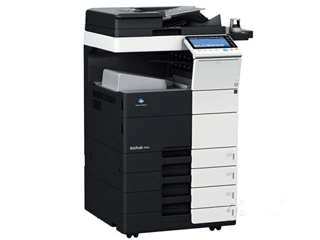
Detailed steps to enter the maintenance model:
Waiting for the start-up of the machine, press the menu on the screen, dot the upper left corner of the screen, dot the counter, then click the " show the small keyboard " , then press the " stop 00 stop 01 " , then enter the password 9272927292729272772722 (some copiers do not need to enter this password), and touch the top right corner of the screen, i. E. Enter the maintenance mode。
[c221/c281/c7128/c7122 series]
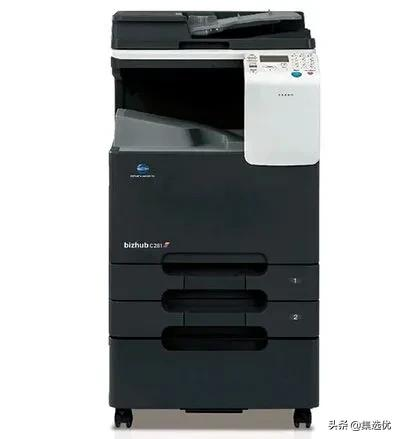
Detailed steps to enter the maintenance model:
In turn press: utility-stop-0-stop-0-1, press #, enter 92729272, press selection key to enter maintenance mode
Konikamei 236, 246, 266, 306 series
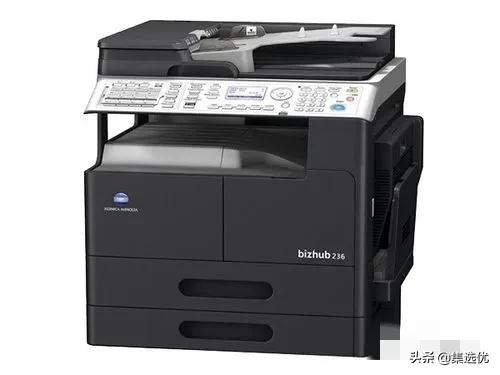
Detailed steps to enter the maintenance model:
Press: system menu (menu) - stop-0 - stop-0-1 to enter maintenance mode
[283/363/423/7828 series]
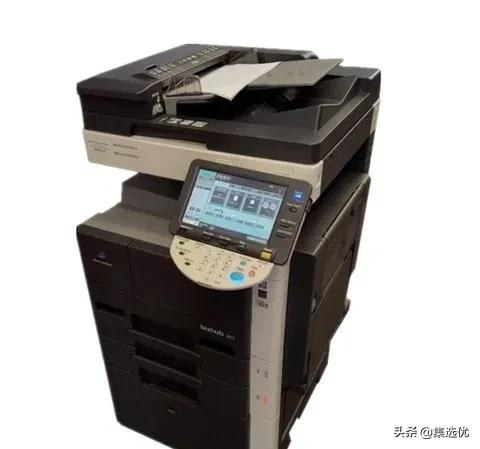
Detailed steps to enter the maintenance model:
Wait for the machine to be activated and check in detail by utility- > counter- > and then stop, zero, zero, stop, zero, one, then enter maintenance mode. If ce authentication is activated, the default password is 9272927272.
C200/c200e/c210/c7720/c7721
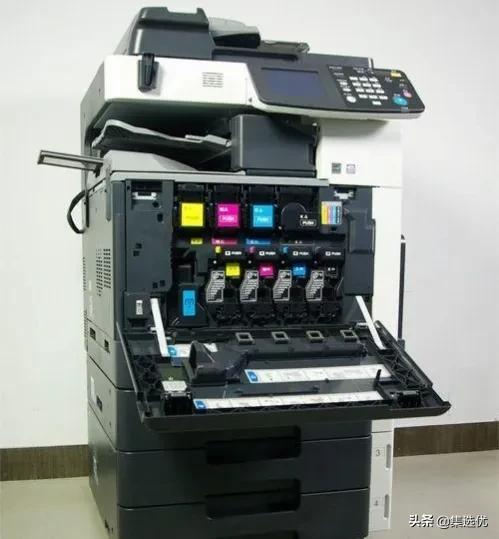
Detailed steps to enter the maintenance model:
After the machine has been activated, the details are checked for utility-> and then stopped, zero, zero, stop, zero, one in sequence, into maintenance mode。



