I. Content check of the website
1. Text checking
After filling out the text on the website, we need to check every page from the beginning to the end. Take a look at the syntax, whether the words are different, whether the sentence is smooth. When we're done with the most basic words, we need to recheck the page and check the ai. Of course, if your site is entirely your original, it's basically fine. Suggested tool: quetext
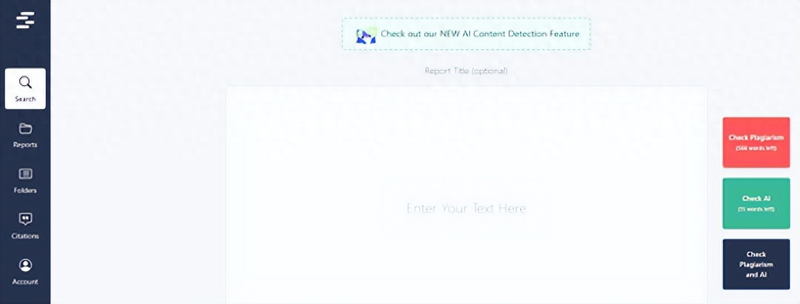
Repetition levels must be kept below 5 per cent of the results. The result will show you where the content is repeated, so just change it。
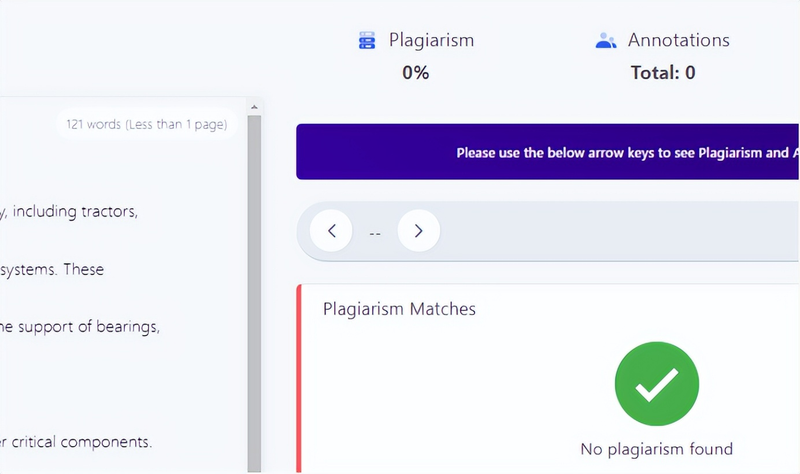
Image checking
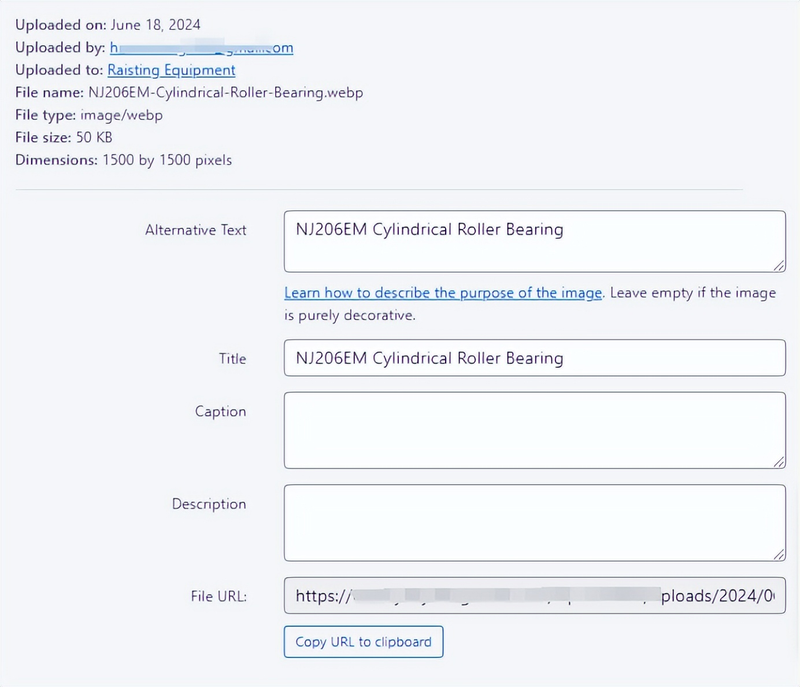
To see if the picture is compressed, the file size of the picture will significantly affect the speed of loading the site. It is recommended that you use images in webp format, which will save much space. The second is the alt tag of the picture, checking if it's all added and checking in the wp back-office media library
3. Links
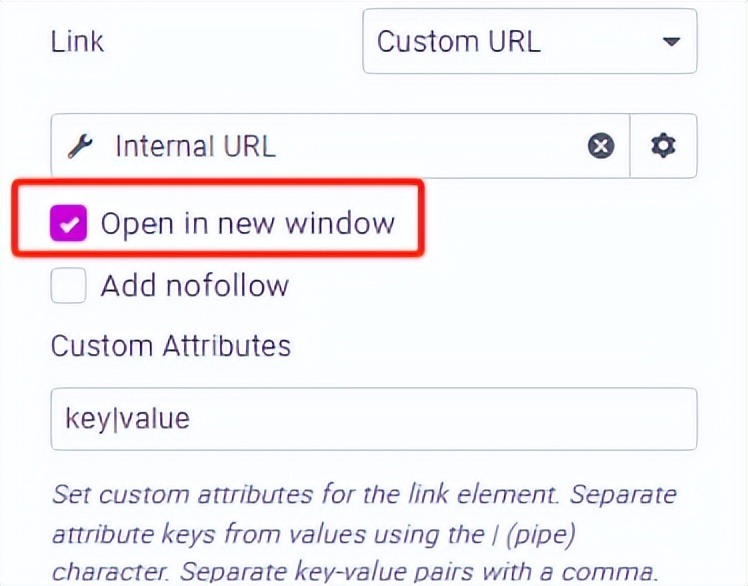
The links here refer mainly to internal links, and each page needs to jump successfully to related pages, such as links on some pictures, anchor text, etc. Here is a small suggestion that we can set the jump link to open a new window, and then a new window will be opened when the user clicks, so that the user experience can be improved to some extent and the user will not be lost。
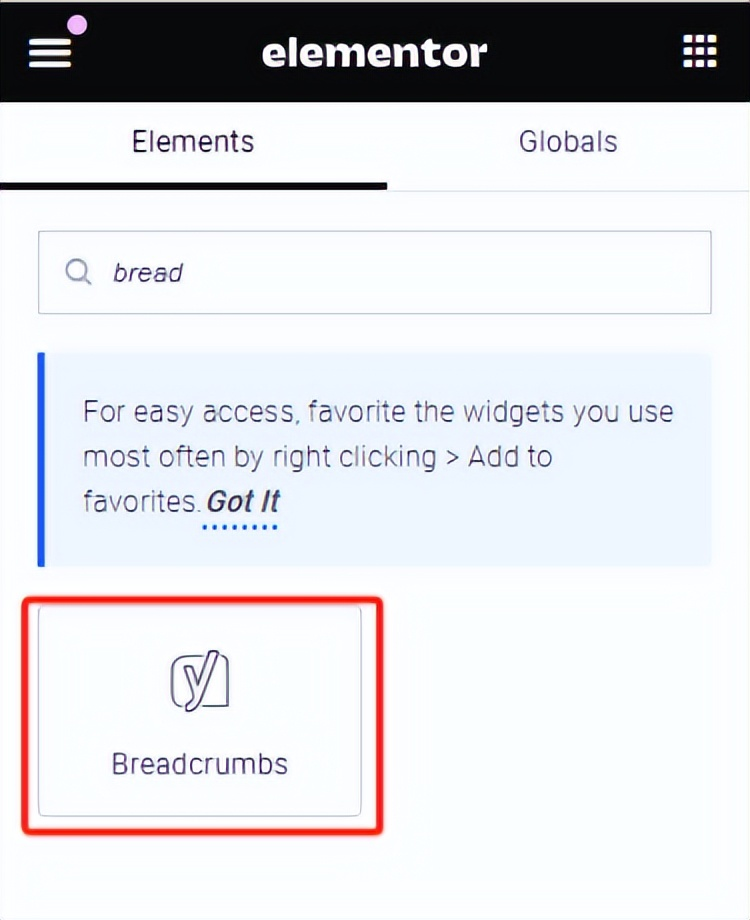
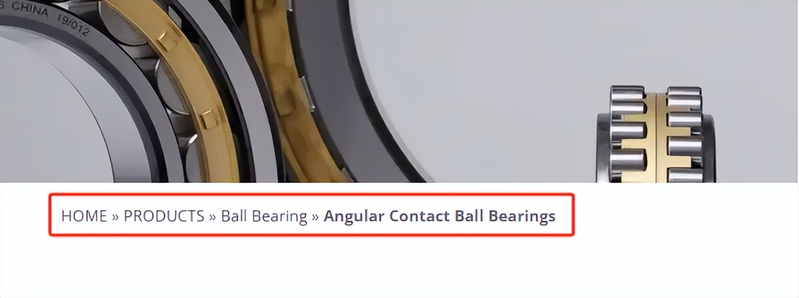
And there's the fact that every page has to be accompanied by a breadcrumb navigation, which is the most common internal chain form, and it's simple to add. A lot of seo plug-ins carry their own breadcrumbs to navigate, like yo'ast seo, here i'm showing the elementor editor who can search directly inside the elements and drag "bread" to the appropriate position。
Multimedia content
Multimedia content mainly means that some youtube videos are linked to our website to check if they can be shown freely。
Ii. Functional checks
1. Website forms
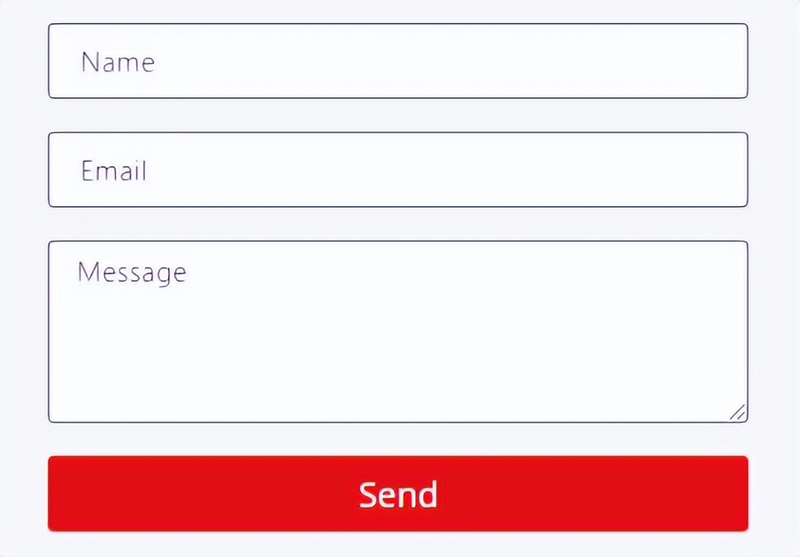
The forms on the web site are the last step in the transformation of the inquiry and must be carefully scrutinized. The first is the design of the form, which is as concise as possible, and the tob-type stand-alone form is usually a name, telephone/mail box, message board. Try not to set too many obligatory entries or to have more content filled out by clients. Not all clients are very detailed enough to fill you out patiently, but it is important to get the contact details of their clients。
The second check is whether forms of privacy protection are in place to prevent garbage information and automated attacks。
Finally, it was to test the success of the transmission and acceptance and to see if there were any other problems。
2. Navigation of the website
Checks whether website navigation is clear and available, including menus and submenus. Wordpress’s own menu does not have much of a relationship between setting a menu. Here's what i'm saying, if you're making mega menu with other plugins, you need to be careful, and you need to set the relationship in the page, for example:
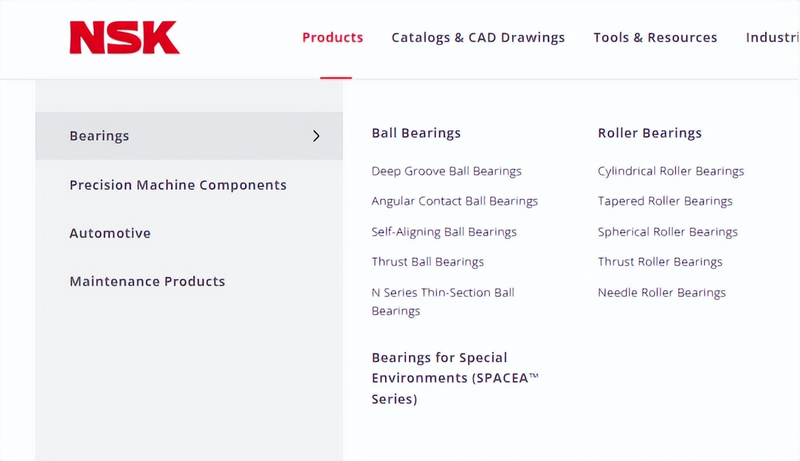
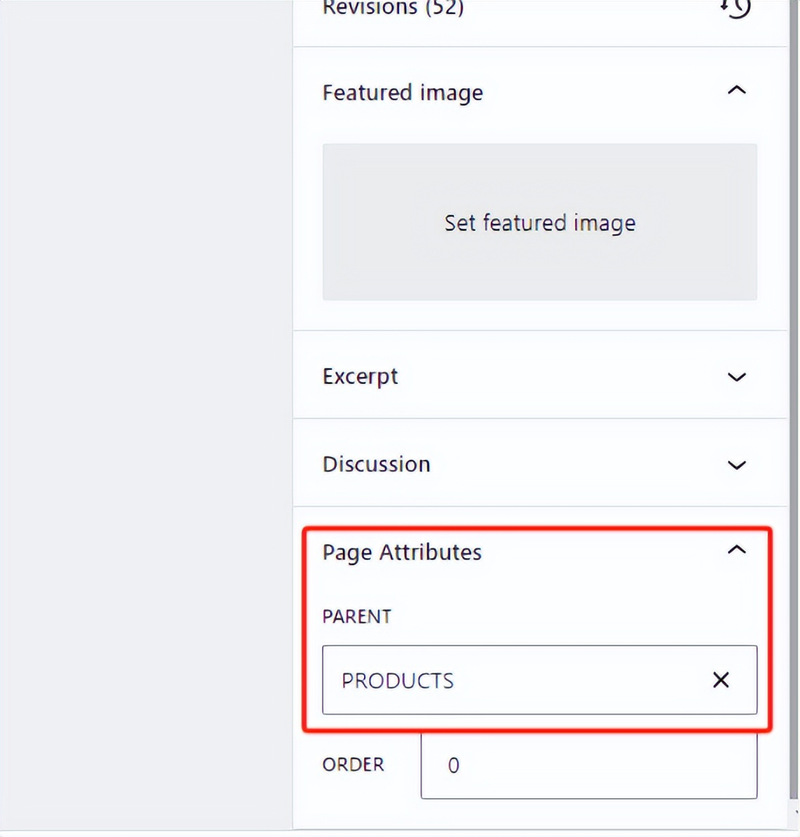
This menu is usually a menu in a plugin, and there is no way to automatically recognize a hierarchy on the page. So there's a need to set up a hierarchy in the page, and the method is simple. In wp's page settings, find page attributes here to specify a page level。
Iii. Website performance checks
1. Web loading speed
The speed at which the website is loaded is very important, and it determines the rate of exit from the site and is also an important factor influencing the effectiveness of the seo. How to check the speed of your web site and use google's official speed measurement tool pagespeed
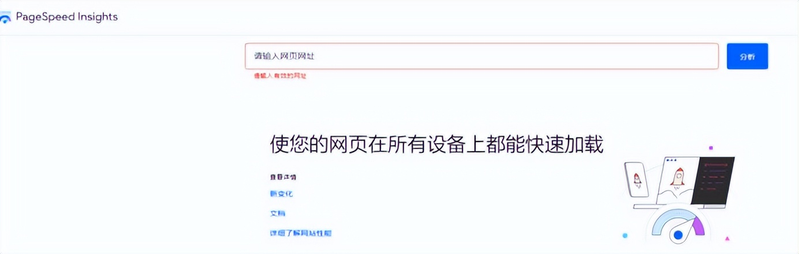
In general, your cell phone is more than 60 cents, your desktop is more than 80 cents, of course, as fast as you can. Of course, some cache plugs can be used for the wp website, like w3 total cach, nitropack, etc。
2. Number of plugins inspecting websites
Wordpress plugins are not only a factor that affects the speed with which the site is loaded, but also the more numerous they are, the more problematic the site is. Since there are too many plugins, which may result in mismatches between some plugins, leading to, for example, obfuscation of web sites, it is recommended that the total number of plugins be kept as low as 10 and as low as possible。
3. Image optimization
The optimization of the image has been mentioned above, and the image file is kept to a minimum to reduce loading time。
Security checks
1. Installation of ssl certificates
A link without a security certificate displays exclamation signs and a sense of trust in your website is lost for the client。
2. Installation of safety plugins
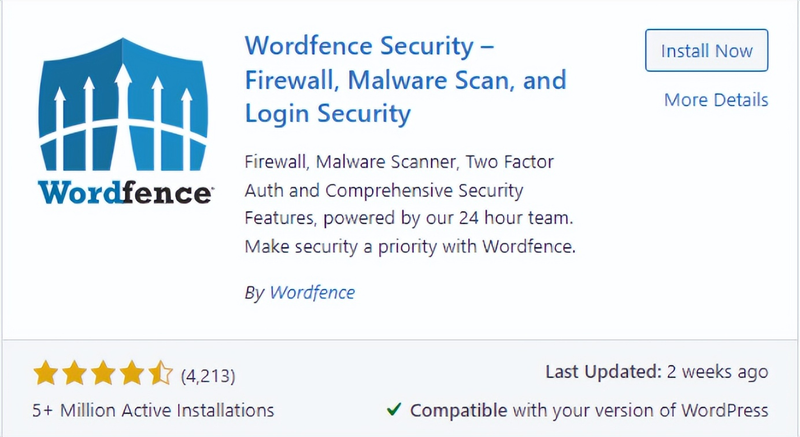
In order to prevent malicious attacks, security plugs can be installed behind the line on the site, which can be understood as firewalls such as wordfence or sucuri, which will be protected to some extent。
3. Website backup
It doesn't have to be said, it's something to do. Ensure that regular backups are in place and that data can be restored。
V. Self-adaptation checks of individual equipment on the website
Because wordpress is not a template station, like sass, the template has adapted itself. Some of the wp templates are not self-adapted and require manual adaptation. In particular, the compatibility of the end-of-the-phones, since google is also a priority on the receiving page, could have a negative impact on the end-of-the-life coverage of google, including customer visits, if the end-of-the-life content is not well adapted。
Basic seo inspections
Page keyword layout
Before you build a website, you must have done a keyword study on every page, with your own keyword library. I've already told you before how the keywords are going to work on using the new gpt4o model to improve the efficiency of google seos and guide them! Now we need to check if there are any key words on the page that you want to layout, adding them to the content if they don't。
Tdk page
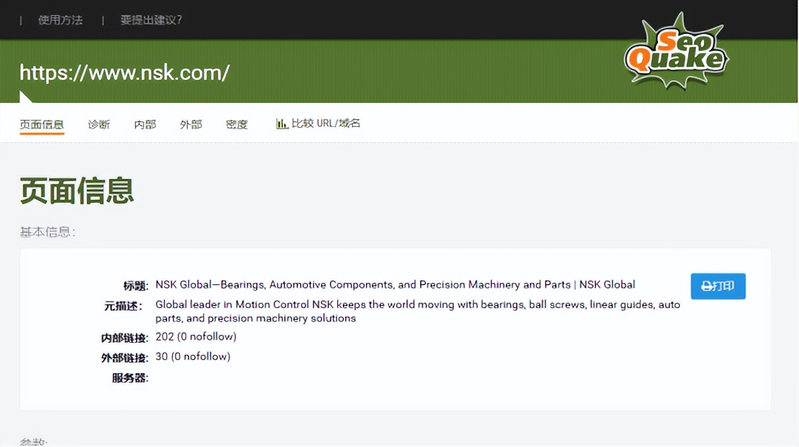
The page's tdk, which we call metadata, will be shown in serp. So writing about tdk is very important because it directly affects the number of hits on your website。
3. Sitemap
Generates and submits xml site maps to gsc to speed up indexing of pages。
4. Robots. Txt
Robots. Txt can also be called grab protocols to ensure that the robots. Txt file is configured correctly and allows the search engine to climb to the indexed page。
Vii. Website analysis tools
The two web analysis tools that we often use must be installed by ga4 and gsc。
Laws and regulations
1. Privacy page of the website
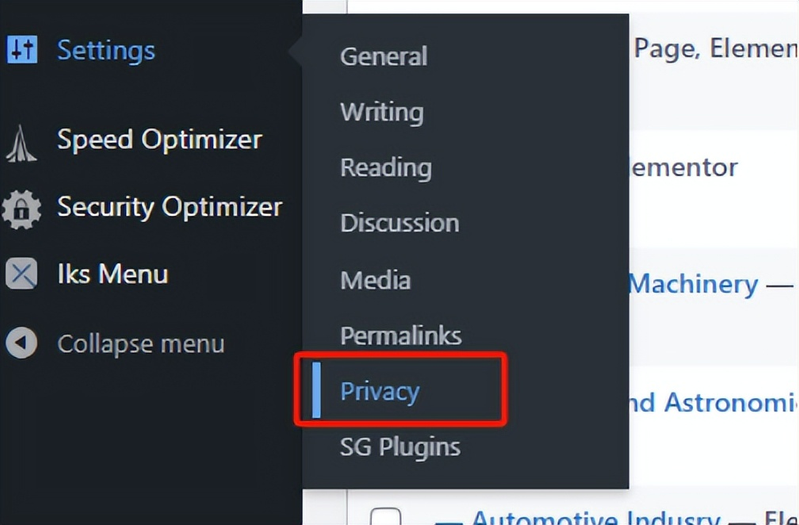
With regard to privacy pages on the website, if you do not know how to write, you can use the private page template with wordpress. In settings, find privacy。
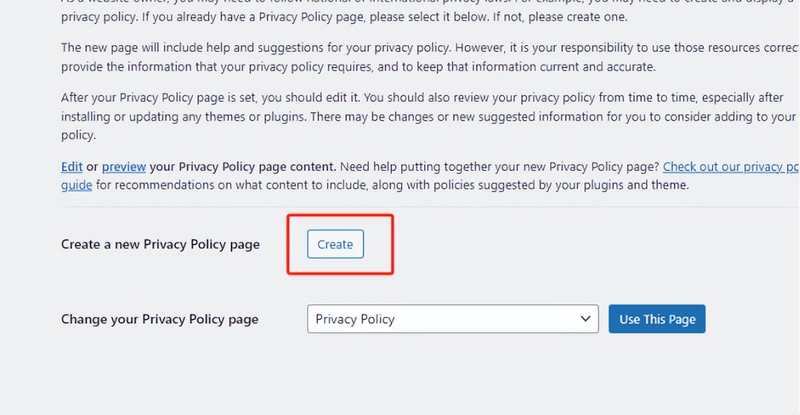
Here we click on create to create a private page. The template wp in it has been given to you, just click on creation. Once created, specify the privacy page。
2. CLookie notification
About cLookie's bullet window, now because of the european advertising policy, no need for cI've already written about how to create cLookie bullet window。
Examination of user experience
Once these steps have been completed, we need to go through all the pages again, and we can also get colleagues to check, get feedback and adjust it on the basis of it。
X. Website lines
After all these steps have been checked, then congratulations, your website is online, and you have a seo. There are a few things that need to be noted when you go online:
1. Release
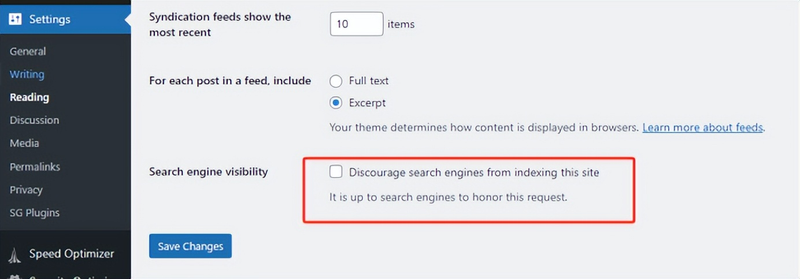
We have a search engine shielded during the creation of the site. So before you go online, let go of the record。
2. Site language
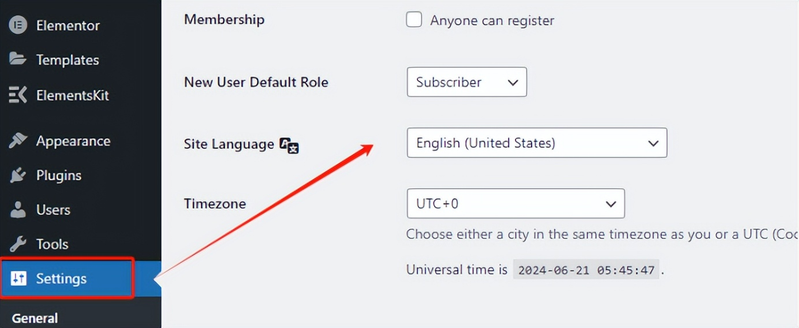
The language of our stand-alone station for foreign trade must be english, and it must be checked if the next station language is english。