


Touch screen maintenance routine maintenance of tactile screen
Touch screen maintenance
Daily maintenance of touch screens
The touch screens, due to their technical limitations and poor environmental resilience, especially the surface acoustic screens, which are not properly used because of contamination such as droplets, dust, etc., require regular maintenance as do other machines. Since the touch screen is a highly integrated compactor for a variety of electrical devices, the following issues should be noted in its use and maintenance:
1) light wipe screens with dry cloth each day before they turn on
2) waterdrops or beverages fall on the screen, causing the software to cease to react because of the similar properties of the droplets and fingers, which need to be wiped away
3) too much dust will reduce the sensitivity of the touch screen and therefore the screen will be wiped clean with dry cloths
4) regular cleaning of dirty fingerprints and oil stains on touch screens with glass cleaning agents
5) strictly process the power, i. E. The order in which the power is opened: monitor, sound, host. Turning off the power is the opposite
In order
6) a large number of temporary documents are generated on the hard drive, which can easily lead to hard drive errors if power is regularly cut or when windows does not exit. As a result, scandisk scanning hard drive errors need to be run on a regular basis, and it would be preferable to set up a secret exit application and windows blackouts in the application
7) pure touch screen programs do not require mouse cursors, which only distract users
8) the simplest mouse-protective model should be selected for use by adequate applications, as complex models require the sacrifice of time delay and system resources
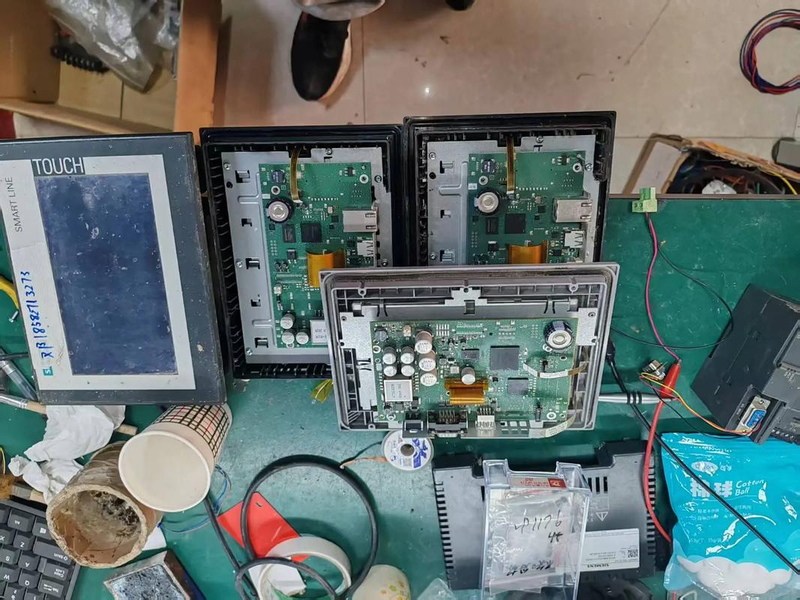
9) the reflection stripes and internal surfaces of the head-clean touch screen are periodically opened, depending on the environment. The specific method is to open the plaque on both sides of the machine, to find the organ that unsealed the front of the head of the aircraft, and to open it. Up front of the engine, you can see the touch screen control card, pull down the touch screen cable, and back off the head and touch screen. After a close look at the method of fixing the touch screen, remove the touchscreen wash, and be careful not to use hard paper or hard cloths and not to scratch the mirror stripes. And finally, in the opposite order and in the original structure. Original



