


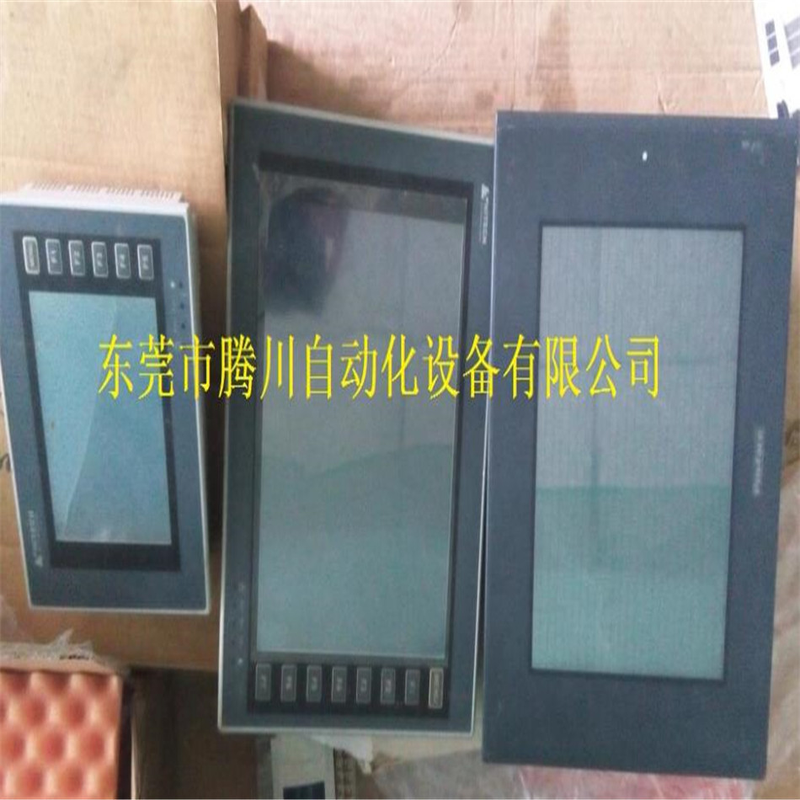
Why is the touch screen not responding in part to the three problems and solutions that arise from common heteek touch screen maintenance? It may be that the touch screen reflector stripes are partially covered, and please wipe them with a dry soft cloth. It may be that the touch screen reflector stripes are scraped off by hard matter, which is impossible to repair. Why is the touchscreen often unworkable? It is possible that the touchscreen control card receives the operating signal before the host starts the loading touchscreen driver. Please restart the power start. The touchscreen is not valid. This usually occurs at the loading drive, and run the touchscreen calibration program. The touch screen calibration process (start-app) must also be run after changing the monitor resolution, as the mouse has been at a point on the side of the monitor because the surface of the touch screen area of the touch screen is divided into touch areas and non-touch areas, and the impact of clicking on the non-touch area is not reflected in the shell of the monitor or in the shell of the cabinet, which is equivalent to a point being touched at all times. If the outer shell presses the touch area, you can increase the distance between the cabinet and the monitor screen, and if the outer shell presses the touch area, you can try to unslice the screw of the display shell a little bit, if not contact my technical department. The mouse moves in the opposite direction of the hand touch, which is a four-wire connection between the touch screen control box and the touch screen。
Heidek pws6710t-p touch screen maintenance hetek interface maintenance, touchscreen black screen maintenance
Hetaker touch screen maintenance center
Common malfunctions in touch screen maintenance:
(1) fault i: touch deviation
Event 1: the position touched by the finger does not overlap with the mouse arrow。
Reason 1: when the driver has been installed, no vertical touch target center position is available for correction。
Resolve 1: recalibrate position。
Symptom 2: part of the area touches precisely, and part of the area touches slightly。
Reason 2: acoustic reflecting stripes on the four sides of the surface acoustic touch screen accumulate large amounts of dust or water, affecting the transmission of acoustic signals, resulting from delivery。
Solve 2: clean touch screen, with particular attention to cleaning the sound-reflection stripes on the four sides of the touch screen, where the power of the touch screen control card should be disconnected。
(2) fault ii: touchless
Symptoms: the mouse arrow does not move when touching the screen, and the position has not changed。
Reason: the causes of this phenomenon are numerous, as explained below:
1 the accumulation of dust or water above the acoustic reflector stripes around the surface acoustic touch screen is very serious, resulting in the absence of a touch screen
2 touch screen failure
3 touch screen control card failure
4. Fault of touch screen signal lines
5 collapse of computer mainframe
6 computer operating systems malfunctioning
7 touch screen driver installed error。
Resolve:
1 observation of the touch screen signal signal light, which is normally a regular blinking light, approximately once a second, and when you touch the screen, the light is constant and stops, and the signal light returns to blinking。
2 if the signal is still in a constant state of light without touching, check first whether the touch screen needs to be cleaned, and then check if the serial numbers connected to the hardware match the serial numbers set by the software, and if the computer hosts are working properly。
3 the comdump command in the running drive, which is ordered by dos, runs with a code number 1 or 2 for spaces and serials behind comdump and touches the screen to see if data is rolled out. The hardware connection is normal when data are rolled out. Please check that the software is set correctly and that there is a conflict with other hardware equipment. If data are not available, hardware malfunctions occur, with specific failure points to be determined。
4 the sawdump command in the running drive, which is ordered by dos, runs a program that asks about the control card type, the connecting port number, the transmission rate, and then reads the data from the control card. Please note that the agc and agc values for the agc and y axes of the x-axis at the bottom left corner of the screen, with a value of 255 for either axis, are malfunctioning and require maintenance。
5 when secondary corrections are performed after the driver has been installed, attention is paid to the details of errors made by the observation system. "no control card found", "no touch screen connected" etc., check the corresponding widgets with hints. E. G., whether the touch screen signal lines are robustly connected to the control card, whether the keyboard capture wire is fully connected to the host, etc. If this is still not possible, contact my company for weekly maintenance。
Hetek touch screen maintenance pws6000 series
Pws6300s, pws500s, pws6310s, pws6400s-s
Pws 6500s-s, pws 700t, pws 6560s-s, pws 700x
Pws5600s, pws6600s-s, pws5600t-s, pws6600c-s/c-p
Pws6600s-n, pws6600c-s, pws1711/1760-ctn, pws6600c-p
Pws6600s-s, pws1711/1760-stn, pws6600s-p, pws1760-stnr
Pws1760-ctnr, pws6600c-n, pws6600t-s, pws6600t-p
Pws6600t-n, pws6620s-p, pws6620s-n, pws6620t-p
Pws6620t-n, pws6700t-p, pws6700t-n, pws6800c-p
Pws6800c-n, pws6a00f-p, pws3261-fstn, pws6a00t-p
Profis touch screen maintenance
Profis touch screen maintenance
Profis touch screen maintenance
Mitsubishi after touch screen sales
Siemens touch screen maintenance
Luminous touch screen maintenance
Whiskey touch screen maintenance
Omlong touch screen maintenance
Uniop touch screen maintenance
Delta touch screen maintenance
Schneider touch screen maintenance
Long macro touch screen maintenance
Red lion touch screen maintenance
1. Refinement of country touch screens, brand and model。
2. Maintenance projects: interface touch maintenance, damage to the vase screen, white screen, touch screen without response or slow reaction (disturbing), disorganized content, backlight without back light, backlight without characters, inability to communicate, key button no response, etc. (replaceable liquid crystal screen) black screen, in particular, damage to the fuji touch screen lens and damage to the liquid crystal screen, with various models of the company having accessories。



