


QqueenOrganisationBlockMethodology:
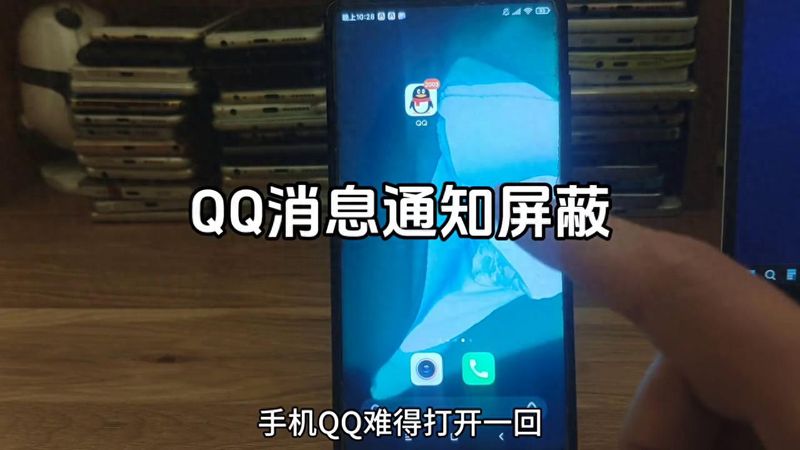
1. Cell phone, qqOrganisation, for example, a small red dot of a desktop icon, a small icon at the top of the screen, and a drop-down menu alarm. To block these messages, open the qq and click on the headSettingsThere's a message over here。
2. Seeing that there are many switches here, look first at the second, qqq top alert and turn it off。
There is also a desktop icon on this side showing unread messages, which is also closed。
Now go back to the desktop and see that there are no red dots and no icon alarms above the screen。
Back to the set page, you can select the message alarm setting if you want to close the message. New news reminds us that both sound and vibration can be turned off. Notices show news previews, lock screens, and both can be closed。
6. The last is a group message setup, which, if you have a very large number of members, is very disturbing to you by default. For example, now select a group, the default is to receive the message and alert the group assistant. If this group doesn't mean anything to you, but you don't want to quit, just choose to block the message。
7. Finally, there is a temporary session set up, which depends on the actual situation。
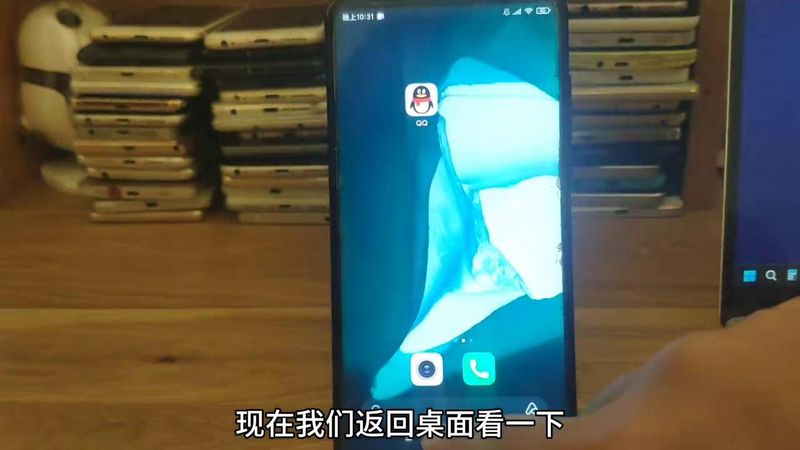
After the above setup, the next time qqq is used, it's basically free from unnecessary interference。
Click to watch。



