How do you build the laptop wifi hotspot?
The wlan hotspot is the launch point that provides wifi access. Wifi's online is like a wireless signal from your home. So wlan must be a lot faster than gprs. Many smartphones and computers now support hot spots。
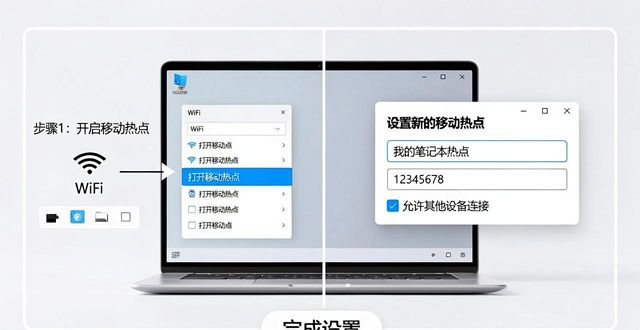
Here, let's see how we can build itHotspot sharing networkI don't know。
One, download the cube 3 first, and you can see it at 100 degrees, usually first。
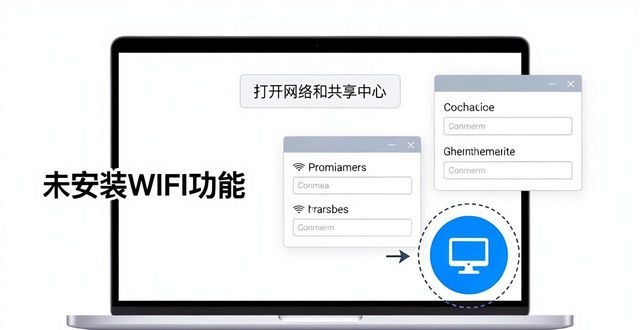
Two, the icon on the lower right corner of computer connection, click and you'll see a lot of nearby "Wireless network connectionIt has its own password. If you don't see it, it means your computer hasn't installed wifi. Then click " open network and sharing centre " , open " network and sharing centre " , then hit the " change adaptor settings " at the top left corner, and open " change adaptor settings " and then, with four or five icons connected to the network, one is usually a local connection, one is a local connectionBroadband connectivityThe rest is wireless。
3. Right-click " broadband connection " , click the last " properties " , click " share " , then tick the first " allow other network users to connect through the computer's internet connection " , followed by all the hints, you just click to make sure。

Four, and then below the first, "family network connections" select any "wireless network connections" and then the point is determined after selection, and the presentation is determined directly, and then you see that broadband connections become shared。
Five, turn on cube 3, turn off the irrelevant, then turn on the application item on the left, and we'll see a "one-click wireless sharing" in the practical tools column and click on it. This is when the software automatically searchs, and in a few seconds, the "ssid" is automatically generated, and we just have to set the eight-digit password, go online and select the "broadband connection" and click on "open the hotspot" and see that the display "enabled" completes all the settings of the computer. My phone is connected, and there's a "customs one" number, zero when it's not connected。
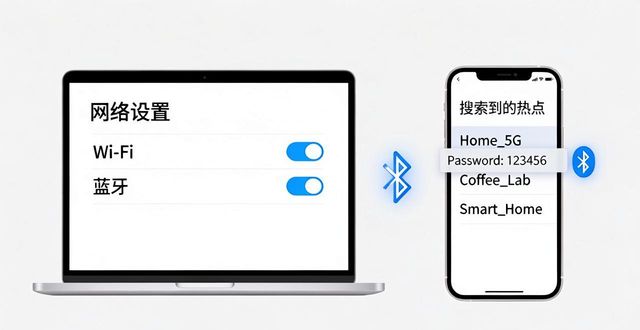
The cell phone set-up is less cumbersome, and we believe you know it, but together we have to make sure that bluetooth is on. Search wifi hotspots on mobile phones, find their own computer hotspots, and enter the password that you previously set。