


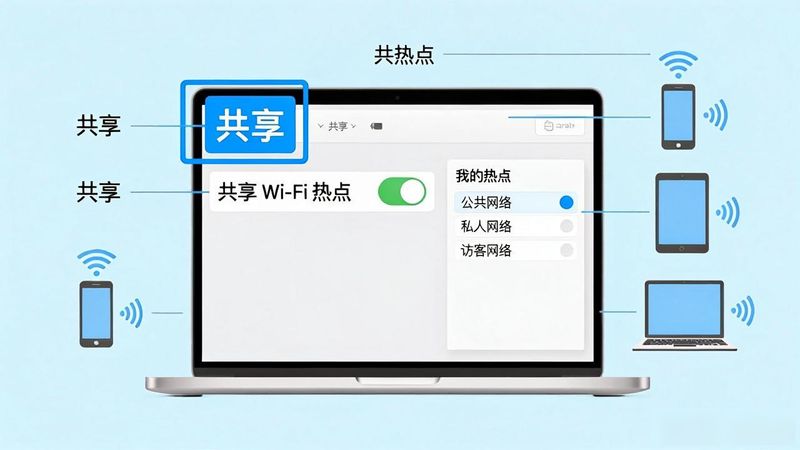
You got itMacSo you can easily set your mac up as a cyber hotspot, use your mac online, and share your network with them in wifi. The approach is as follows:
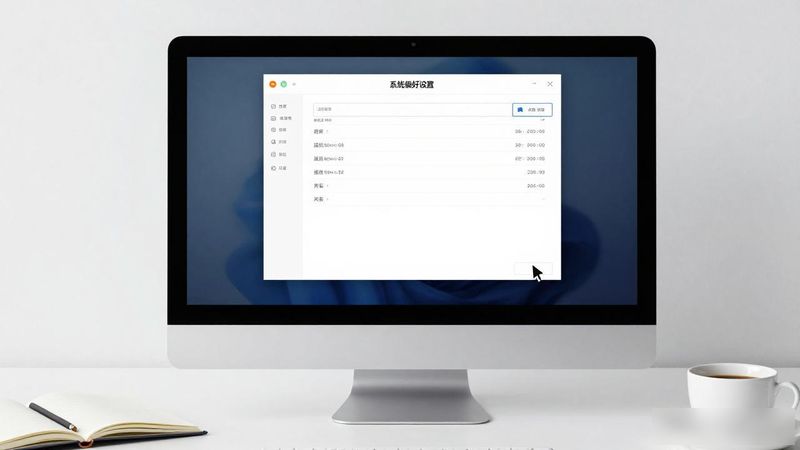
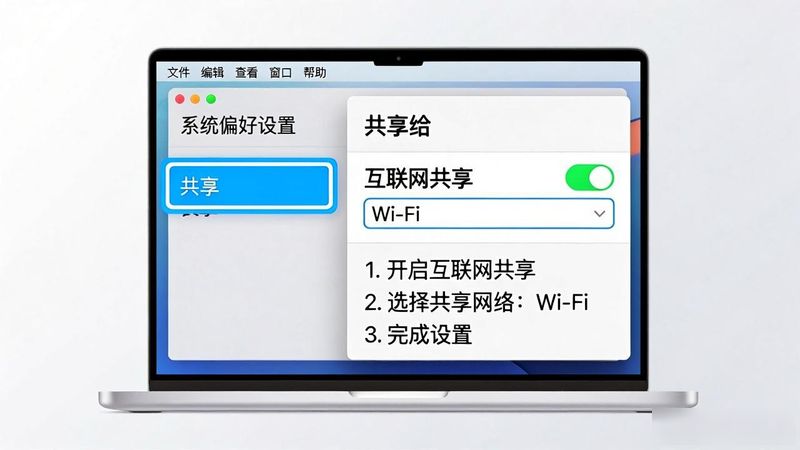
Select sharing in "system preferences"。
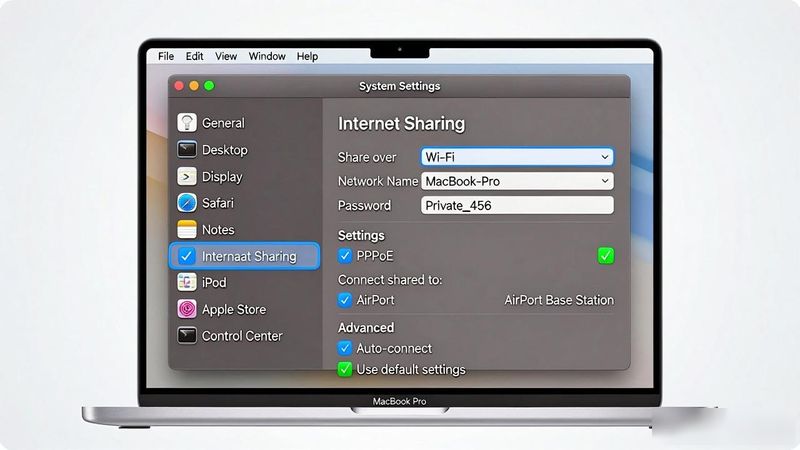
If you are connected to the internet, select “pppoe” on the right side, “conconnect to other computers:” - check “airport”. Then check the "internet sharing" on the left。
3. With this setting, your airport icon became a shared state. Other computers can find your mac's wifi signal, and you can go online. Looking at the web site where windows 7 has been set up as a wifi hotspot (http://www. Cnbeta. Com/articles/103546. Htm), i think we mac users can be more intuitive and concise。
Tableeditor, how my depressed |mac system shows and hides files
![新闻资讯APP排行,手机新闻APP排行榜前十名,手机看新闻哪个软件好[2026]](https://www.3z0.cn/file/upload/202608/26/1787681122214_lit.jpg)


