


What about water on the computer keyboard?
General keyboards have both mechanical keys and capacitor keys. There is also a light-touched membrane keyboard in the working control keyboard. A lot of friends like to put something to eat and drink in front of a computer, so it's easy to dump water on a keyboard。
Now, let's see how we get back to the water keyboard。
A thin film keyboard
The best way, of course, is not to put the glass next to the keyboard, and this time we're going to talk about the glass turning over the drink and starting on the keyboard。
Step 1: power outage
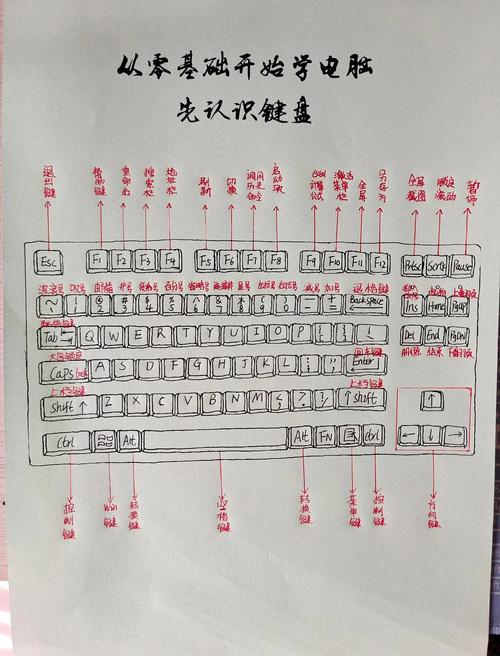
Remove the keyboard plugs connected to the computer, otherwise the circuit will be damaged。
Step 2: reverse
Put the keyboard in your hand and throw it hard until no beads fall out. Rewind the keyboard in time, tap the bottom of the keyboard and use napkins to "suck in" the water in the keyboard。
Step 3: blower blow
The keyboard is then placed flat on the desktop, and the keyboard is tanned in the sun until it's dry. Or dry it with a wind blower, dry the remaining water under the keycap。
Step four: unlock your cap
Because the drinks add sugar to the white water, many people find that the water in the keyboard is missing, but the buttons are different from what they used to be, and it's like being glued to something, so we need to pull the hat off the keyboard (remember the position of the cap), wash it underwater and dry it back。
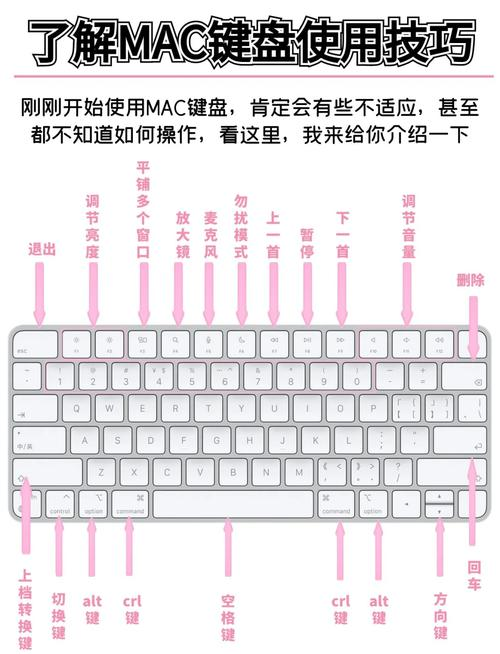
That's the way to deal with your beloved film keyboard when it enters a water drink。
Mechanical keyboard section
Step 1: power outage
Remove the keyboard plugs connected to the computer, otherwise the circuit will be damaged。
Step 2: reverse
Put the keyboard in your hand and throw it hard until no beads fall out. Rewind the keyboard in time, tap the bottom of the keyboard and use napkins to "suck in" the water in the keyboard。
Step 3: open the keyboard
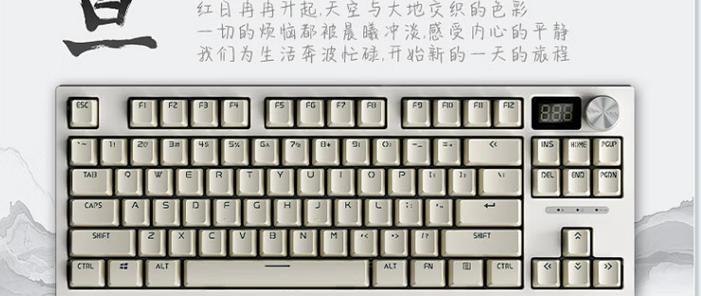
Open the keyboard shell and take out circuit boards and axes。
Step 4: underwater
Go underwater, so that the drink can be washed away and the mechanical keyboard pressed after drying。
Step 5: blower dry
The keyboard is then placed flat on the desktop, and the keyboard is tanned in the sun until it's dry. Or dry it with a wind blower, dry the remaining water under the keycap。
And that's how your beloved thin-film keyboard responds to it when it enters a water drink. This is done to ensure that the keyboard does not damage and the keyboard key does not sticky。



