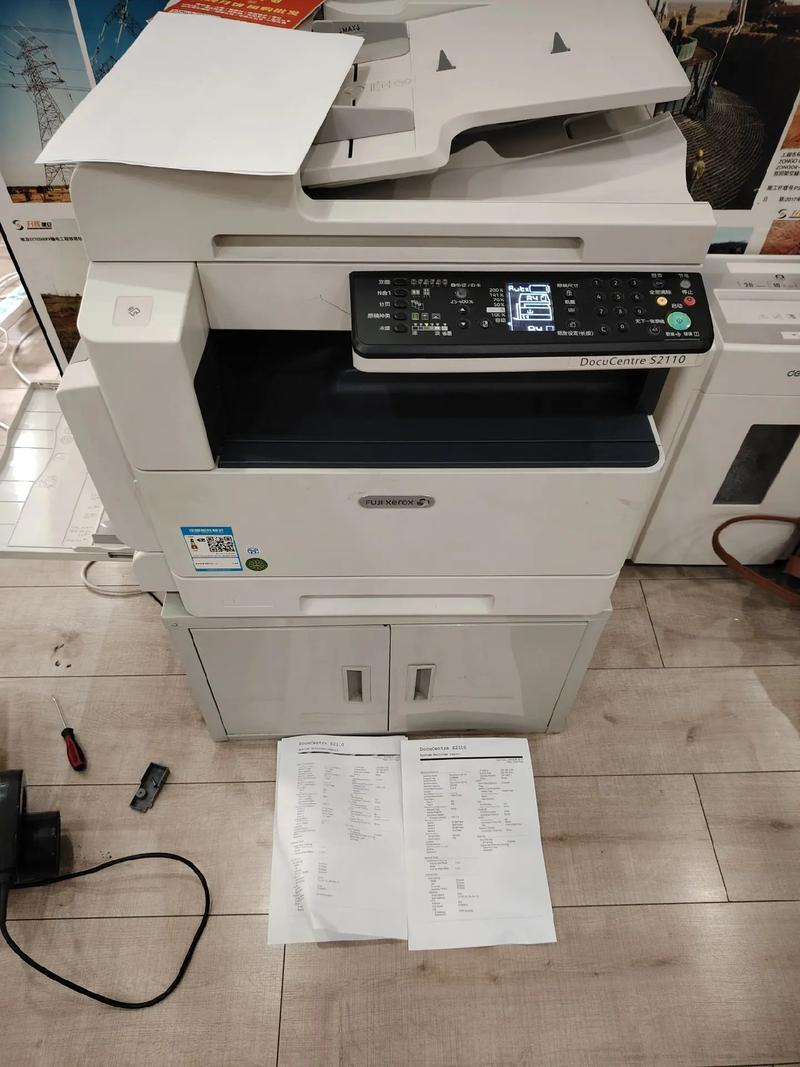
Description of use of xerox 1810/copier
Watch whether the parameters on the screen and the conditions on the left side of the screen meet your requirements before using them, and reset them if inconsistent. Press all clearance keys (on double sides, after using paper other than a4) after photocopying or printing to restore single-sided a4 paper to reproduction conditions。
(the printer settings can only be printed on one side: printer settings: start, printer and fax, right-click on fx docucentre s1810, print preferences, double-sided printing, select one-sided printing, and select paper。
Double-sided printing:
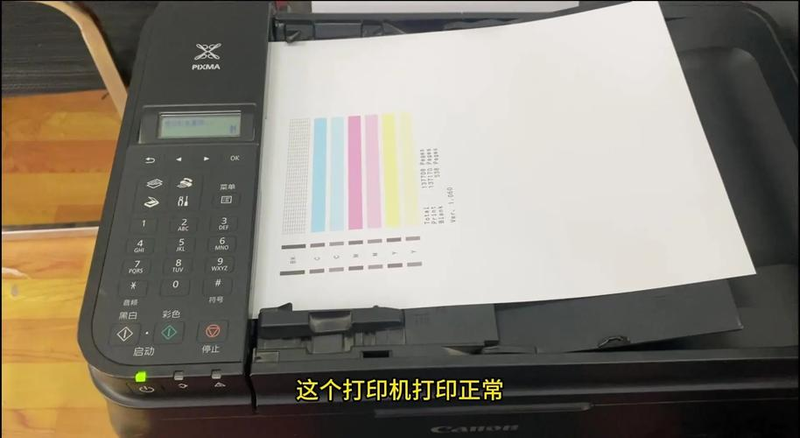
Printer settings are similar to single-sided printing, unlike double-sided printing (a4 selects double-sided printing)
Long border binding; a3 selects double-sided printing, short-side binding. (a) change a short or long edge binding if the two-sided direction is the opposite after printing
Page settings (a4 is not set, only 8k and a3 are set): open the page setting menu in the file, on the page
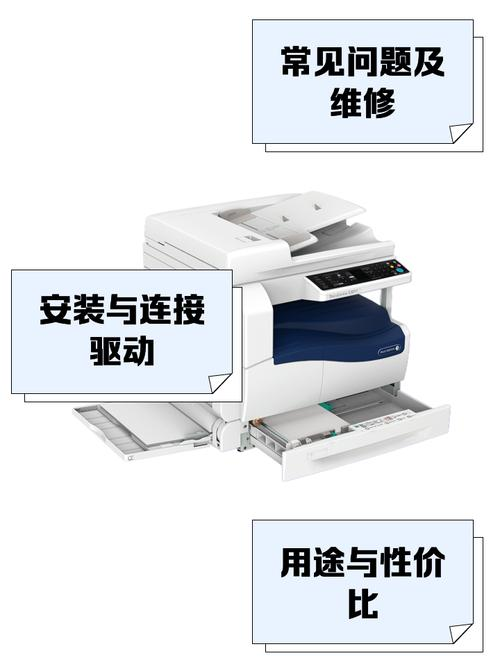
Select the right-hand check box of the code range to select the book wrappage, adjusting the top and bottom margins appropriately, so that each page can be shown in its entirety (click on the current page and pull the blue ruler at the top or bottom of the left)。
Single-sided copying: in the menu on the right side of the screen, only the original type and concentration light will be activated, and the paper type will be selected (long press the set paper until the paper size is scintillated), followed by the paper box。
Double-sided photocopying: two-sided 1/2, 2/2, 2/1 (one-sided photocopy on both sides, two-sided printing on both sides on one side) is now the choice of paper type, paper boxes, etc。
Copying of documents (printing of the documents on the same paper): the document to be copied is placed at the upper left corner of the scanned glass (upside, with a slight distance to the left) and the photocopying of the document is done on the basis of an identity card/id card, followed by a flashing of the original and a flipping of the document on the basis of the absence of the original。
Page 1