The laptops we use in our lives usually have normal use of the equipment but cannot be recharged, and the power adaptor shows normality, but it cannot be recharged, and how does that usually happen
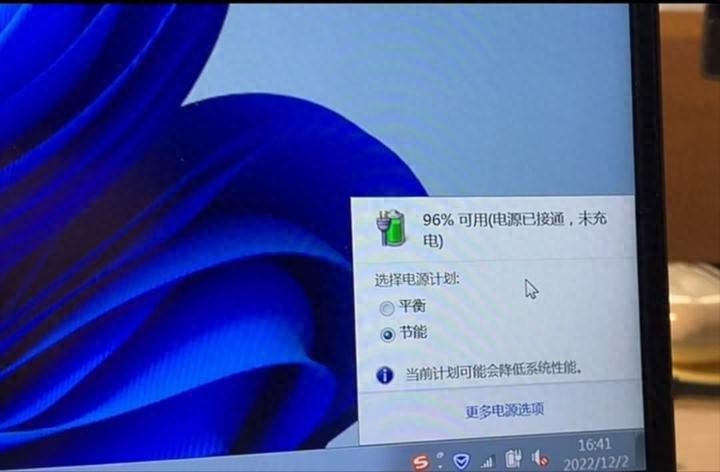
To rule out the failure of the device to charge the device first, the long-time power key to force the laptop to shut down, and if, during the long-time application, the computer's battery light or power light becomes red or orange, this means that the computer's battery is already in protective mode, and in this case, do not worry, the user will simply have to remove the battery and then insert it again。
Before the laptop releases static power, all off-link devices such as the laptop's power charger, mobile hard drive, disk, mouse need to be removed and the laptop computer turned off (if the laptop battery can be removed, the computer can also be removed). The long application of power to the laptop is about 30 seconds critical, and the release of static power can be done several times, avoiding damage to the main plate。
The power will then be connected, waiting for about 10 seconds, to activate the computer to see if the computer is back to normal。
As a rule, many computer brands, such as dale, consort, microsoft, etc., are equipped with power management software for their laptops, and if a certain "battery protection model" is activated, the power management software will prohibit battery charging and discharges after the user has been detected using the exchange power to extend the battery's duration. Therefore, if you find that your laptop cannot be charged, you can enter the relevant power management software, turn off battery protection mode, or tick the option "no charge" and if the hardware is clean, the battery will be charged。
The hardware itself and the battery itself have malfunctions, and it is generally possible to restart the computer and re-insert the battery to determine that if the battery is still unable to charge, some hardware detection applications may be installed to obtain approximate battery loss reference information. If you are sure there is a failure of battery hardware, do not open it or try to repair it, and there is a risk。
The following are common cases of hardware failure:
Battery ageing or damage: if the battery is ageing or damaged, it may result in failure to charge. In such cases, batteries need to be replaced。
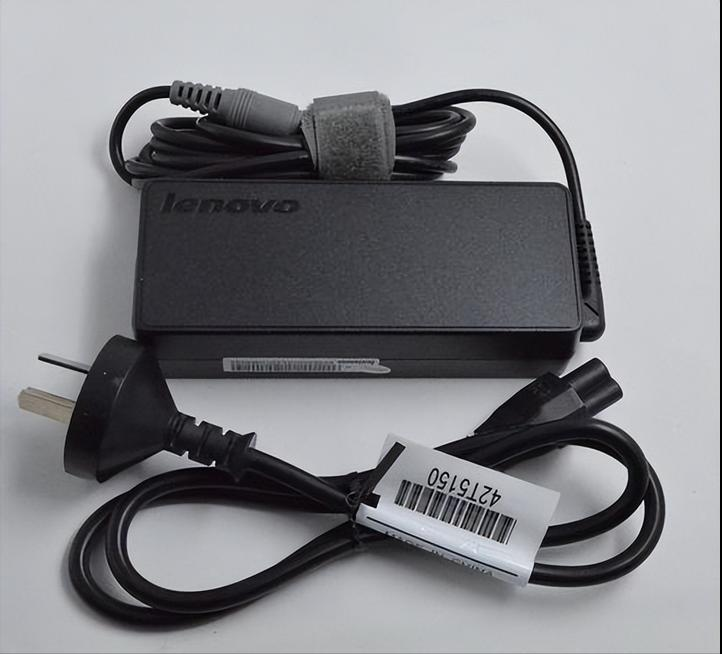
Power adaptor failure: the power adaptor may fail to recharge. In this case, an attempt can be made to replace the adaptor。
Poor battery exposure: poor battery exposure may result in failure to charge. Attempts can be made to remove batteries for re-plugging or cleaning cells to ensure good exposure。
4. Charge circuit failure: if the charge circuit of the notebook fails, it may result in failure to charge. You need to go to a professional maintenance shop。
Self-inspection of safety repairs
When you start your computer, enter the bios, you find the "start battery calibration" option in the power project called "start battery repair". Normally, users are reminded to connect to a power adapter full of electricity, and then it displays a text message that tells users to turn off the power exchange, and windows 7 will continue to discharge until the battery is completely depleted, and then the laptop will automatically shut down, so we can connect the power adapter to charge, but not turn on. It's not done until the recharge light is out。
Note: the rehabilitation of the bios battery may take five hours, so you must operate it when you do not need a notebook. If this does not improve the battery's state, it's probably broken. It can be repaired or it can buy new original plant batteries。