There may be some problems with the computer screen, so what is the computer screen? Actually, it's a simple way to go. Let's give you a quick introduction!
First scenario: monitor water wavering
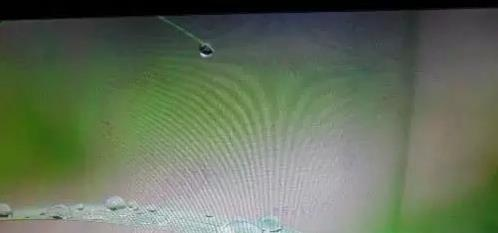
The main reason for the water wavering of monitors is the thread, which is one of the most common problems. The following three lines are commonly used to connect monitors with the host: vga, dvi, hdmi, and, in addition, other, unusual dp lines. Apart from the relative cost of the dp line, the three other lines are cheaper and most of the thread mass is not broken. But if you still have something bad to catch。
Second scenario: monitor screen black
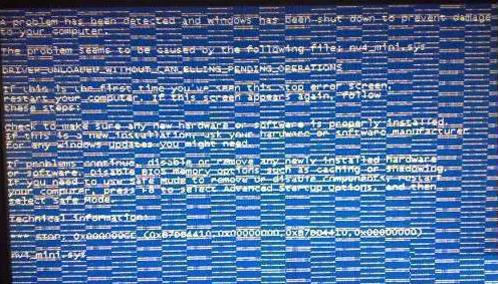
The mainframe had been operated, other equipment had not failed, the monitors had been powered and the power signal indicated that it was on hold, but the monitors were not lighted. If your monitor is black and the power light is not on, check if the power line is plugged in. If the power is plugged in, replace the power lines. If it doesn't work, then your monitor must be hardware。
Third scenario: colour line on display
In fact, to deal with this failure, we need to know that there are two main reasons for the colour line: first, if it is a full-screen colour line, or if it appears as the colour line changes with the display, they are usually not fixed and usually do not fill the entire screen, most of which is caused by a graphic card failure, such as an overheating or driver error。
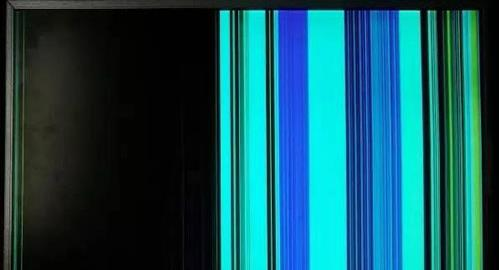
The general solution would be to re-install and set up a graphic card driver, which would also reduce the rated power if the graphic card was over-frequency, while cleaning card fans or radiators and strengthening the airbox heat dispersion。
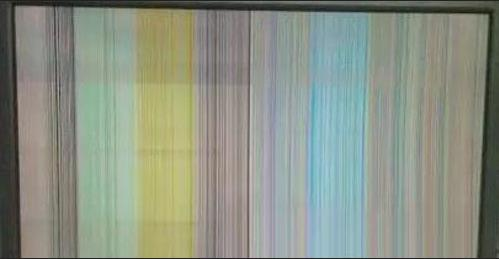
Second, if one or more lines are covered by the entire screen, even if the contents are shown, the location and colour of the lines do not change, mostly because of the control chip or line failure of the liquid crystal screen, which is usually left to the manufacturer for repair。
Fourth scenario: two vertical black belts on the edge of the monitor
Most of this phenomenon occurs on computers at an earlier stage, owing to insufficient visibility of the graphic cards. The presence of an earlier computer graphic card is only 1m, and this would have been the case if it had been set too high. To deal with this failure, a visible memory can be added to the graphic card, where a visible memory plugin is generally available。
Fifth scenario: display vibrating shit
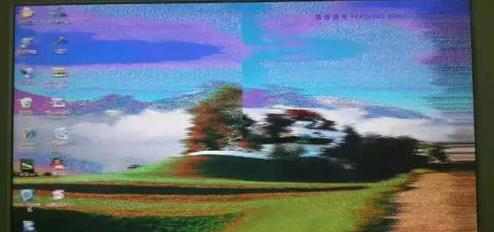
The images are very shaking and sometimes not even icons and words are visible, but they will return to normal in a minute or two. This phenomenon occurs mostly in wet weather and is the result of internal tides. To deal with this failure thoroughly, tidal sands in food packaging can be tied together with cotton wires, then run the monitor's backcap and hang it around the tail of the cathode tube near the tube seat. Thus, even in the wet weather, the above “diseases” will not occur。
So that's why the computer screens and the solutions are put together, and if one day you're going to have a problem with the screens, you can do it the way you're going, and if you've tried the whole thing, you might want to change the graphic cards。