I've been sharing with you about preparations for photocopying before using a photocopy machine. If you do not know, share the information and information you need to take care of the photocopying machine。
Note that photocopying machines should be used:
The correct placement of photocopying paper is an effective means of eliminating the problem of photocopying machine paper. The correct placement of photocopying paper should include the inclusion of photocopying paper in the box as described, as well as the use of high-quality photocopying paper, since, while the photocopying machine is in a state of continuous operation, the efficiency of the photocopying can be ensured only if continuous paper delivery is done. Once the photocopying paper appears abnormally during the photocopying process, for example, if the photocopying machine has a multiple, no paper or cardboard, it will affect the continuing work of the photocopying machine and even damage the inside of the photocopying machine。
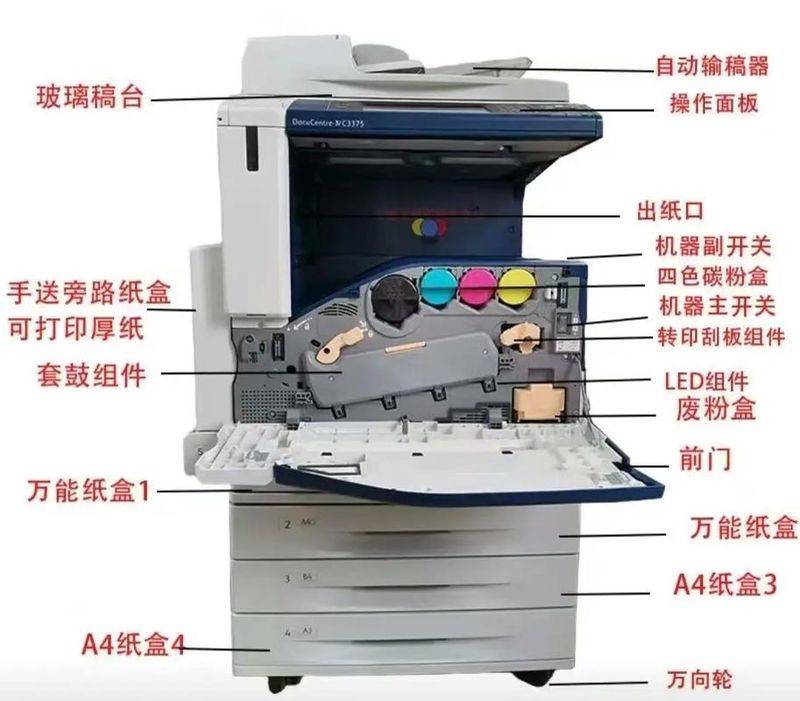
To that end, we should make every effort to use high-quality photocopying paper, while keeping in mind the flatness of the position when placing it in the box and ensuring that the paper is not overfilled, and that the guide to the box is as wide as the paper. If a paper card is found inside the copier, it should first turn off the photocopying machine's power supply, then open the photocopying machine's face cover, slowly remove the document from the photocopying machine, rather than forcibly pull out the paper that is stuck, and when you remove the cardboard, do not make any sense。
2. Since it often takes a long time to start a photocopying machine when it is open, should the photocopying machine be shut down directly or should the photocopying machine be energy-efficient when the photocopying machine is not used? Normally, if there is no photocopying mission in about 40 minutes, the photocopying machine should be turned off, which would save electricity。
However, if, within 40 minutes, there is a piecemeal photocopying mission, you will have to keep the copier working in a energy-efficient state, where the preheating start time will be significantly reduced and will be effective in avoiding damage to the optical components of the copier due to frequent start-up。
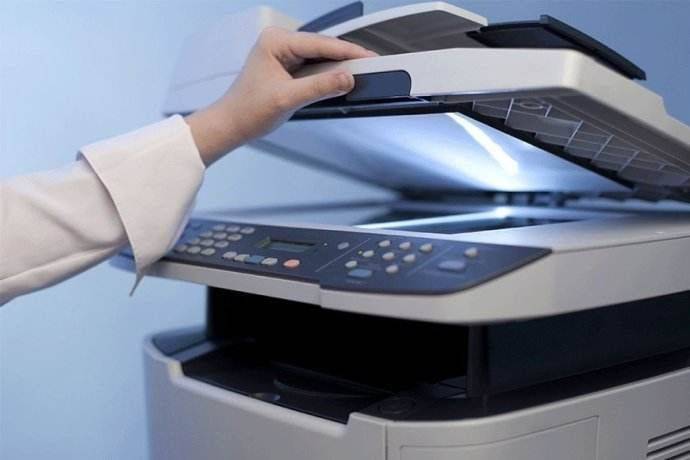
As can be seen from the above, photocopying machines do not have many questions to attend to in their use, but all are detailed questions, so as long as these should be done, there will be no problems with their use and maintenance。
Conicamén to the colored copier:
Http://www. Oarent. Cn/product 108. HTML
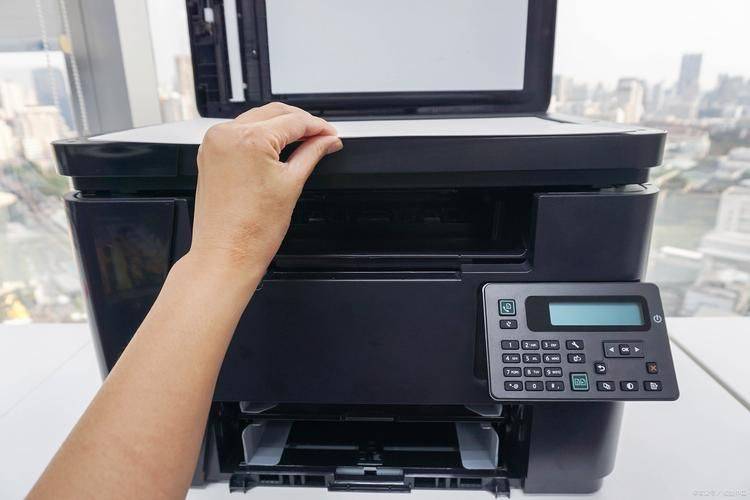
And the scope of operation of icst limited:
1. Office equipment: brand colour/black and white copying machines, printer sales, lease, etc., for konicamaida, earthquake and light。
2. Office consumables \ accessories: conicamida, seismic, light colour photocopier full series of coloured carbon powder; drum components; imaging components; carriers; trans-printers; detergents; sensor drums; scraping plates; drum chips; powder chips; spare parts for clean insurance, paper-cleaning wheels, separation wheels, etc