Apple 4s, a classic mobile phone, although gradually out of the market, is still being used by many users. However, some users may encounter problems with wifi, which not only affects the normal use of mobile phones, but may also cause many inconveniences. This issue can be addressed in several ways。
** i. Inspection of wifi settings**
First, ensure that the wifi function of the mobile phone is not closed or disabled. Enter the settings menu of your mobile phone, find the wifi option and check if it is on. If the wifi option is grey or unclickable, it may result from systemic or hardware problems。
** ii. Restart mobile phones and routers**

Sometimes, simple restarting operations can solve wifi problems. Let's try to restart the phone and see if we can restore wifi. If the problem remains, consideration could be given to restarting the router to remove the connection problems caused by the router failure。
** iii. Restore network settings**
If the wifi switch is still not open, an attempt can be made to restore the network settings of the mobile phone. Select universal in the settings menu, and then find the restore option, click the restore network settings. Note that this operation removes all network settings stored in mobile phones, including wifi passwords, and therefore requires careful use。
**. Inspection system updates**

Apple 4s operates an older ios system and may have some known bug or compatibility problems. Check if mobile phones have a system update available and try to update them to the latest version. Sometimes, system upgrades repair some known wifi connectivity problems。
** v. Consideration of hardware failures**
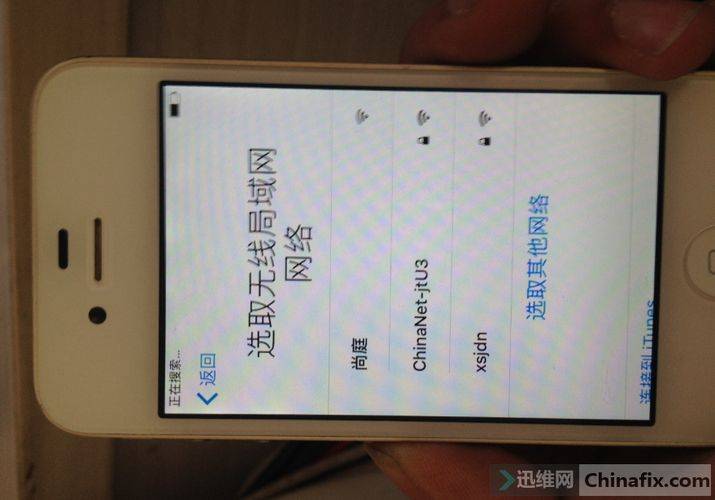
If none of the above methods solves the problem, it is possible that the wifi module of the mobile phone is malfunctioning. In this case, it is recommended that mobile phones be sent to the apple official or authorized maintenance centre for testing and maintenance。
In general, the problem of failure to open apple 4s wifi may be caused by a number of causes, including system set-up, router problems, system bugs and hardware failure. Users can check and resolve them on a case-by-case basis. If the problem is complex or unsolved, it is recommended to seek professional technical support。