YesApple phoneUpHotspot functionFirst, make sure your phone has a new number and data traffic. Next, the hot spots are opened as follows:
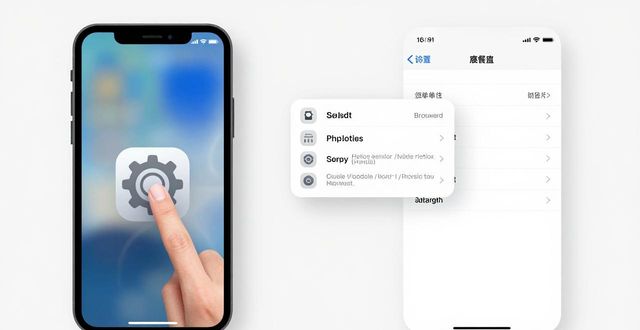
Setup to open the cell phone: find the settings icon on the main screen and click to enter the settings interface。
Enter the cellular moving data option: in setting the interface, move down the screen, find the cellular moving data option and click to enter。
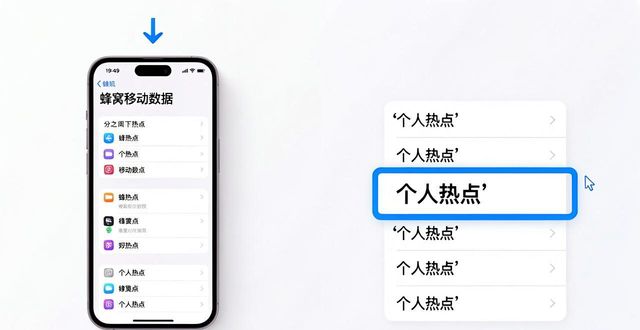
Enter the personal hotspot option: in the cellular moving data interface, move down the screen, find the personal hotspot option and click on it。
Opens a personal hotspot switch: in a personal hotspot interface, click the switch button at the top right corner, switching the switch from a closed state to an open state。
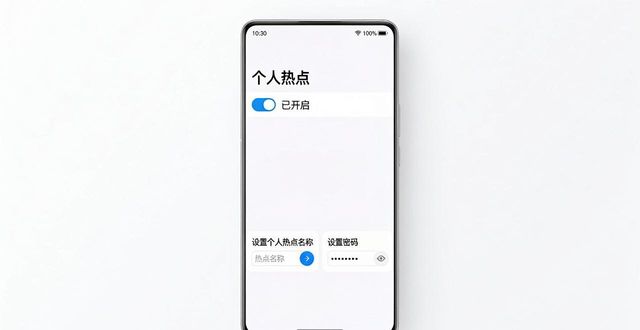
Configure personal hotspots: when you open the switch, enter the personal hotspot configuration interface. On this interface, you can set the name and password of the hotspot。
A. Hotspot name: click on the "hotspot name" column to enter the hotspot name you want to set (i. E. The name your hotspot displays on other devices)。
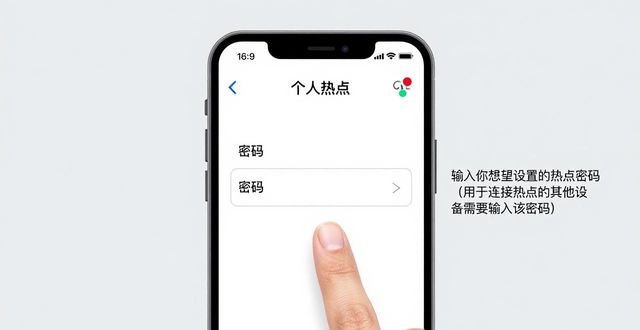
B. Password: click on the " password " column to enter the hot-point password you want to set (the password is required for other devices to connect the hot spots)。
Connect other devices: once the personal hotspot configuration is completed, other devices can search and connect to your hotspot. On devices that need to be connected, open the wi-fi settings, find the hotspot name you set and enter a password to connect。
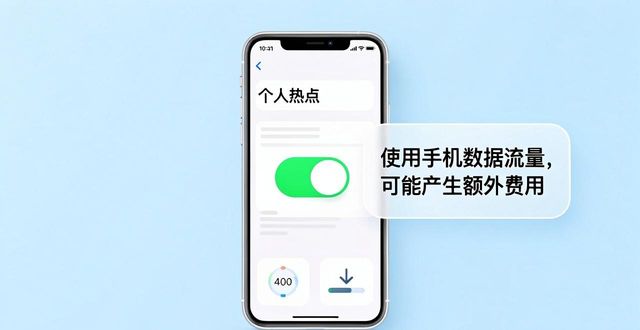
It needs to be noted that opening hot spots will use your mobile data flow, which may result in additional data costs depending on the type of package and the amount of data in the package. In addition, during the use of hot spots, attention is paid to controlling the quantity and flow of hotspot equipment in order to avoid exceeding the package or affecting the speed of connection。