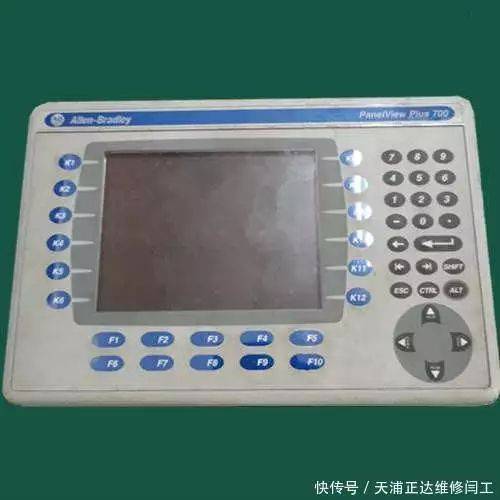
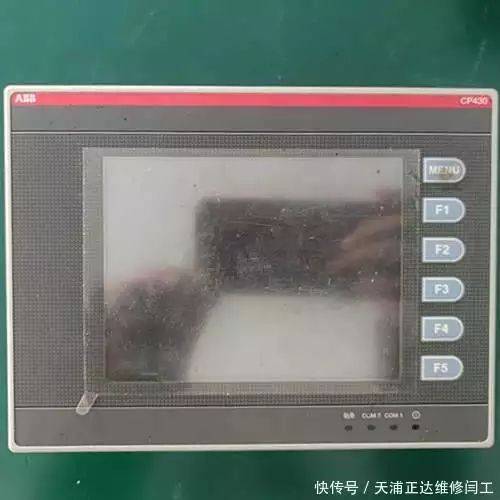
Abb touch screen shows unusual maintenance techniques
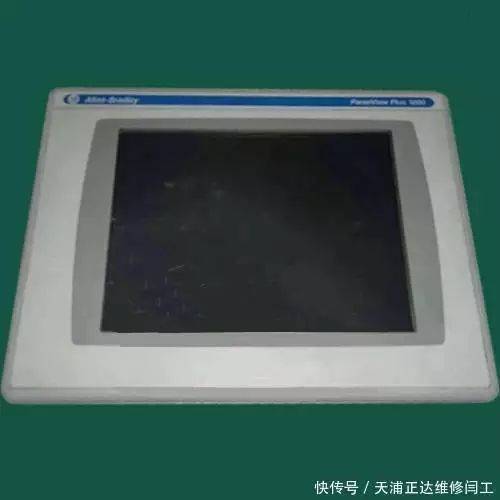
In modern industrial control equipment, the touch screen is an important window of human interaction, and its proper operation is directly related to production efficiency and operational experience. When the touch screen displays anomalies, operators often feel unable to do so. This paper will present the common type of touch screen displays of anomalies, routing methods and maintenance techniques, and help readers to understand basic trouble management thinking。
I. Common displays of anomalies on touch screens
The touch screen displays unusual forms, including the following:
1. Full black screen with no display
2. Scintillation on screens with unstable brightness
3. Displays stripes, spots or colour blocks
4. Touch failure or inaccuracy of response
5. Demonstrate content impairment, deformation or proportionality disorders
6. The brightness of the screen is clearly dim or luminous。
Ii. Basic principles for failure screening
The following basic principles need to be followed before specific repairs are carried out:
1. Safe quality: before any maintenance operation is performed, it is essential to cut the equipment's power, pending full discharge of the internal cap. If necessary, maintenance should be carried out by specialized technicians。
2 from simplicity to complexity: from the simplest of possibilities, from checking power connections, restarting equipment, etc., to hardware testing。
External before internal: review of external connection lines and equipment environment before considering internal components。
4. Recording process: a detailed record of the steps and results of each screening exercise will facilitate the analysis of failure patterns。
Iii. Specific maintenance steps and methods
1. Power system inspection
First check the power supply of the equipment:
Confirm the power signal state, if the light is not on, and check whether the power line connection is strong
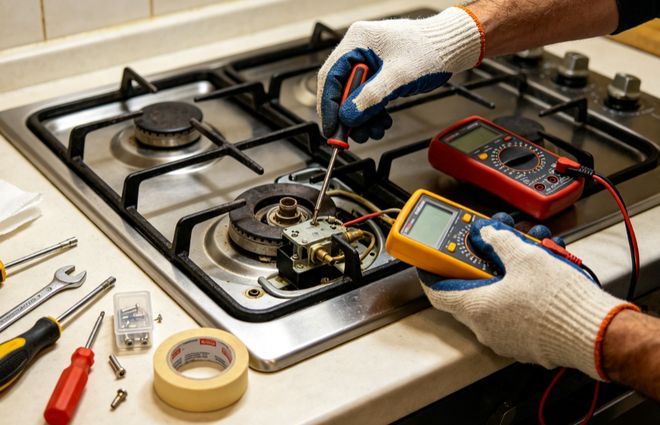
(b) measurement of power output voltage using a universal meter to ensure compliance with equipment requirements
Check whether the power adaptor or the power module is working properly
Confirms whether the equipment is located in good condition, which may lead to display anomalies。
2. Signal transmission route inspection
The display of anomalies may be related to signal transmission:
Check the connection cable between the touch screen and the controller to confirm whether the plug is loose, oxidized or damaged
Checking whether cables have physical damage such as bends and squeezes
Replacing cables can be tested when necessary to eliminate the possibility of cable failure。
3. Screen calibration and settings restored
Some of the problems can be solved by software adjustments:
The newest website is now available on 65535 over 65535
Enter the device setting menu and perform touch screen calibration
Checks if parameters such as brightness, contrast, colour, etc. Are unexpectedly modified to show
Try to restore the plant setting, noting that this will clear user-defined parameters
Updates of equipment solids, sometimes new versions of solids can repair known display problems。
4. Inventory of environmental factors
The operating environment of the equipment may affect the performance:
Check whether the operating ambient temperature is within the range of equipment permitted and extreme temperatures may lead to displaying anomalies
Confirm that environmental humidity is in order and that excessive humidity may cause internal exposure
Avoiding high-light direct-fire screens, which may interfere with the touch function and accelerate the ageing of the screen
Prevention of electromagnetic interference and removal of equipment from high-power electrical equipment。
5. Hardware failure diagnosis
If the above steps fail to solve the problem, they may involve hardware failure:
Check the backlight system of the screen, which causes a black screen or brightness anomaly
To observe whether the screen has physical damage, such as cracks, crushes, etc.
(a) test the working state of the touch screen sensor to confirm whether the touch function is normal
Examination of the main panel displaying the interface and associated circuits, including elements such as capacitors, resistance, etc.
The equipment is evaluated for its length of use and the display screen has its useful life as a consumer。
Iv. Recommendations for preventive maintenance
In order to avoid anomalies in the touch screen, routine maintenance is important:
1. Regular clean-up of screens, the use of specialized cleaning agents and flexible cloths to avoid the use of corrosive chemicals
2. Following standard operations to avoid exposure of sharp objects to screens with moderate operational strength
3. To ensure the stability of the power supply, the use of the required power supply equipment and, if necessary, the addition of pressure-control devices
4. Periodic inspection of connections to ensure strong interfaces
5. Establish a record of the operation of the equipment to track changes in the state and identify potential problems in a timely manner
6. Regular maintenance as required by the equipment is performed by professionals。
V. Decision-making on maintenance
When the touch screen displays anomalies, decisions may be made on the following grounds:

Real fishing game computer version super-clear quality no download online play
1. Issues such as the looseness of simple connections and set-up errors may be resolved by themselves
2. Maintenance involving power modules, backlight systems, etc., requires appropriate expertise
3. In case of physical damage to the screen or failure of the main plate, contact professional maintenance services is recommended
It is recommended that replacements be considered if maintenance costs exceed 50 per cent of the value of the equipment or if the equipment has exceeded its normal life。
Vi. Special display issues addressed
Some of the rare displays require special attention:
1. Seasonal display anomalies: equipment displays problems during a given season, usually associated with environmental humidity, requiring improvements in the equipment's working environment
2. Interruptive malfunctions: good and bad displays are the most difficult to check and require longer observation time to record the specific conditions in which the malfunction occurs
3. Multiple equipment has similar malfunctions: in the case of multiple equipment showing similar anomalies at the same time, emphasis should be placed on checking the quality of electricity supply and environmental factors。
Concluding remarks
Touch screens show a variety of causes, ranging from simple setup problems to complex hardware failures. Most of the common problems can be effectively addressed through systematic screening. Patience and detail are often more important in maintenance than advanced technology. At the same time, good daily maintenance habits can significantly reduce the incidence of malfunctions and prolong the useful life of equipment. The mastery of these maintenance techniques not only solves the problem of showing anomalies in a timely manner, but also improves the overall understanding and management capacity of industrial control equipment。