
The failure of the computer dead machine to function normally is an unavoidable failure in the daily use of computers. In the case of desktop computers, the re-start button or direct dialling of the power source can solve the problem of restarting the computer。
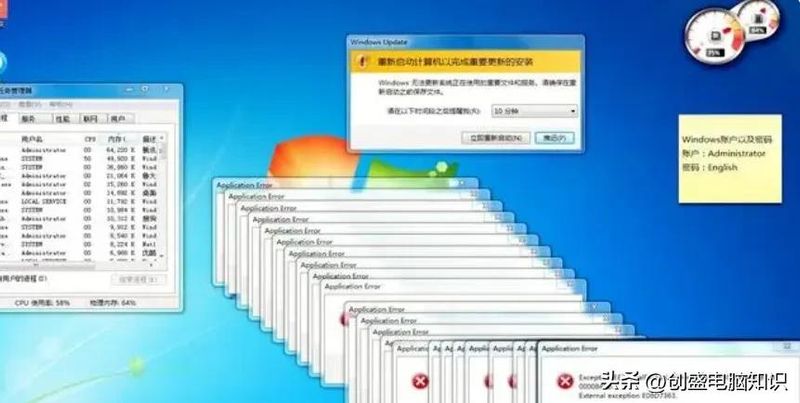
For laptops, however, most people encounter the problem of dead machines, and there is no way to resolve it this way, because the laptop has only one access key. What if the laptop dies? Three ways to get you to turn it off easy and make sure it works 100%。
One can be shut down by three shortcuts on the keyboard. Under normal circumstances, laptops suddenly fail to function, mostly because of system program problems. This is not a real one. It is basically a fake one。

Select to restart the switch by pressing the ctrl+alt+del key on the keyboard. Then you can restart the computer, and then you can restore it to normal operation. This operation is very practical and effective because it is appropriate for all parts of the system to run dead machines, or because the mouse is inoperable。
The second is to shut down the power through a mandatory power key. Sometimes the laptop is dead because of the virus or cpu overheating. All images are set on a program page, and no keyboard or mouse can operate, or a real dead machine。

In this case, the power button can be held down for more than 15 seconds, and the switch off can be imposed. Until the computer hint is off and released, and the computer is restarted again by pressing the power button. This method of operation, which corresponds to a mandatory switch on a desktop key, is of the same nature。
The third is to remove the laptop from the switch. When the laptop is a real dead machine, whether it is a keyboard or a mouse or a power key, there is no way to turn it off. After all, unlike desktops, laptops can be switched off directly by dialling power lines

In this case, the only way to do this is to remove the laptop battery so that it can be powered out and then re-install the battery and restart the computer. If re-computers cannot be turned on, this means that the laptop's hardware is malfunctioning。

In general, there is no urgent need to send computers for maintenance if there are problems with laptop system failure. The majority of the computer dead-end problems can be solved only if they are dealt with in the above order. To some extent, it is also possible to identify whether it is a system program or a computer hardware failure. At the very least, when computer maintenance is finally required, it is also possible to avoid placing oneself in the pits or pathways of others。