Maintenance address: 4th floor, supc 1
Appointments: 4006116698
When we use notebooks in our lives, it is very difficult to avoid a constant flow, such as the sudden occurrence of inoperable conditions, and how should we address this situation? Let us see today how to solve this problem。
Solutions:
1. Bluescreen

It is likely that the blue screens may have been driven by the system's installation of a driver, virus intrusion, memory or flash card unwinding leading to a laptop opening blue screen。
Solution: f8 in safety mode unmounts the installed driver or fully poisons it. Checks whether loose hardware leads to poor exposure。
Power
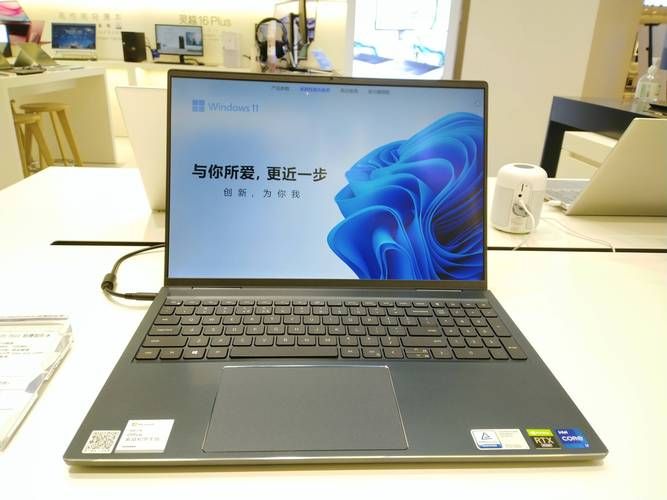
Most of this is due to the length of time spent on laptops, the fact that external power is not plugged in or plugged in first, and the possibility that the lack of battery power on laptops or long-standing on-site may have contributed to the lack of power supply, as long as the charge is recharged before use。
Black screen on three
So black screens are often found in systems files lost, memory exposure poor, cpu exposure poor and overheating, displaying poor data lines exposure, etc。
Four, no reaction

The fact that this phenomenon is not reflected in the start-up is mostly the result of the relaxation of hardware or the introduction of laptops. If the hardware is relaxed, it is sufficient to re-insert the loose hardware after opening the notebook. However, if caused by hardware damage, the damaged hardware would need to be replaced by specialized instruments。
That's a series of malfunctions in the laptop that i can't turn on. I hope it'll help you. In the case of failure to open the machine as a result of human damage, it is recommended that repairs be made in time to avoid unnecessary loss to the person by missing the golden period of repair。