Printers are on strike. Don't rush. Here's a detailed maintenance guide for the hewlett-packard 252dw, 277dw and 154dc plates, which will teach you to solve printer failure and restore print freedom! From failure diagnosis to spare parts replacement, one step at a time
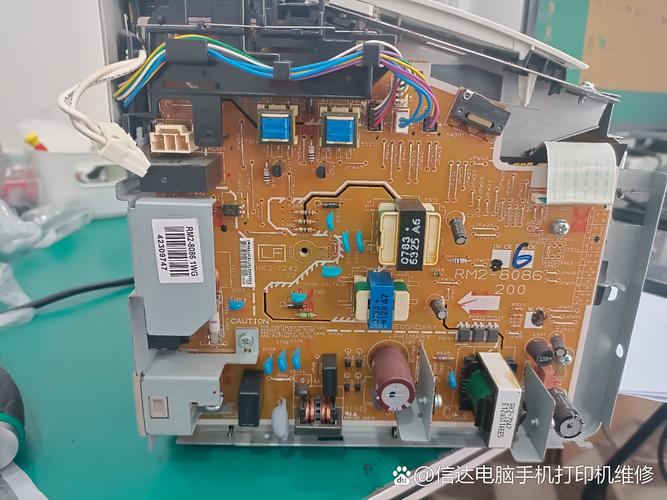
Save your print freedom: hewlett-packard 252dw high pressure plate resolution
Did the printer strike suddenly drive you crazy? Don't worry, today we'll talk about hp 252dw。
First, the high voltage plate is responsible for generating the high voltage required for the printer, which, if broken, may be unable to start up or work unstable。
How to judge whether it's a high pressure plate question? There are usually several manifestations:
1. Printers are not responding
2. Sudden stops during printing
3. Paper stuck or printed quality bad
Solutions? Just replace the new pressurized plate! Hp 252dw uses high-quality material to make it durable and stable。
277dw engine board: make printing simple and efficient
Speaking of engine plates, hp 277dw's engine plate is the "superhero" in print
It is responsible not only for paper transmission and positioning, but also for controlling the movement of laser heads and ensuring that each page is accurately printed。
If slower printing is observed or the document is blurred, it is likely that the engine plate is in trouble。
Inspection steps:
1. Observation of abnormal noise or vibration
2. Check for correct placement of paper
3. Cleaning up of dust and miscellaneous items on engine plates
If the above method is not effective, it is recommended to replace it with a contact professional。
154 dc board: where the printed soul is
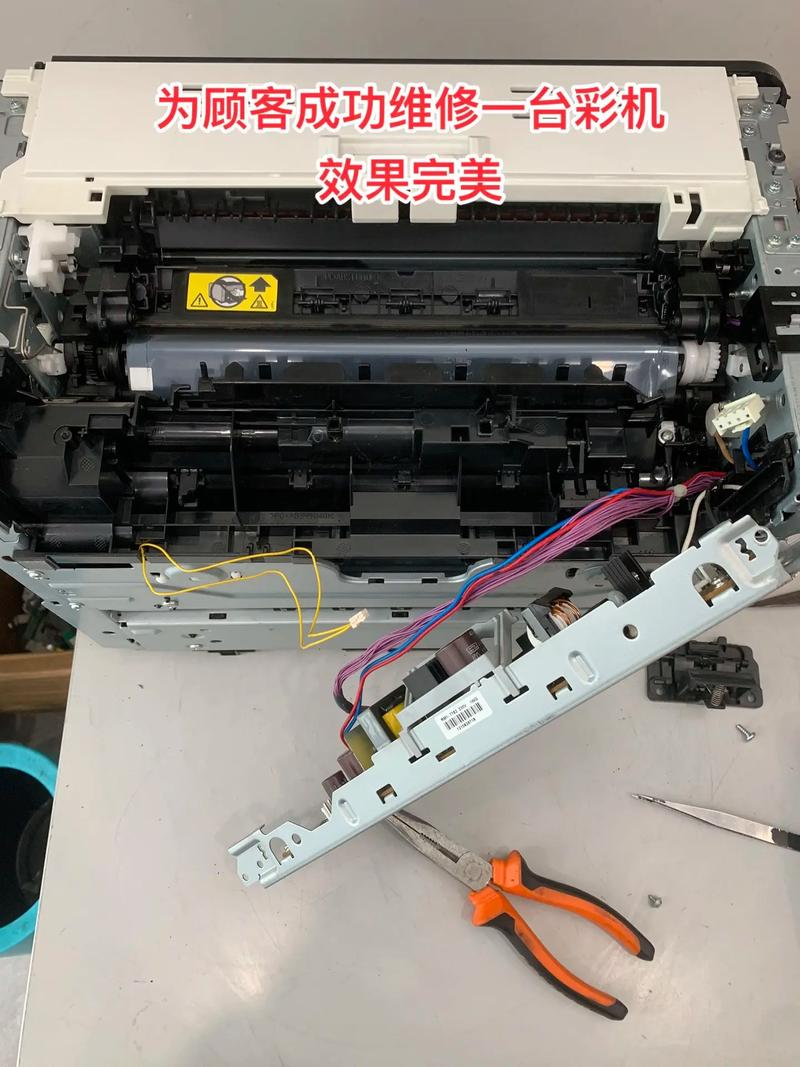
Finally, let's look at the 154 dcboard, which is the core part of controlling the entire printer operation。
It's like the brain of a printer, who receives instructions and coordinates the work of various parts。
Common failures include:
Printers cannot recognize cartridges
2. Printer displaying error codes
Printers are not connected to the network
Solutions:
1. Update driver
Re-launch printers
3. Replacement of the new 154dc board
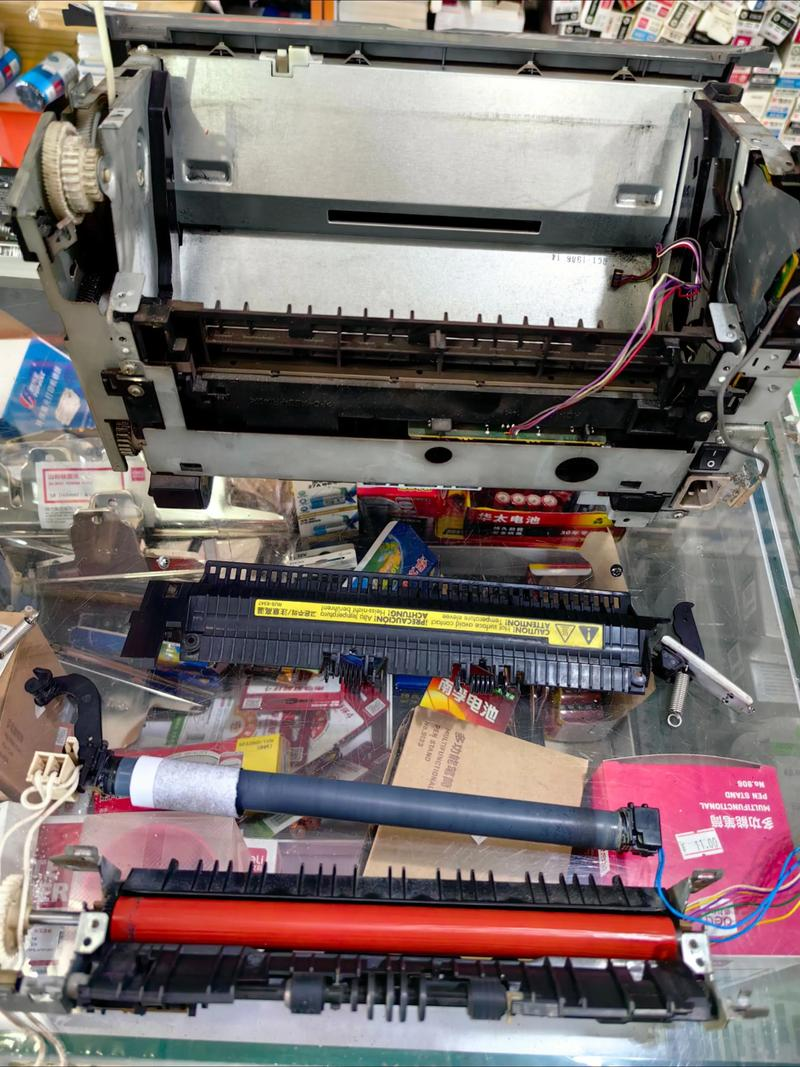
Remember, power cuts are required before any parts are replaced
A little tip:
1. When purchasing replacement parts, be satisfied that they are compatible and source。
2. The maintenance of printers should preferably be done by professionals in order to avoid greater losses。
3. Regular maintenance can increase the lifetime of printers and reduce malfunctions。
I hope this guide will help you solve problems and enjoy the pleasures of printing