Introduction
Laser printers have become an essential part of our lives, both in offices and at home. Laser printers work very differently from inkjet printers。
Laser printers use colouring powder instead of liquid ink sprayed on paper, and they use laser technology to create images on light-guided drums instead of pressure to force ink out of the nozzles。
Comparison of laser printers with general printers
The main difference between laser printers and general printers lies in their print technology and printing effects。
Laser printers use laser beam scanners to project images and print images on paper, so laser printers print quickly, are more suitable for printing large quantities of text and images and are of higher quality. The documents printed by laser printers are more detailed, clear and specialized。
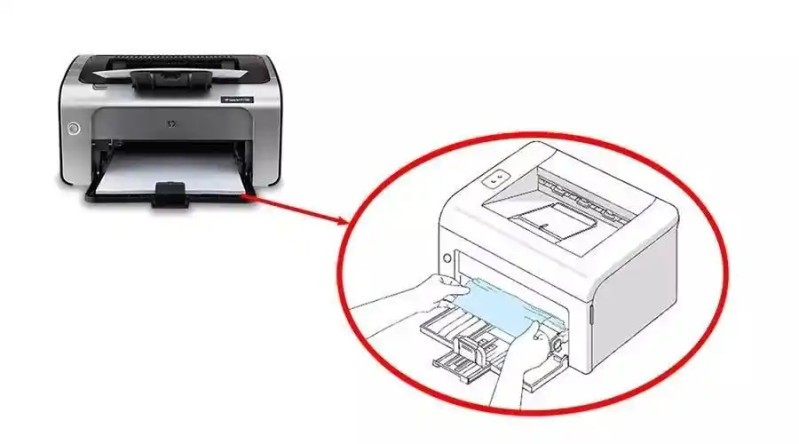
Ordinary printers use inkjet or needle printing techniques, which are generally applied to small printers, which are cheap, but are slower to print than laser printers。
Laser printers are more efficient and specialized printing equipment, while general printers are more expensive。
Activation of laser printers
The work of the laser printer can be divided into four main components: light-guided drums, electrons, colour-modulant plume and accelerator components。
Optical drums
Optical drums are an important component of laser printers and are primarily responsible for the storage and transfer of charge, helping laser beams to form print images during printing. There is a light-sensitive coating inside the light-guided drum, which then produces different charges through laser beam exposure, resulting in printed images。
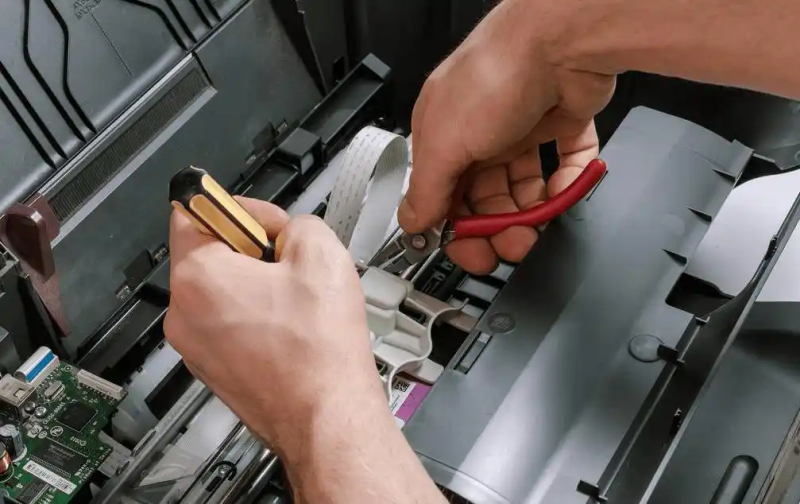
The lifetime of the light-guided drums is related to the frequency of use of printers and the work environment, which can normally last for several years. If the printer's useful life exceeds that of the light-guided drum, or if the light-guided drum is damaged or defiled during its use, it may affect the printer's print quality or even total failure。
The internal coating of the optical drums is very sensitive to light and avoids placing printers in the sunlight, which could otherwise be damaged。
The use of printers in high-temperature or high-moisture environments should be avoided, as they affect the printing quality of printers and may result in damage to optical drums。
If there are stains or dust on the surface of the light-guided drum, this will affect the quality of the printing, so regular cleaning of the light-guided drum is essential. Cleaning can be done with compressed air or soft cloth。
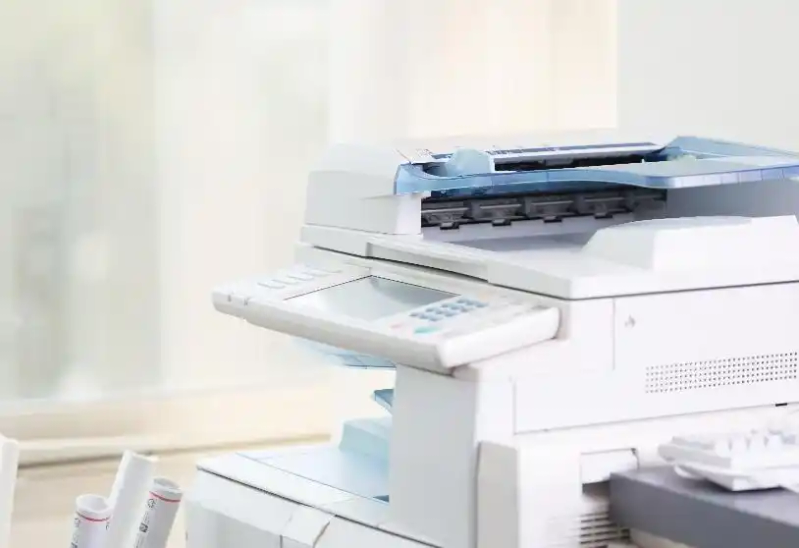
In order to ensure print quality and extend the useful life of printers, it is important to periodically replace light-guided drums. It is recommended that the replacement be based on the replacement cycle recommended by the printer's manufacturer。
If you have a print quality problem with your printer, you can first check if the light-guided drum is clean and undamaged. If other problems arise, it is recommended that assistance be sought in a timely manner with professional printer maintenance staff。
Epidemic wire
Epidemic rays are a key component of laser printers that are used to power light-guided drums during printing. It is a coil made of voltage ceramics and conductive metal tablets that generate charge on the surface of the optical drum through voltage incentives, thus shifting the energy of the laser beams to the paper to form a print image。
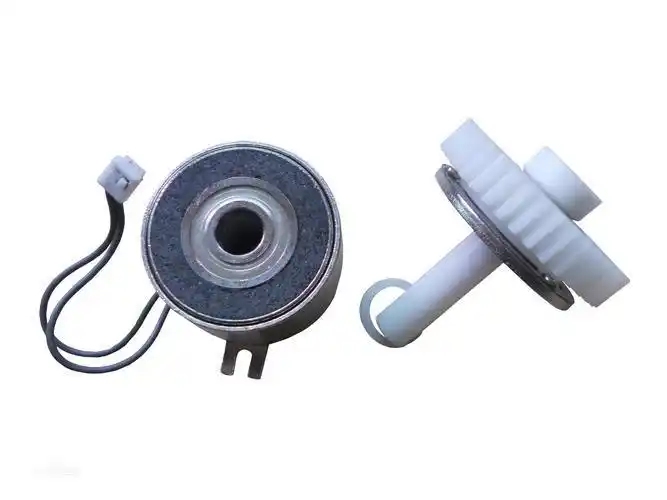
(b) epidemic wire is a sensitive component that avoids hitting or crushing it hard, or otherwise may damage it; short circuits may occur when water is encountered, thus avoiding the need to keep printers in a wet environment
The conductive metal tablets of the electrons can produce oxidation or dust, affecting their output effects. There is therefore a need for regular cleaning, which can be polished using clean paper or soft cloth; long-term use is susceptible to ageing and damage, and it is therefore recommended that it be replaced to ensure printing quality, as recommended by the printer manufacturer。
If your laser printer has a print quality problem, such as a pattern replica, colour deviation, paper black, etc., it may be a problem due to the failure of the electrons. It is recommended that you contact professional maintenance staff for testing and replacement in a timely manner。
Pink pod
The pink fight function is the powder or ink required for the storage and supply of printers. Normally, laser printers use four colours of powder: black, cyan, red and yellow. The coloured powders are placed in different fights。
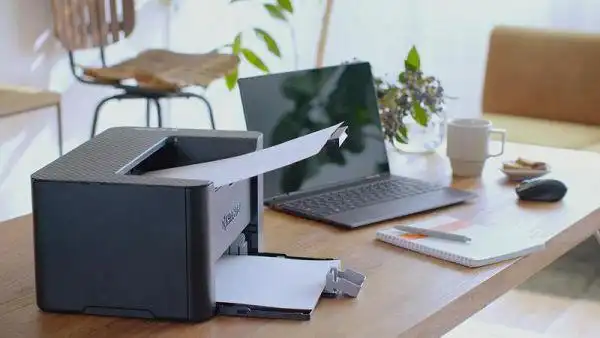
The design and capacity of the fighting will vary depending on the type and brand of the printer. For high-end laser printers, the cauldron can accommodate larger amounts of powder, which can be used for longer periods, and often more conveniently humanized designs, such as touch screens。
Prior to use, the user needs to dump the powder into the pink powder fight and properly install it in the printer as required to ensure printing effects and the proper operation of the printer。
Sequence component
The stationary component is an important component of the laser printer and is primarily responsible for the transfer of the ink from the dry powder cartridge on the laser printer to the light-guided drum to form a print image. The stationary components typically consist of thermal, pressure and cleaning components。
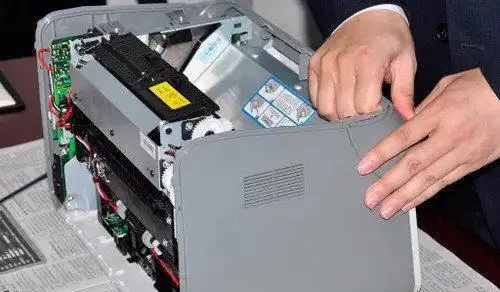
Be careful to replace cartridges so that the ink is not leaked to the detergent component, which would otherwise affect the quality of the printing or cause damage to the component
After some time in use, the ink is easily accumulated on the hot, pressure and cleaning boards and is difficult to wash. Long-term failure to clean may result in ink burning, affecting printing effects. It is therefore recommended that cleaning be carried out on a regular basis
Avoiding the use of materials such as photocopy, tape, etc.: photocopy, tape can contaminate detergent components, affect printing effects and can easily cause problems such as cardboard, fingerprints, etc.
The useful life of the simulator is reduced with the extension of the use time. In the event of printing quality problems, it is recommended that the component be replaced in a timely manner。
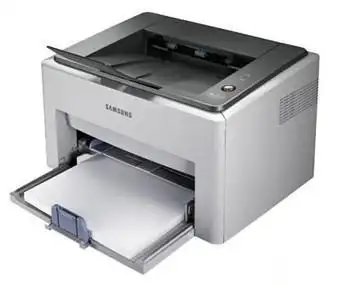
Typical malfunction analysis of laser printers
Laser printers, like all machines, are worn out and occasionally fail。
Carbon powder stains or spots
Carbon powder stains or spots may be carbon cartridges inside laser printers that are nearly exhausted or blocked, leading to incomplete extraction of carbon powder or the spilling out of powder tanks。
Check the carbon powder box and replace it if it is almost exhausted。
Check whether carbon powder slides or plugs inside the carbon powder boxes and printers, and clean them lightly with clean cloth or brushes。
Print test pages and, if carbon powder stains or spots still exist, may need to replace the printer's image drum or clean up the sensor drum. At the same time, attempts could be made to replace new carbon powder or to adjust its density in order to reduce the likelihood of carbon powder stains or spots。
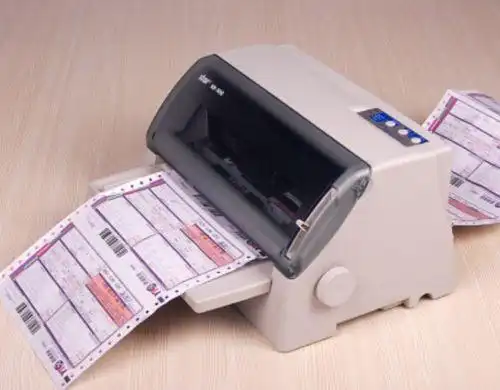
If the above method is not able to solve the problem of carbon powder stains or spots, it is recommended to contact a professional printer maintenance staff for maintenance。
Card
Another typical malfunction experienced by many when using laser printers is cardboard. The presence of paper may be due to the thickness of the paper or to congestion on the way in。
Ensuring that the paper used meets the specifications of the printer and, if the paper is too thick, it is proposed to replace a suitable type of paper。
Opens the back or side door of the printer to check if there is a stuck paper on the entry path. If so, the paper needs to be carefully pulled out slowly。
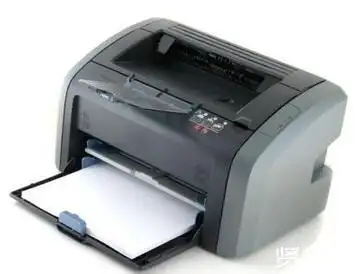
Check the printer's paper feeder or paper outputer for any items that are blocked and, if so, be cleared in a timely manner。
Prints an additional page of the document, as it helps to clean the vacuum in the paper feeder and avoids congestion。
In order to reduce the occurrence of cardpapers, it is recommended that you keep printers and paper clean during your use, avoid twitching or bending paper being placed in the printer and adhere to the correct paper placement to ensure that the paper can enter and pass through the printer smoothly。
Duplicate image
The re-photo image may be due to problems with the sensor drums or cleaning sticks of the printer, first checking for damage or need to be replaced. If the sensory drum is scratched or damaged, a new sensory drum may need to be replaced。
Check if there is a pile of carbon powder or dirt on the flash drum. If so, clean the lightdrum surface。
Check if the stick is in place or damaged. If the stick is placed correctly, but there is still a re-emergence, a new one may need to be replaced。
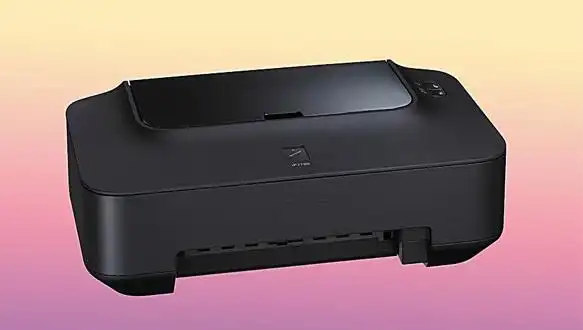
It is recommended to check whether the camera or other parts of the printer are contaminated and, if so, need to be cleaned up。
Please note that if you are not sure how to address these issues, it is recommended to contact a professional printer maintenance staff for maintenance。
It is recommended that you keep your printers clean on a regular basis in order to prevent a re-image。
Colour printing and/or low production cartridges
Cartridges are long or the paper used is of poor quality。
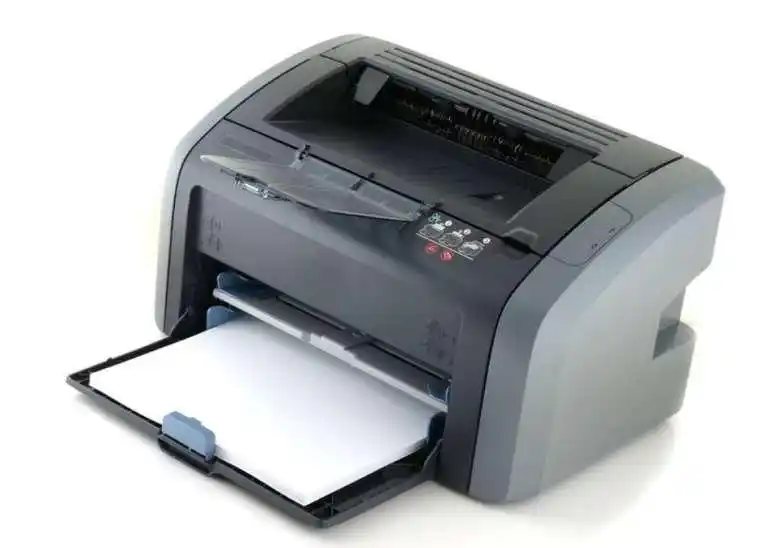
Long periods of time without changing cartridges or printing using low-quality paper are likely to lead to the colouring of printed images or a decline in production. At this point, there is a need to replace consumables or to use high-quality paper printing。
The proliferation of printer nozzles will affect the volume of ink ejection, leading to the problems described above. At this point, it is recommended to clean the printer nozzles in order to restore normal ink venting。
If you have not used a printer for a long time, sometimes the ink is dry on the head of the cartridge for an inkjet printer, thereby rendering the cartridge inoperable. New cartridges needed to be replaced to solve the problem。
Sometimes the colour management of the printer is incorrect and can lead to problems of colour loss or low yield cartridges. At this time, check the colour pattern in the print settings and set it to the right option。
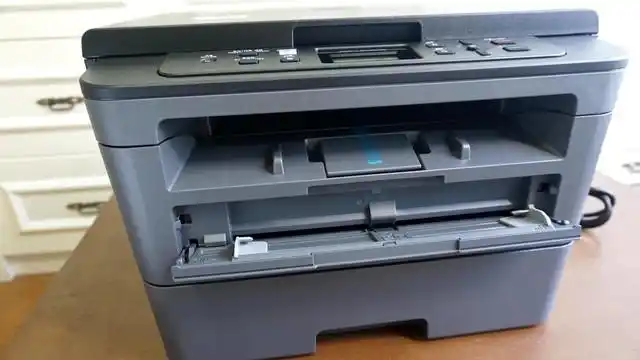
In order to avoid these problems, you are advised to look at the relevant use manual before using it and to follow the correct use and maintenance methods. In addition, printers are regularly cleaned and consumables, such as cartridges, are replaced to ensure quality and productivity of printing。
Unnatural or squeaky
If the laser printer makes an unnatural or squeaky sound, this may mean that the printer suffers from mechanical failure or loss of parts。
When there is a small item or dust inside the printer, it causes the printer to sound. The removal of internal impurities and dust may require the opening of aircraft boxes and the use of compressed air or vacuum cleaners。
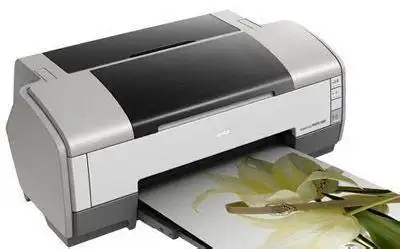
If mechanical parts of portable parts of printers are damaged or worn, they may cause abnormal noise. At this time, replacement of damaged components or adjustment of mechanical structures is required to ensure that printers are functional。
The looseness or loss of certain parts of the printer may also cause an abnormal sound to the printer. All spare parts will need to be checked for robustness and the missing spare parts will be correctly installed in accordance with the instructions。
There may also be noise problems if the printer has mechanical design defects in the design process. This will require the assistance of professional printer maintenance staff to check the completeness and reliability of the mechanical structure of printers。
Concluding remarks
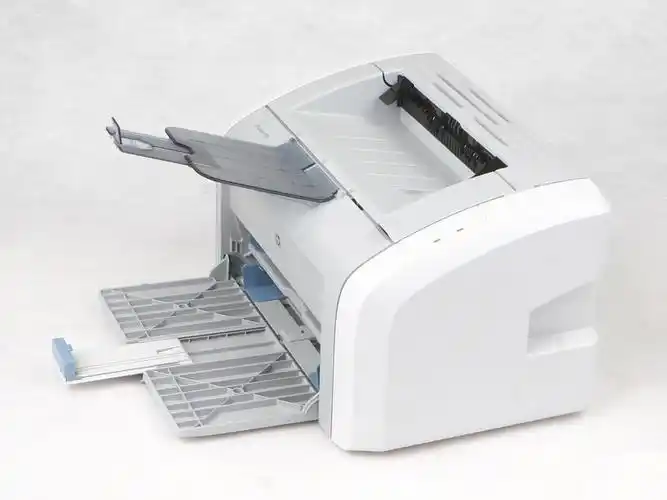
Laser printers are incredible machines that have completely changed the way we print documents. Their rationale is unique, complex and reliable, but they require appropriate maintenance to avoid problems。
When typical malfunctions are common for laser printers, technicians should be contacted at all times to prevent further damage before attempting any diy attempt。