Hp designjet 500 is a large-face printer product under the hewlett-packard flag, and west is providing you with a hewlett-500 printer drive download, if your printer cannot properly connect to the computer to download the driver. This drive can address problems such as unserviceability。
Hp designjet 500 product parameters:
Print parameters
Printing technology: thermal ink spray technology
Print resolution: 600 x 1200
Print speed: 3. 3 m2/h
Print screen: 610
Print length: 2048 nozzles
Materials parameters
Cartridge colour: four color cartr
Paper containers: rollers, paper boxes paper
Print media: coating paper radiant paper and engineering specialized media, etc
Utility parameters
Power: ac100-240, 50/60hz
Power 150w
Appearance parameters
Dimensions: 1240 x 480 x 350 mm
Weight: 38. 6 kg
Other parameters
Nozzle configuration: 2048 nozzles
Interface type: ieee-1284 ecp parallel interface, usb1. 1 interface
Marked memory: 16
Driver installation method:
1. Connect the plotter to the computer (usually usb data lines, some of which are serial data lines) and turn it on。
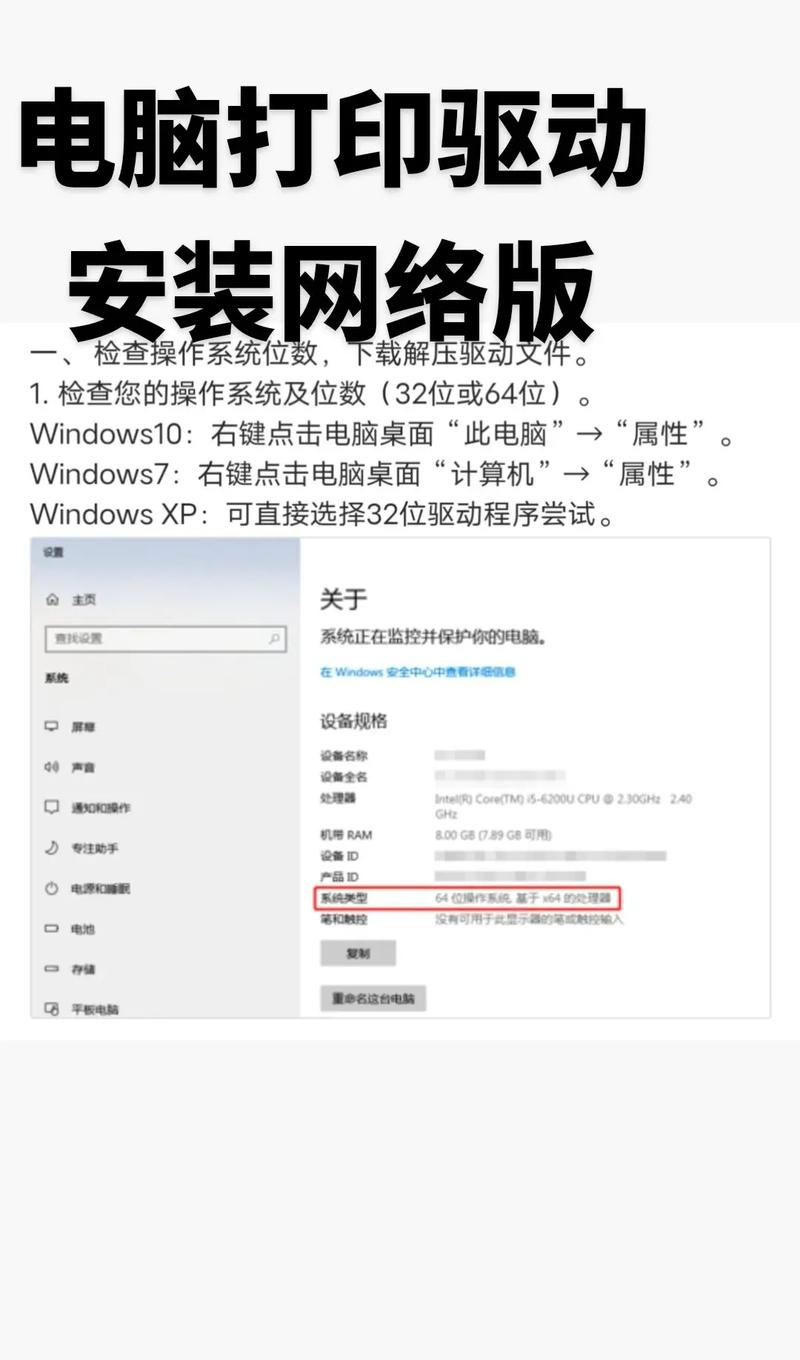
2. Cd-roms placed in packaging, click on the installation driver (which is basically the next step, the next step) and be determined after completion。
3. If the drive cd-rom is not available, it will be possible to access the brand's official website, search the model's driver and select the corresponding operating system and download the drive. Opens the driver file when the download is completed and installs it by hint。
Installation of a driver management software, such as drive elf, drive life, etc., allowing the driver management software to search for unengineered hardware and then to be downloaded and installed appropriately。