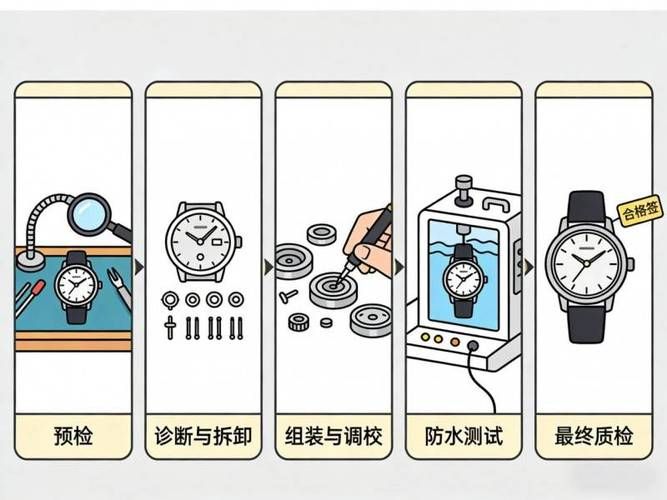
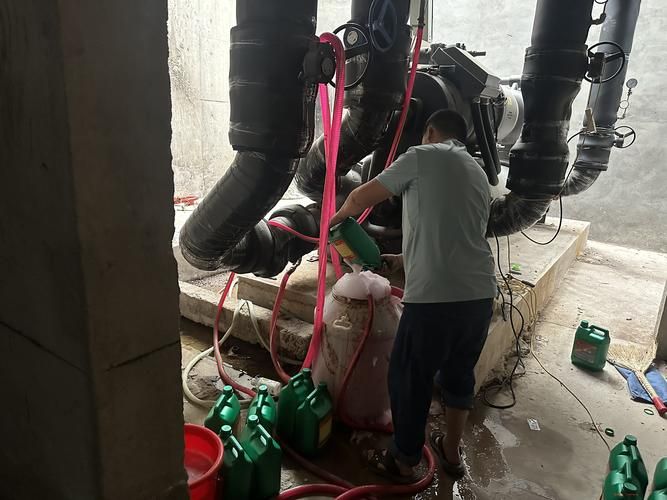
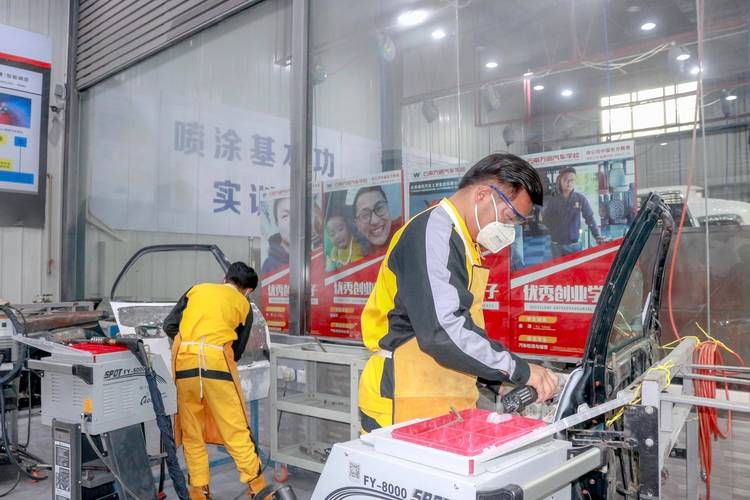
The former cumbersome post-sales process can now be completed with a few easy steps in the small process. If you click " after-sale" to scan the two-dimensional code of the cutting head, you receive the relevant documentation directly for the uploading of the product information, file the claim, and the team reacts immediately after the sale and quickly connects you to "service at home" and "back home maintenance"。
Real-time tracking of progress
After submission of the application for sale, there is no need to ask again about progress. The “post-sales progress” section of the small program allows real-time access to the processing status of the after-sales and provides an overview of the entire post-sales process。
A nice customer service
If you have any problems after sale, you can enter the after-sales module of the small program and complete a description of the failure, the customer will answer your questions in a timely manner and provide a friendly service。
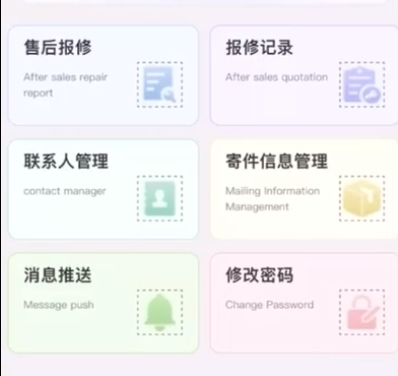
The main functional modules of the after-sales small program system are: user account log-in, after-sales check-out, review of records, contact management, mail information management, messaging, password modification, etc。
User account login: user name, cell phone number, authentication code, password, confirmation password, nickname。
Information required after sale: (equipment sn, product name, contact person/address, expected service time, expected service content, expected service completion time, failure description)
Selected information: (equipment brand information, malfunction video/photo)
Retrieval records: showing state of checkout: pending, in process, processed
Mailing information management: express single number, equipment sn, sender, type of mail, repair form, mobile phone number, area, detailed address, e-mail
Message sent: show the status of the service sent。
Finally, if you also need to develop a functional repair applet system similar to that, you can communicate together。