There is now a red rice phone brusher tutorial, which will explain how red rice phones are brushed in detailed graphic form. The brush is risky, but you're not going to have any problems if you follow the right brush, and it's going to solve a lot of small problems on our phones. The academy will share with you the two methods of painting red rice, and you can choose one of them according to your needs。
Method i: upgrade brushes using system upgrades
1. The downloaded zip-format rom brush kit is placed in sdkari
2. Ensure that mobile phones have a power capacity of not less than 65 per cent and that everything in the mobile phones is fully backed up using miui backup
3. Open " system upgrades "
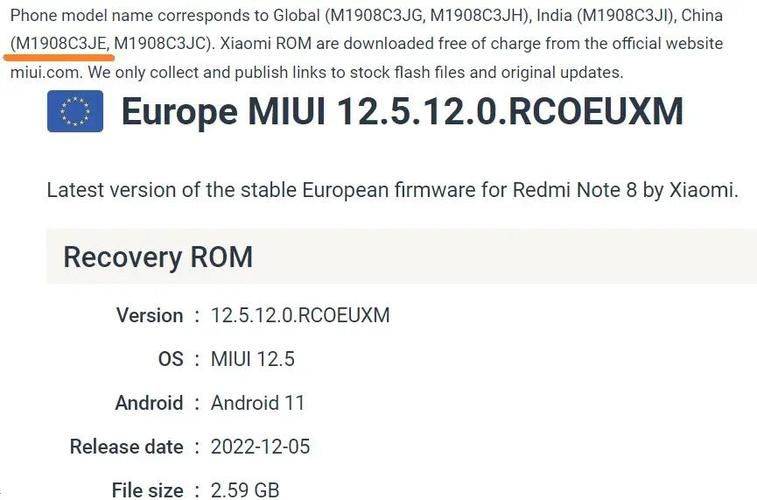
4. Click on the menu key to select " select installation package " , open the rom package you put in the sd card, confirm and start upgrading
5 upon completion of the upgrade, the brush is completed by restarting as required。
Method ii: upgrade brushes using update. Zip in recovery
Rename the downloaded rom package as update. Zip and place it under the sd kagen directory

2. Also ensure that your mobile phone is not less than 65% and that everything in your mobile phone is fully backed up using the miui backup
3. Enter recovery mode (enter system upgrade, dot menu key, restart into recovery; or, in a shut-down state, enter the recovery mode by volume + power
4 under the recovery interface, use the audio key selection, power key confirmation
5. Select `cleaning data' to remove caches, user data, all data after completion, and return to the recovery main interface
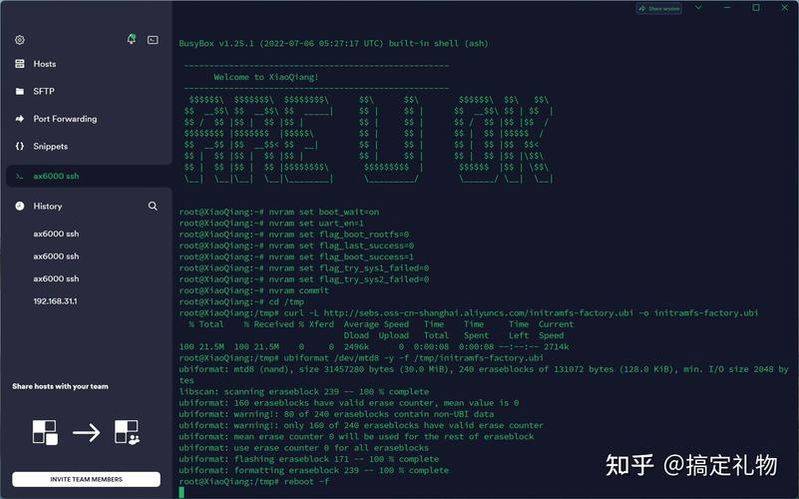
6. Select "update. Zip to system i" and follow the hint step by step
7 upon completion, go back to the main interface and choose “rebooted mobile phones” and select the system as soon as possible, thus completing the red rice brush course。
8. Once the new system is in place, a backup tool will be put in place to restore previously backed-up data and programs。