Method 2: enter the system update interface, press the menu button to pop out the menu, find a restart to recovery, and the mobile phone will automatically restart into recovery mode。
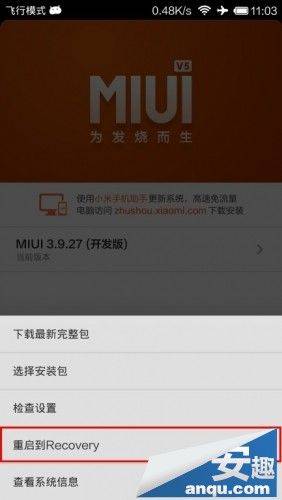
After entering the recovery mode, you use the volume key to adjust the top-down options, the power key to confirm, and when you have selected the language, you do the data removal operation (e. G. Above)。
Step 2: enter fastboot mode
In the hand machine state, hold down the volume- and power-keys, and when a rice rabbit on the screen is repairing an android, it has entered the fastboot mode, as shown in the figure below:
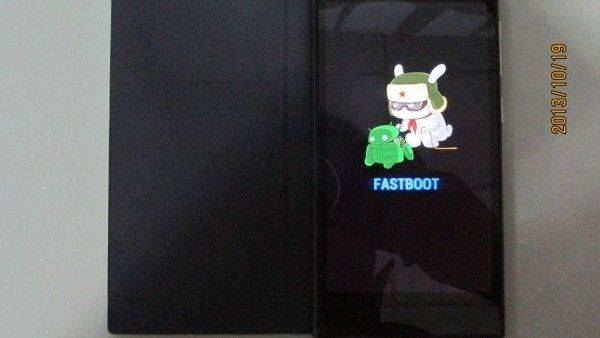
It is then connected to the computer with a data line, waiting for the computer to load the mobile phone drive, and when the device manager of the computer shows an android device, it drives normal。
Step 3: open the brush tool (miflash)
"browsing" finds the location of your millimetre 3 brush bag, clicks on the top left corner, finds the path of your brush kit, or directly opens my computer, finds the discs and paths, and can be copied and pasted directly (recommended to place the brush package under the subdirectories of the disk)。
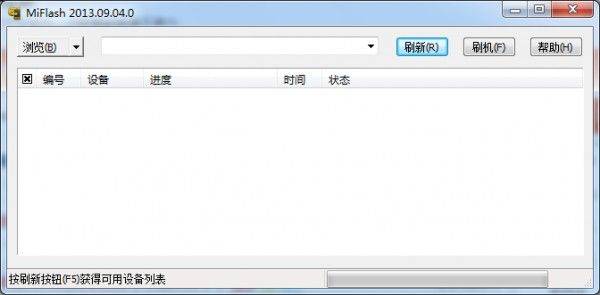
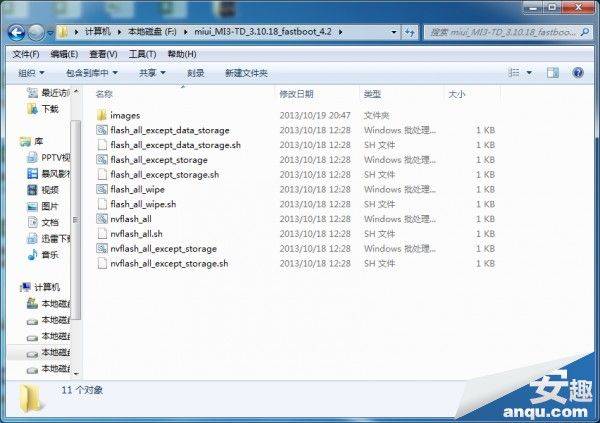
Click on the brush to get the device, and the device is successful when the device appears in the column。
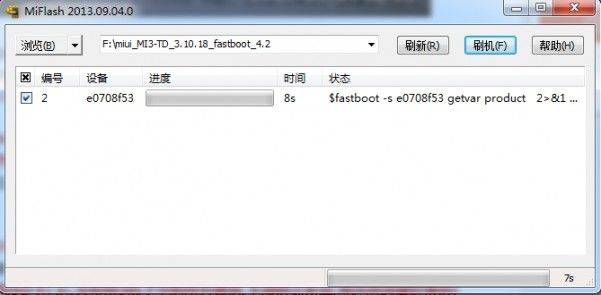
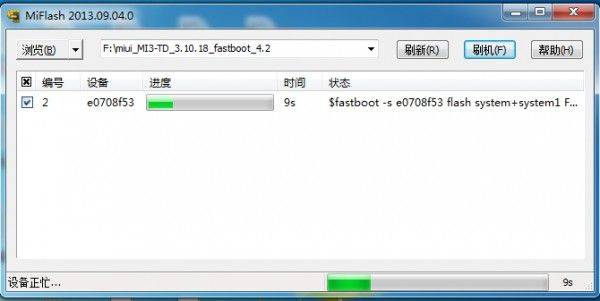
Click the brush, waiting for the brush kit to be fully brushed, the status bar indicates that the operation was successfully completed, using 87 seconds, and the hand is automatically restarted。
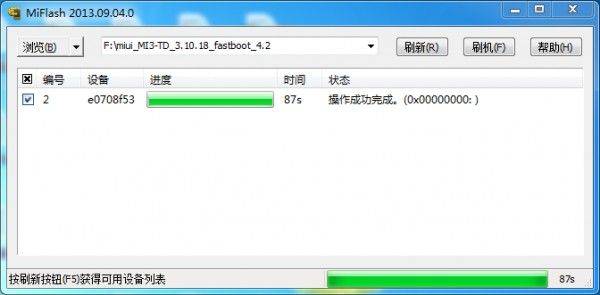
Once automatically restarted, the first load of the system is relatively slow compared to the normal start-up, so wait patiently and when the simple setup is complete, it can be used normally。
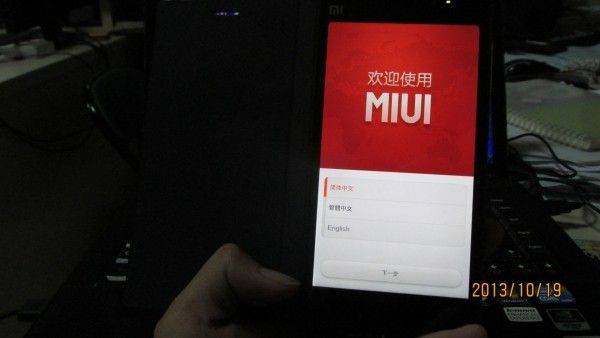
If you have a backup before then you can resume the operation after the settings have been completed。
Note: wirebrushing systems typically select the whole machine to clear the data line brush, which is backed up by critical data. If the rice powder wants to keep data, it is recommended that it be possible to download the complete upgrade package and upgrade it without a brushing operation. Except in case of systemic problems, fc。