In computer systems, cables play an important role in transmitting data, electricity and signals. Understanding the basic concepts, characteristics and applications of computer cables is essential for selecting suitable cables and ensuring their stable operation. This paper presents basic knowledge of computer cables, applications, purchase guides, installation elements and maintenance methods。
I. Understanding computer cables
Computer cables are divided into two main categories: wires and fibre optics. Wires are generally used to transmit telecommunications, while fibre-optics are used to transmit light signals. Fibre-optic cables have the advantages of bandwidth, distance of transmission and high ability to resist interference, and are becoming mainstream。
Ii. Application of computer celleries
Household applications: the application of computer cables in the household consists mainly of network connectivity, television signal transmission and power lines. Ethernet cables, for example, are used to connect routers and computers, coaxial cables are used to transmit television signals, while power lines are responsible for providing electrical power. Commercial applications: in the commercial environment, the demand for computer cables is more complex. In addition to the types of cables in domestic applications, commercial sites need to consider such factors as surveillance systems, building automation, data centres, etc., which require different types of computer cables. Industrial applications: in the industrial sphere, computer cables need to address more severe environmental conditions, such as high temperatures, low temperatures, strong electromagnetic fields, etc. Therefore, industrial applications require the use of computer cables with higher performance and longer lifespans。
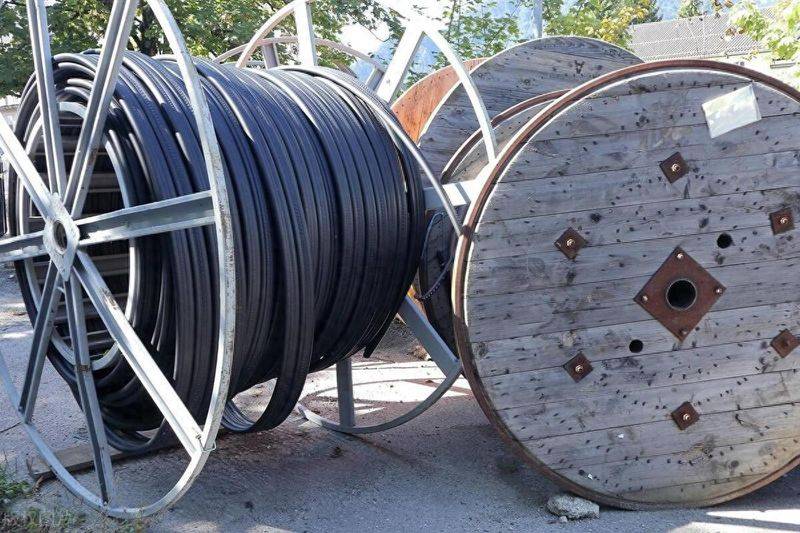
Guidelines for the purchase of computer cables
Identification of needs: when purchasing a computer cable, the type of data, distance, bandwidth and interface to be transmitted, etc., should first be identified. Select the appropriate type: select the appropriate type of cable according to demand. For example, for home network connections, ethernet cables are a common option; for data transmission at long distances and high bandwidth, fibre-optic cables may be required. Focus on brand names and quality: when purchasing computer cables, it is recommended to select well-known brand names to ensure their quality and reliability. In addition, attention will be given to key indicators such as conductor material, linear diameter and insulation of cables. Understanding the specifications of cables: when purchasing a computer cable, it is necessary to understand the specifications of the cable, such as voltage, current, frequency, etc., to ensure that it meets the equipment's electrical needs and signal transmission requirements. Consider costs and budgets: when purchasing computer cables, consider costs and budgets together. High-quality cables of high value are selected to avoid excessive costs。
Elements for the installation of computer cables
Powerline specification: when installing computer cables, ensure that the specifications of the power lines are in line with the electrical equipment's electricity requirements and avoid overloading or delay. Bending radius: in order to prevent cable damage, cables need to be bent according to the prescribed bend radius. Excessive curved radiuss may cause cable damage or reduce its useful life. Grounding: for equipment requiring grounding, ensure that the end-end of the computer cable is properly connected to avoid effects such as electromagnetic interference and lightning. Strong connectivity: when installing computer cables, it is important to ensure that the various parts of the connection are secure and avoid such phenomena as looseness or poor exposure. Clear marking: in order to facilitate follow-up maintenance and management, all types of cables should be clearly marked and clearly marked, recording information on their origin and use。
Methods for maintaining computer cables
Check for damage to cables: periodic check for damage, cracks or deformations of computer cables, and timely detection and replacement of damaged cables. Regularly updated driver: in order to maintain the stability and reliability of computer cables, the driver of the relevant equipment is regularly updated to support the latest communication protocols and performance standards. Cable placement: when moving or moving equipment, attention is paid to the placement and organization of cables, avoiding such phenomena as bending, crushing or entanglement, in order to prolong their useful life。