Computer hardware is not so mysterious and has a few basic common senses, not only to solve small problems on its own, but also to avoid being cut off by merchants。
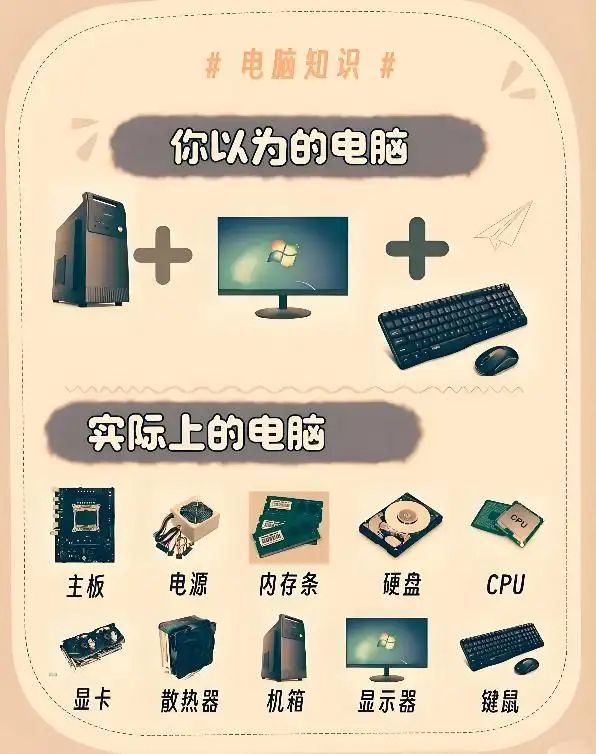
Let's talk about the eight things we need to know in computer hardware
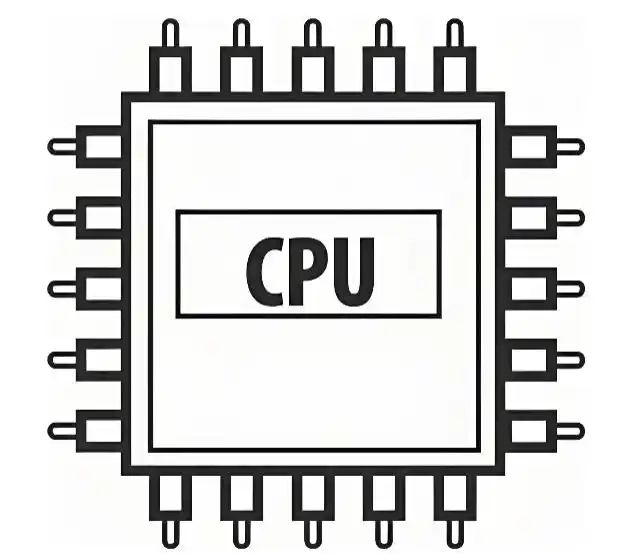
Cpu: computer's “brain” with high core digital performance
The cpu is like a human brain that calculates and directs. A lot of people think, "the more the core, the better, like the four cores are stronger than the two, the eight nuclears are stronger than the four -- it's the wrong zone!"
Key points:
Core number: suitable for multi-task processing (e. G. 10 simultaneous pages + ps+ video)
Main frequency (e. G. 3. 5 ghz): determines the speed of a single task (e. G. Playing games, rendering videos)
Model: i3/i5/i7/i9 in intel and r3/r5/r7/r9 in amd. The larger the number, the stronger it is (comparison to generation)。
Pipe-scrap guide: office selection i5 or r5 is enough, game parties prioritize high-dominant cpu, not blindly pursuing multiple cores
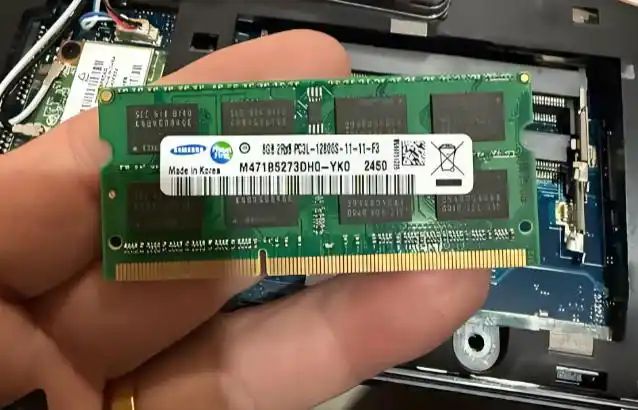
Memory strips: computer “temporary warehouse”, both capacity and frequency look
The memory (ram) is a "temporary workspace" for computers, such as you open micro-mails, browsers, word, and all these programs are stored in memory. If the memory is insufficient, the computer will be entered as a slide。
Key points:
Capacity: 8gb is the bottom line and is sufficient for the office/troupe; 16gb is recommended for game/video cutting
Frequency (e. G., ddr 4 3200 mhz): the higher the frequency, the faster the data are transmitted (but with little impact on daily use)
Two channels: two memory bars (e. G. 2 x 8gb) are stronger than single root 16gb。
Cold knowledge: when memory is insufficient, computers use hard disks as “virtual memory”, but hard disks are 100 times faster than memory, so cardon senses are clear
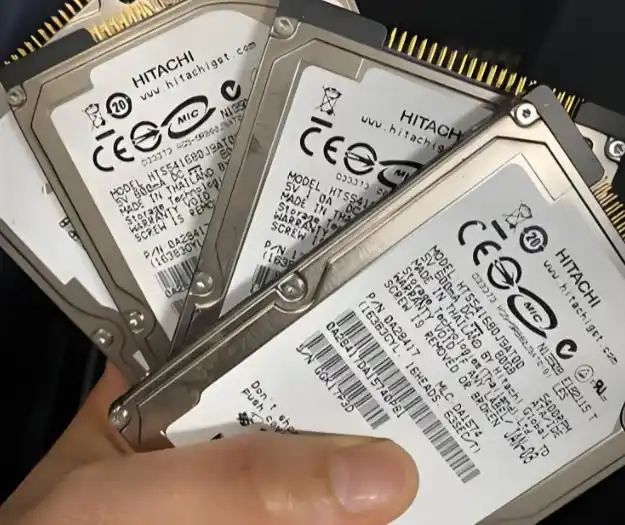
Hard disk: data “long-term warehouse”, select solid state (sd) or mechanical (hdd)
Hard drive is a computer's long-term warehouse, where photographs, videos and games are stored. The wrong hard drive, the opener, and so forth
Key points:
Solid-state hard drives (ssd): fast (in 10 seconds) but small and expensive
Mechanical hard drive (hdd): slow (one minute on-board +) but large (1tb start) and cheap
Optimal options: system application of ssd (assembly system and commonly used software), data application of hdd (film storage, photographs)。
Blood and tear: zhang bought 120 gb ssd systems to save money, and it's full of windows + tweets, every day delete files
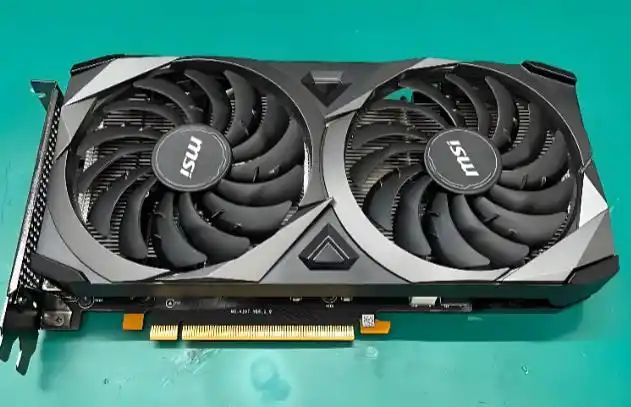
Speculator cards: the “lifelines” of the gamers and designers, which are not allowed to play
The graphics and videos are handled by gpu, which is valued most by game parties, designers, video editors. But don't think, "no computer without an independent graphic card."
Key points:
Integrated graphic cards: cpu self-banded, low-performing, suitable for office, follow-up, light internet trip (e. G. Heroes alliance)
(a) independent graphic cards: highly performing and suitable for 3a majors (e. G., cyberpunk 2077), 3d modelling, video rendering
Visibility: the greater the visibility, the more high-resolution images can be processed (but the card performance is more important than the presence)。
A guide to the hole: don't be fooled by the "4gb mass." some low-end graphic cards are large but weak, and big games are stuck to dogs
Main board: computer “bones” more compatible than “high end”
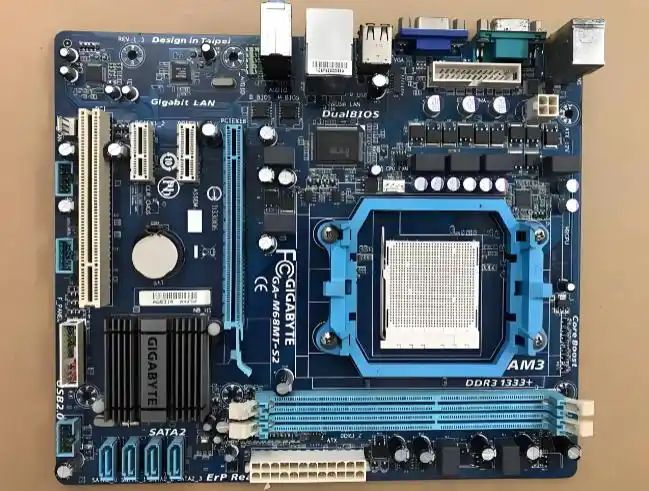
The main plate is the computer's skeleton, and all the hardware is stuck on it. A lot of buyers only pick "priced" rgb lights, and they find it incompatible with cpu, memory
Key points:
Chip group: must match cpu (e. G. Intel's b660 main plate with 12 generations of coolness, amd's b550 main plate with 5,000 radiant dragons)
Interface: see if there are enough m. 2 interfaces (ssd installed), pcie slots (show cards), usb interfaces
Extension: in the future, if you want to upgrade hardware (e. G., memory, cpu), the main board has to leave an interface。
Cold knowledge: masterboard brands (e. G., gorgeous, microstars, technocrats) have little impact on performance and do not spend more on brand premiums
Power: the heart of a computer, not to save money on it
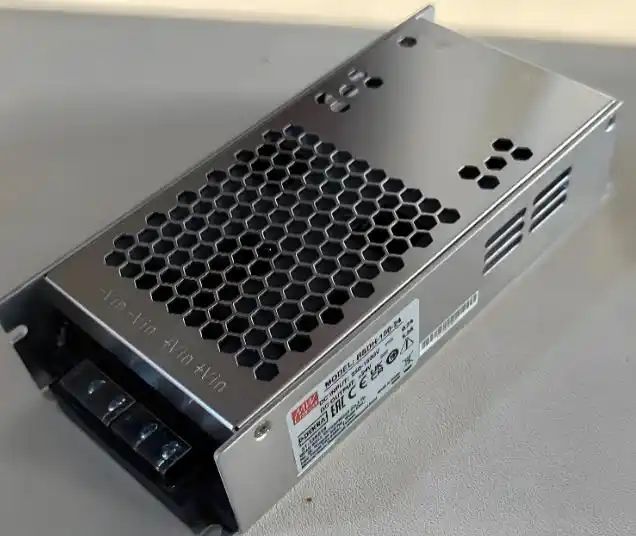
Power is the “heart” of the computer, which supplies all hardware. A lot of people buy impurities to save money and burn down the main board, graphic cards and even fires
Key points:
Power: based on the total hardware effort (e. G. Cpu+vc 300w, power at least 450w)
80 plus certification: copper/since/gold/gold/platinium certification, and higher power savings
Branding: large plants such as hae-hyun, jin-hwa, yacah, etc., with the possibility that impregnated power or poor quality components may be used。
The truth is: power is broken, other hardware may be burned, maintenance costs are enough to buy two new ones
Scatterers: cpu 's 'air conditioners ', not to allow it to 'burn'
Cpu works with a huge amount of heat, and if heat spreads badly, it's light, it's heavy, it burns
Key points:
Wind cold: cheap and practical, suitable for common cpus
Water cooling: strong but high prices, suitable for hyperfrequency or high-end cpus
Silicon resin: “thermal ointment” between cpu and the radiator, which can be replaced periodically (1-2 years) to increase the dissipation effect。
Cold knowledge: some of the airframes are poorly designed, the heat cannot be drained, and the better radiators are useless
Boxes: “clothes” for computers, size and heat spreads are more important than paint
The case is the computer's “clothes” and many people pick only the good ones, and they buy it and they find it too long to fit, or it spreads like a “stealing cage”
Key points:
Dimensions: atx (large machine case), m-atx (medium machine case), itx (small machine case), selected according to the main plate size
(a) heating: see if there are enough fan slots, vents/ vents
Extension: in the future, if you want to add hard disks and cold water, you have to leave space in the case。
Hole avoidance guide: don't buy side-to-side glass case without rgb hardware — it's a waste of money
Summary
Computer hardware is like building blocks, with some basic common sense, and can be equipped with a “sufficient and cost-effective” computer。
Next time you meet a computer, carden, black screen, don't rush into it. - maybe it's just too much dust
Computer hardware