1. There is a need to prepare a flash drive to include the package in the u-back directory。
2. Television is subject to three clean-up operations. The so-called triangulation is that when you go on board, you go into recovery for operation (access to recovery method: https://www. Znds. Com/tv-270358-1. HTML), clear cache, clear local data and clear all data。
If you are ready above, insert the disk into the television. Turn off the three-way off and insert the flash drive into the tv and turn it on into recovery. The system will automatically be downgraded without the need to reboot the tv, and you will see that the rice rabbit is operating the project. The brush will be implemented in about 30 minutes, and when the brush is turned on, it will be converted from a blue millimetre image to a raw gold starter, returning to version 1. 1. 25。
4. Once restored, the following operations will make your television as fast as the latest millimetre 3s and will be free of advertising and third-party software。
When it is down to version 1. 1. 25, click on the app store, select the last application management-system application-set-about mobile phone, click and click down to version 4-5 of the system, then enter the developer function and exit to find the developer option. Click an animated zoom in the window after entering, choosing 0. 5 x. Transition animated zoom 0. 5x. A gpu rendering is sufficient, and there is a hint to force a 2d painting with gpu。
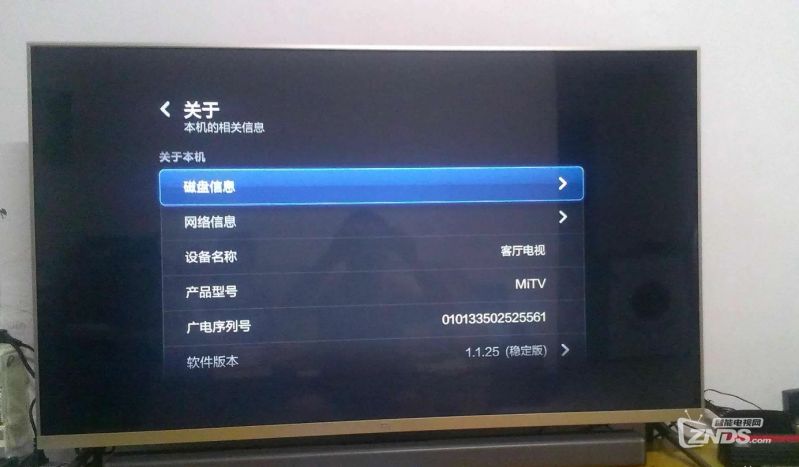
Qq screenshot 2017093035307. Png (1. 05 mb, downloads: 60)
Download attachment