It is believed that computers are used in many cases, but there is also a difference in the use of computers among the population, such as programmers who are good at writing codes, designers who are good at drawing models, practitioners who are good at using specialized software for assigned work, and ordinary people who use their homes or offices. With the exception of those who need a certain level of professional or technical knowledge, ordinary people's usual need for computer use is less complicated, because they do not use it when they think more about design, writing and operation, so simple enough for ordinary people。
But on a day-to-day basis, some computer-related knowledge needs to be understood, although computers are a tool, it is better to avoid problems if there is more to understand, and, after all, to be forced to change. Let me show you what common sense we ordinary people should know。
1. Attention and regular maintenance of computer parts
On computers, there are a number of hardware that are vital, such as cpus, master boards, graphic cards, memory, hard drives, power, etc., not only as part of the computer, but also to support the operation of the entire computer. It also requires attention to routine maintenance, such as as dust cleaning, silicate switching and increased heat dispersion, to enable them to work better。
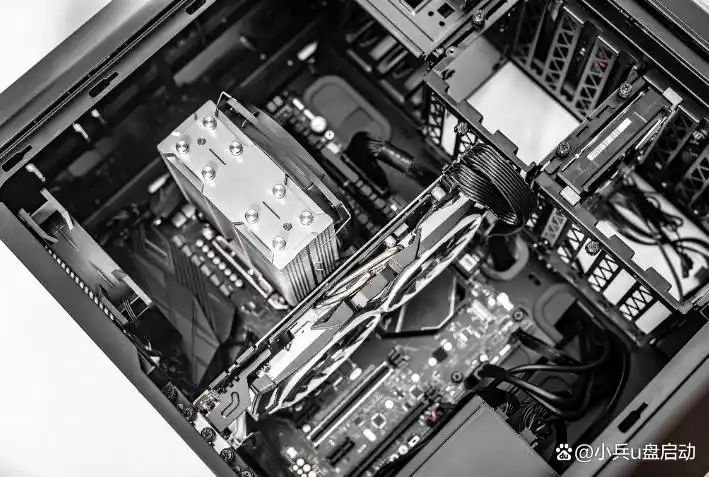
In terms of use, however, the possibility of a more intuitive impact on the use experience is memory and hard disk, which is a matter of higher usage rates and faster, but which is not enough for the rest of the time, but it would be hard for you to use it; it would also be much faster to change to solid form than a machine, otherwise the slow reading and writing of a document would be crazy. So if these two are not sufficient, it would be better to consider their own circumstances, whether to upgrade the configuration or to run fewer programs to keep the system fluid。
2. The decision to turn off the computer or sleep as required for use
When we turn it on and use it for some time, we'll think of something else to keep us from sitting in front of the computer. And at this point, think about it, it's nice to keep the computer locked up for a short period of time, so that you can come back and use the old state. Some people leave for as long as they don't have to and fear that they will forget the time。
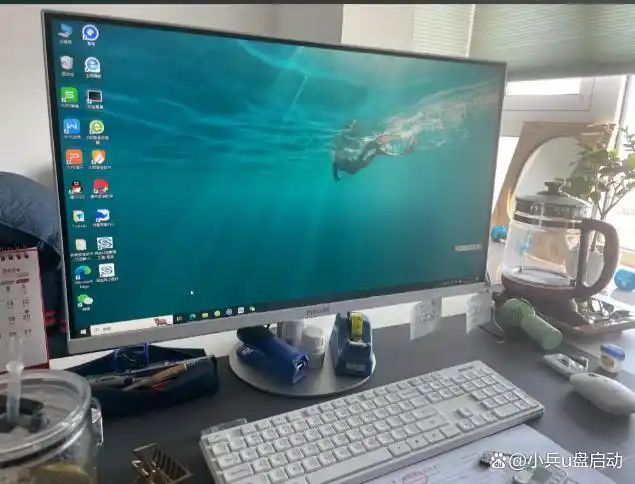
Actually, if you're windows 10, following the logic of windows 10, if you click off, it'll take you a little more time. If your system doesn't do any other optimisations, the quick start of the battery management will get you on, but it will still take some memory. And if you leave for a really long time, you turn it off, so you can release the memory。
3. Possible electricity costs for long-term start-up a little higher
The advantage of long-duration start-ups is that no matter how long they leave, they can be used at any time, and they do not have to be re-opened once again, but the amount of time spent plus the power of the main power source could be much higher, and keeping the computer open would speed up some hardware ageing。
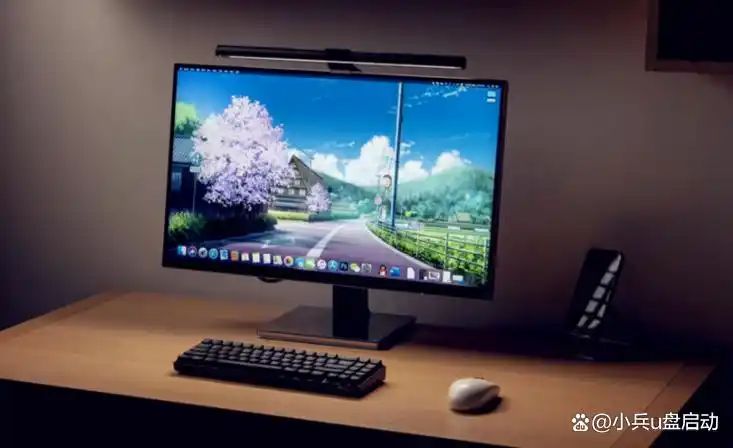
It would therefore be preferable to set an appropriate time to turn off, even if it were chosen to operate for a long time, so that the computer could rest before being in a better position next time。
Four, focus on some outsiders, have good use experience
Apart from the fact that the mainframe is basically available when it's plugged in, a little attention is given to computer-related peripherals, such as seeing, touching, pressing, listening。
To date, many people have also realized that changing computers does not change monitors. It's not just monitors, the soundbox/earlet or even the keyboard mouse can live longer than your computer's mainframe, so if you have the conditions, the budget should lean a little more on these things, at least not on them, and they'll repay you when they're used。
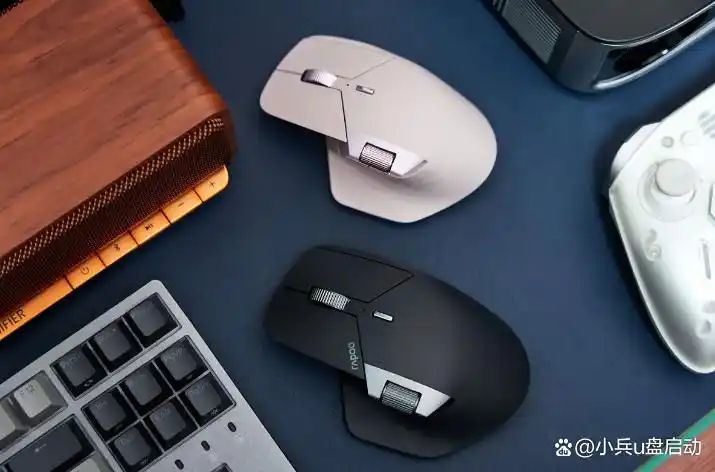
For example, the mouse is a waste material, but the good mouse feel is different, and the mouse can be replaced by a slight move, as new. So as long as you don't give it up, you can use a few hundred bucks of mouse for five to eight years. And the pleasure it gives you is not a few dozen mouses. It's also important that a good chair makes you comfortable and comfortable. It is, of course, up to the actual situation and the budget。
5 if you need to download the software, select the officer as much as possible network
As to why, it's also because there are websites on the internet that can download the software you want, but there's no guarantee of security, and some sites may have computer viruses or trophies, etc. Of course, when looking for software, there's an "official" word when searching for it. After all, there's a lot of web pages now, and when you don't go in there and download it carefully, you can tie up multiple software downloads。
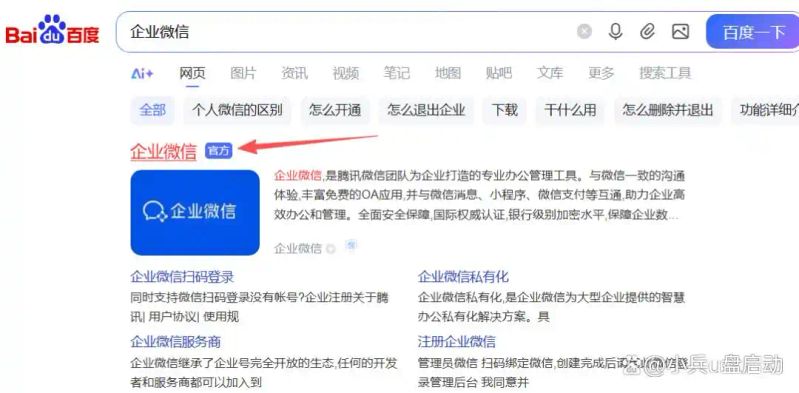
It's not easy to handle. Those downloading on the official web also need to be aware of the default ticks, and the options that are not needed should be removed. Do not select drive c when it is possible to change the location of the software installation。
Six. If your place is big, you can consider multiple routers
As a rule, many people think that one router is enough for the house, which depends on the situation, because walls and other obstacles between rooms can affect wifi signals, thus making the network good and bad, and possibly leaving it in a good place to be used。
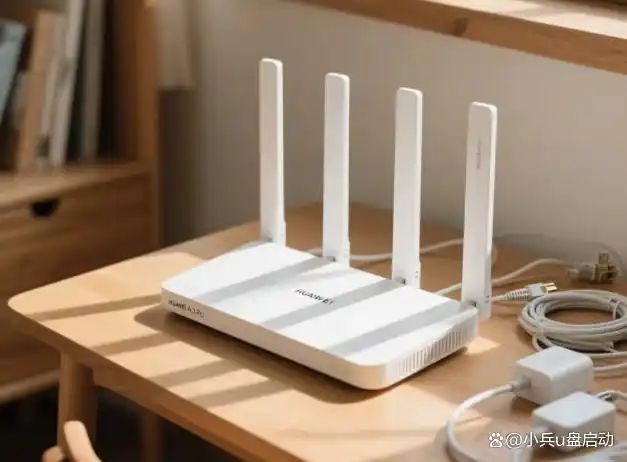
How about a different way of putting one or more of them together? As long as you set sid, authentication and password exactly the same, you can use it like a wifi. Whichever place you go to, it'll cover, it'll work, it'll stabilize. Of course, if it's enough, you don't have to play that much。
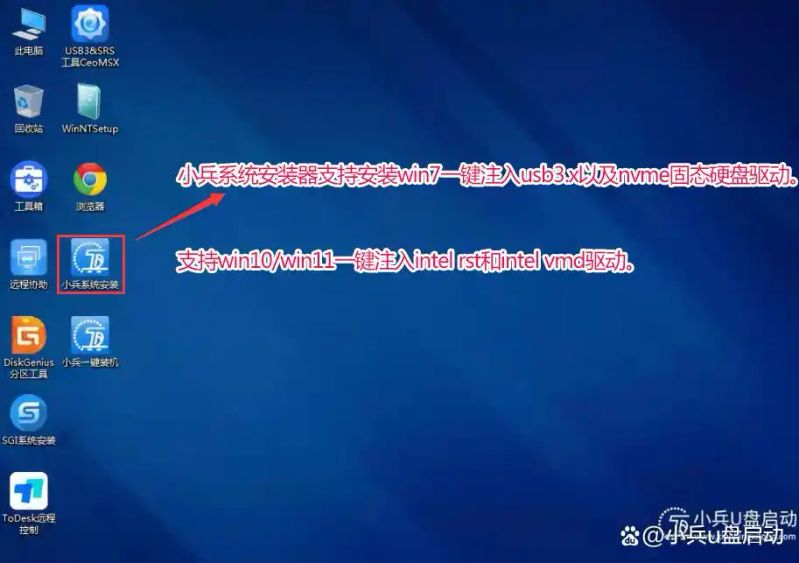
If you have problems with the computer installation system: you cannot find hard disks, blue screens of the u-disk installation system, no access to the system after the u-disk installation system, hard-disk partitions, installation systems to guide repair problems, you can use "py" as a solution, while it also supports the installation of the original version of win7 with the introduction of usb3. X, nvme, etc., and the installation of the original version of win10 or win11 with the injection of vmd。