2. Choice of mode of registration: “registration of mailboxes”
3. Click "agree to submit the following agreements for registration" after filling in membership information
4. Login e-mails to receive activated mail, open the mailbox, click on the active letter, complete account activation
5 "closed registration" in click mail, successful registration
Note: mailbox name = payment of treasure account name, payment of valet login password = valet net login password
Ii. Activation of the payment treasure account
One, go to the first page of the net and click "my treasure" on the top right to enter the treasure hunt account
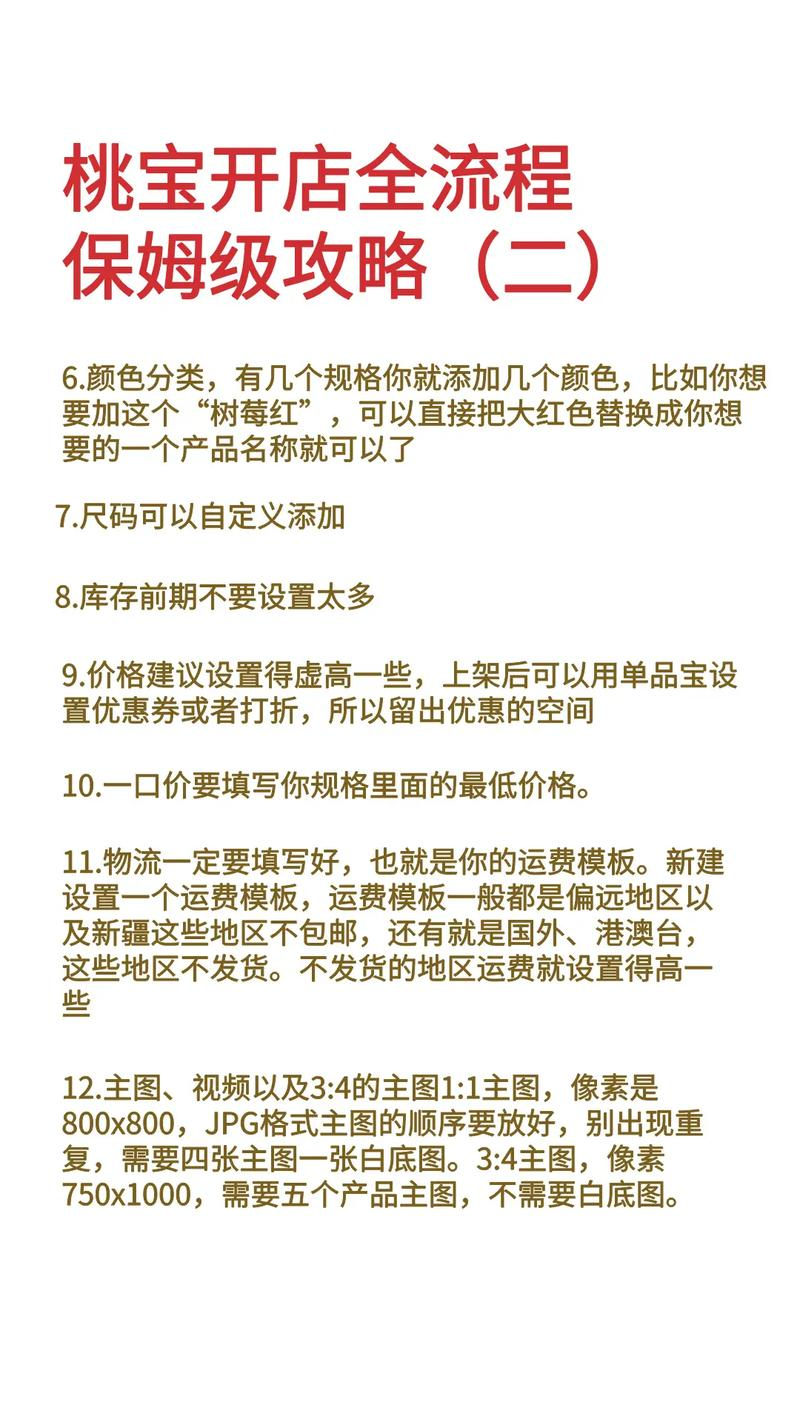
2. Click on " payable treasure account management " , click on " click to activate " to activate the payment household
3. Entering the account 's registration information and the payment treasure account information and clicking on the "save and immediately start using the payment treasure account " to activate the payment treasure account and become a paying treasure member
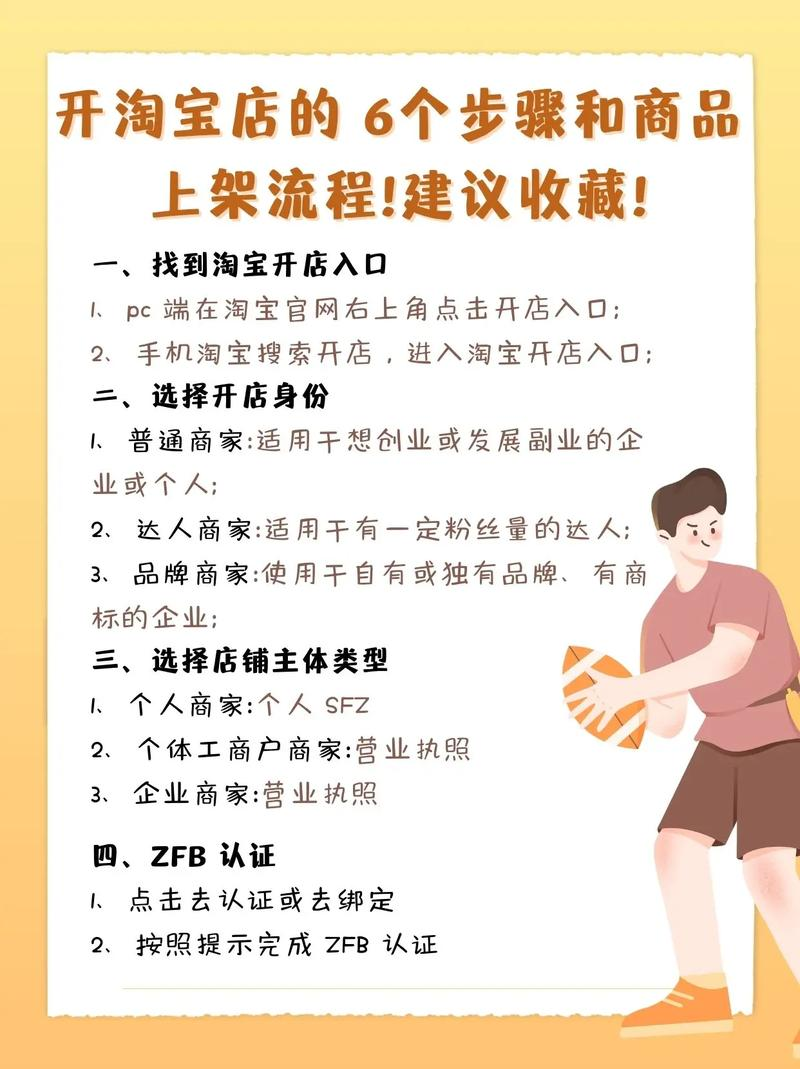
Iii. How to authenticate
One, go to the first page of treasures and click "my treasures" on the top right to start authentication
2. Clicking header to the right
3. Click "application for payment of personal name certification"
4. Select 2 ways to apply for “payment of bmw” or “confirm the amount of bank remittances”
Click on the immediate application button for the example of "recognizing bank remittances"
5. Submission of identification information
6. Click to submit personal information and bank account information after completion of the check and click " confirm submission "
If you have successfully submitted an application for accreditation, please check your account at the bank counter or online bank for a confirmation of funds sent to your bank account, log on to the payment treasure website and click on the top right corner of my payment treasure and enter the exact amount
8. Logging in to pay money account - my account, clicking on "applying for real name authentication" for money transfer page noodles
9. Recognition of the amount of remittances and entry into bank accounts of the amount of money received from the bulk of the money paid
10, 2 seconds after information clearance, you have been certified for payment of the real name
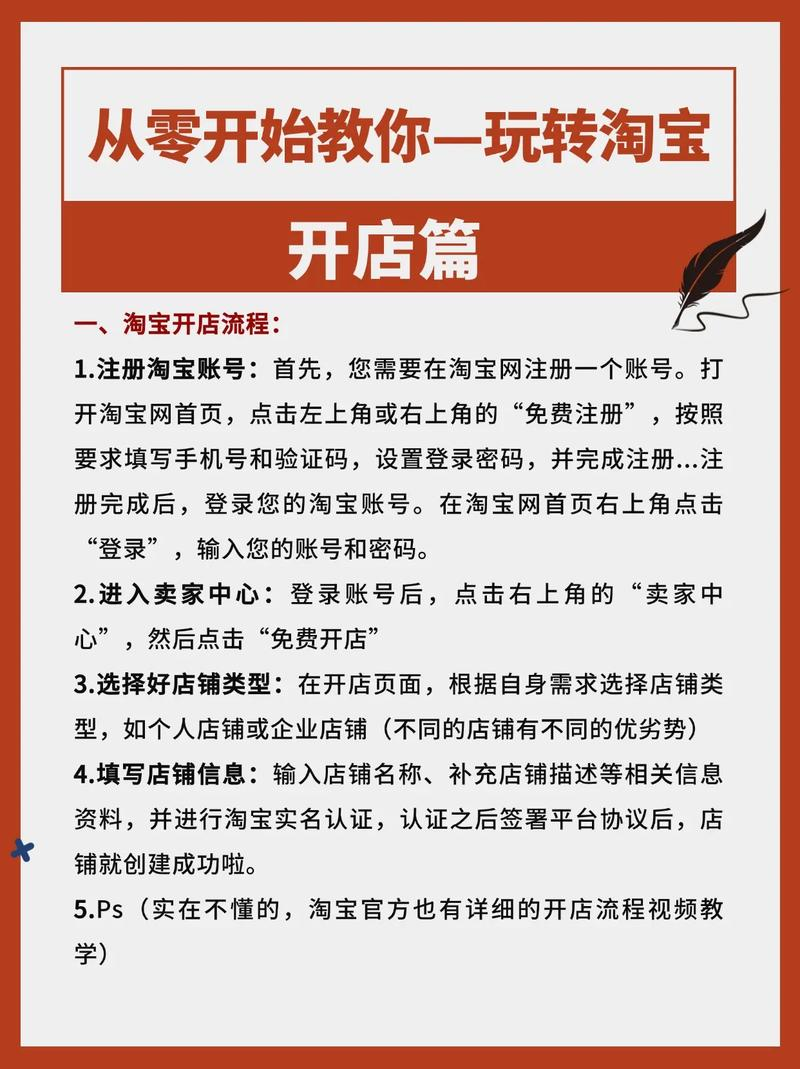
I'm opening a store
One, login and go to "my treasure" and click "i'm going to sell."
2. Click on a "sip price"
3. Select the category for which you sell the baby, which needs to match the attribute category of the baby, etc., by clicking "well, go ahead and release the baby."
4. Click " release " after filling out the baby's basic information
Five. Once 10 different babies are released in the same way, you can open the store
Six, 10 babysies and click "i'm gonna open a store" to create a shop
7 fill in basic shop information and click confirmation
8. The shop has been successfully created to record your shop address in a timely manner。