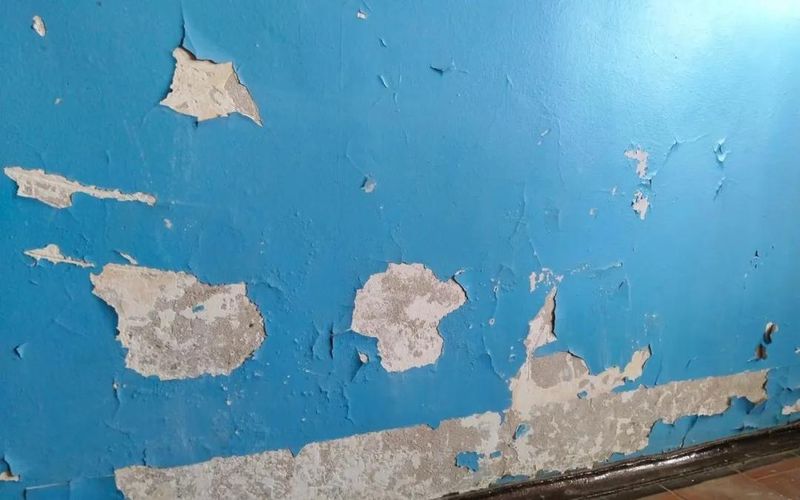
3d texture is the method of creating or applying texture for 3d materials and models. It's the basic feature of the surface of the model, making it look real by wrapping it up。
Online tool recommendations:
- 3d model preview generator - nsdt 3d model preview generator - nsdt
Today, 3d texture, printing and modelling are very popular. Create 3d models and their textures become more authentic using advanced tools available. 3d modelling is the most critical stage in the development of 3d. Models must be detailed, and such technology was essential to ensure quality and natural appearance. The true sense of the finished product model is based on texture of materials。
Here, we will focus more on making textures for three-dimensional models. This will explain how to set 3d model material using the gltf editor - nsdt. Before we go further, let's understand what a 3d texture is。
What's 3d model material
3d model material is a method for creating or applying texture for 3d materials and models. It's the basic feature of the surface of the model, making it look real by wrapping it up。
There are two types of material: basic and pbr。
Basic materials are very smooth. It's made out of cones. This type of material is an important basis for texture processing and contributes to the real appearance of objects. When the object does not require a role interaction, it can be used。
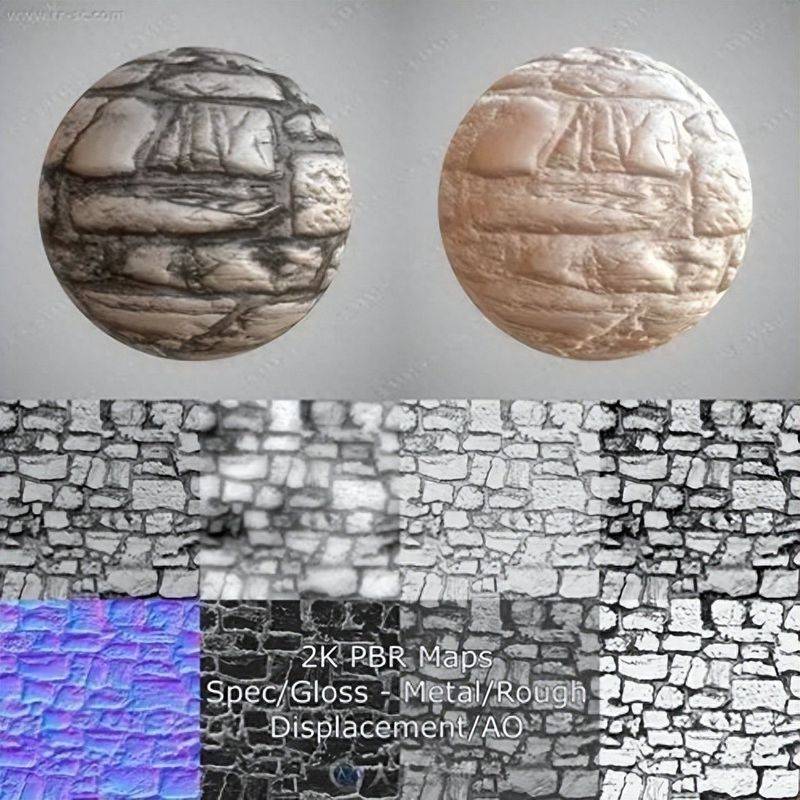
Pbr is a texture-based material that looks natural. Artists need to use colour, roughness and condensed texture to achieve the final original output。
Importance of 3d material texture
3d artists must be careful to obtain the same quality of surfaces as real world rocks when they are rendered. Matching the surface of the model with its conceptual art design is the main objective of this process. Let's take the rock surface model, for example。
An important hint to consider
Various types of three-dimensional models are available, including animals, roles and other assets. Each methodology has its own characteristics and should be taken into account in the texture treatment of 3d models. Here are some tips
What are the different texture stages
The main stages of standard texture of 3d materials are as follows:
What are the different types of 3d texture
Physical texture is the process of creating shape illusions engraved by entity 3d substances. In 3d space, colour changes are adjusted at every point of the model, rather than covering 2d textures. We call it geometry when real images are superimposed on the surface of a three-dimensional model. In order to make your model look more authentic, it is best to consider different textures and materials at every stage of texture。
How to use the gltf editor
3d modelling texture processes are time-consuming and require a better understanding of technical aspects. Experience and skills play an important role here. Technically skilled professionals can only make detailed textures very effective. So, is there a texture tool that can be used by a rookie
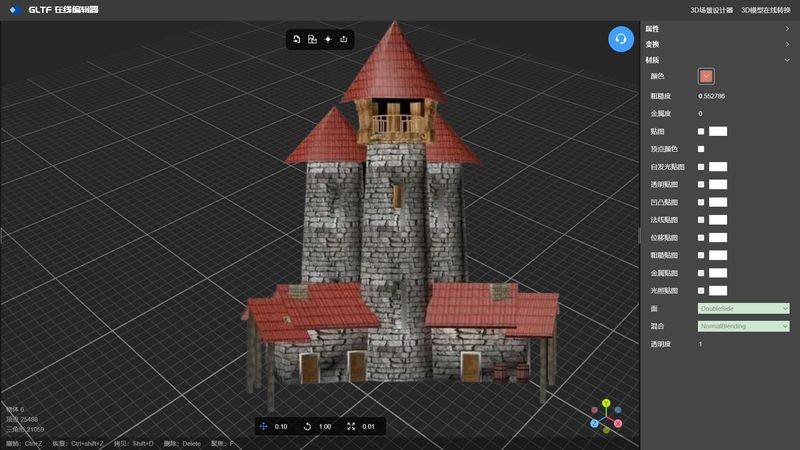
Gltf editor - nsdt is a white-operated 3d model mass texture paste tool that is used only to import the model into the editor, which automatically interprets the material properties of the model and displays them through the right panel. Users then simply import the texture drawings prepared by the type of material properties into the system, and the system automatically makes a sticker for the model, an operation of all process imbeciles, and produces a texture drawing. Here is its operational interface and case:
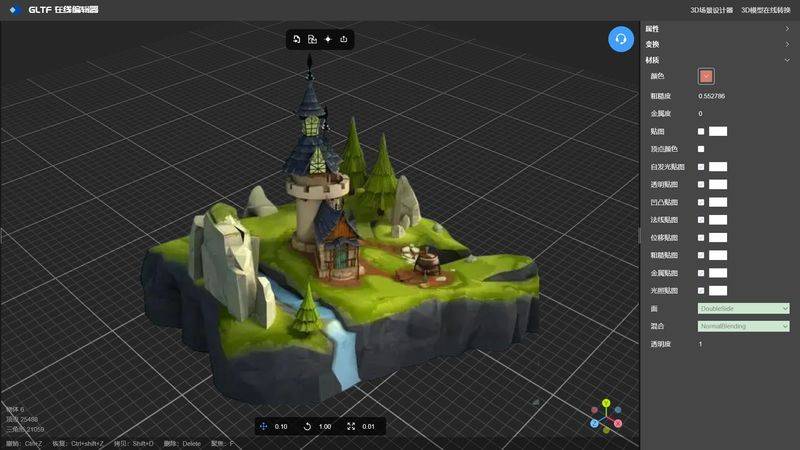
Access: gltf editor - nsdt
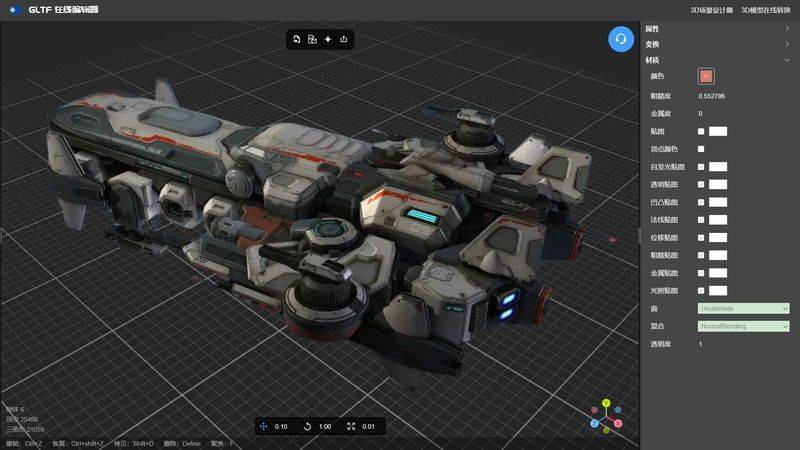
Access: gltf editor - nsdt
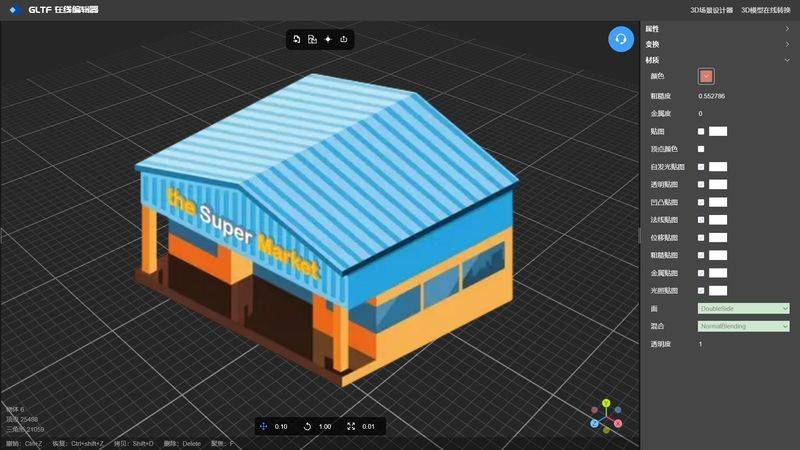
Access: gltf editor - nsdt