A laptop screen line, which is an important part of connecting the notebook main board to the display screen, often leads to an anomaly in screen displays, such as black screens, blinking, coloured flowers or crossline interference. In the face of these problems, users need not be too concerned. The following are practical steps to repair the problem of the laptop screen wiring。
**i. Confirmation of line failure**
First, it is necessary to determine precisely whether it is a line-line problem. Preliminary determination is made by observing whether there is a flash, striped or completely black screen on the screen, and whether externals such as keyboards, touch panels, etc. Are working abnormally. Sometimes, restarting the notebook or re-plugging the line interface can also temporarily restore functionality, but this is not a long-term solution。
**ii. Preparation of maintenance tools and spare parts**
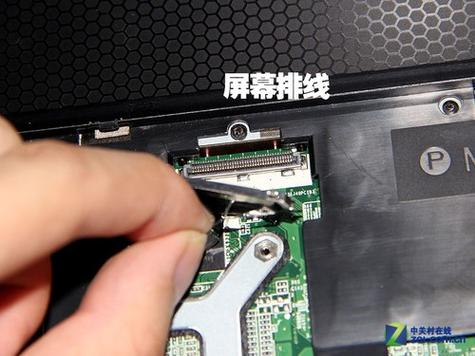
If the line is confirmed to be damaged, appropriate maintenance tools, such as screwdrivers, shrubs, static gloves, etc., should be prepared and, to the extent possible, lined spare parts matching the notebook model should be found. Note that the notebook lines of different brands and models may not be compatible and therefore the selection of spare parts requires extra care。
** iii. Dismantling the notebook**
Before dismantling, the power must be cut off and batteries removed to prevent short circuits or electrocution. In accordance with the notebook's decomposition guidelines, careful to remove the cap and find and break the damaged line connection. During dismantling, care is taken to record the location and connection of each component for subsequent reloading。
** iv. Replacement line**
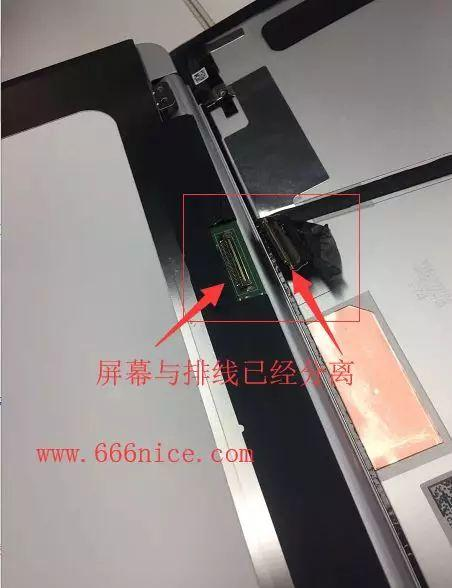
Connects a new line to the main board and other relevant parts as it is. Pay attention to the direction and location of the lined interface to ensure that the connection is strong and is not curved or distorted. Press the buttons on the pressure line interface with a swivel or special tool to ensure that the line is fully inserted and locked。
**v. Reassembly and testing**
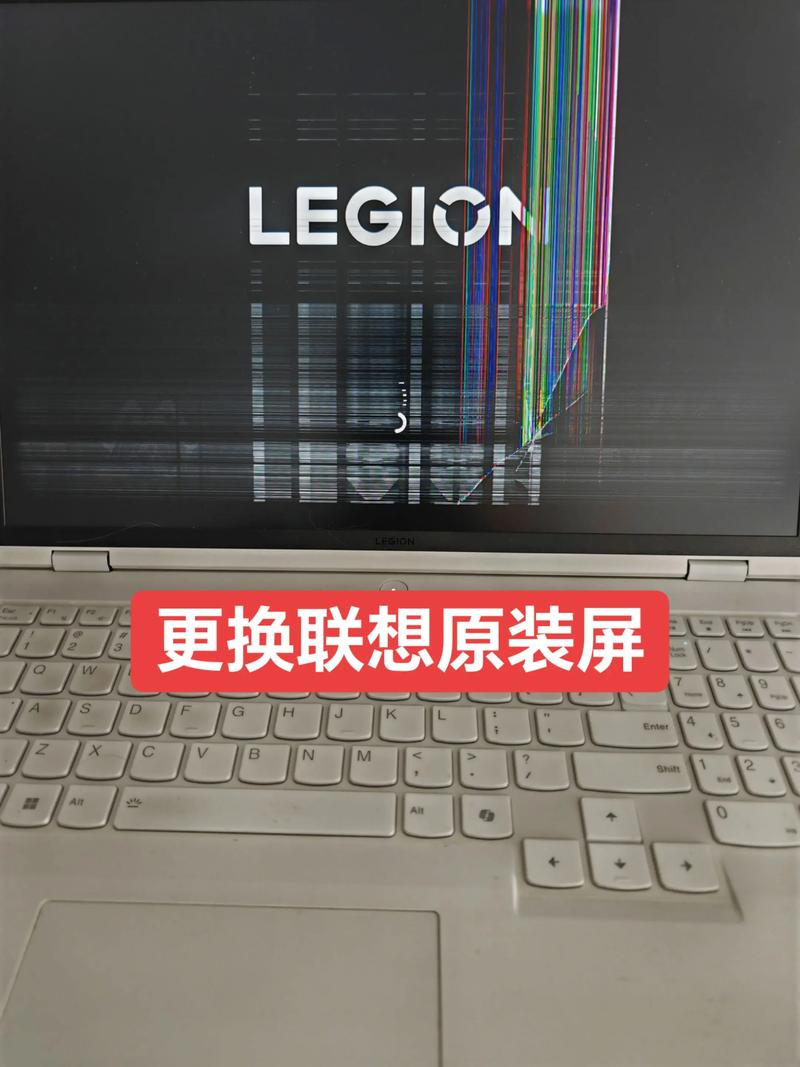
Once the line replacement is completed, the notebooks are reassembled in reverse order of dismantling. Batteries are installed and connected to the power supply, and all functions are tested. If the screen is clear, the keyboard and the touchboard are responsive, this means that line change is successful。
Through the above steps, the user can resolve the problem of the laptop screen liner damage on its own. However, for users not familiar with hardware maintenance, the process may be complex and risky. Therefore, before trying to repair itself, it is recommended that the relevant curriculum be read carefully or that the assistance of professional maintenance staff be sought。