When the cell phone is dead and the screen is not operational, the following are some of the professional solutions:
(the applet has been added here, please view the front page of today)
Forced restart:
For iphone: hold down the power key and the volume down key for approximately 10 seconds at the same time until the apple sign is seen。

For android equipment: hold down the power key and the volume down key for approximately 10-15 seconds at the same time until the device is restarted。
2. Examination of batteries:
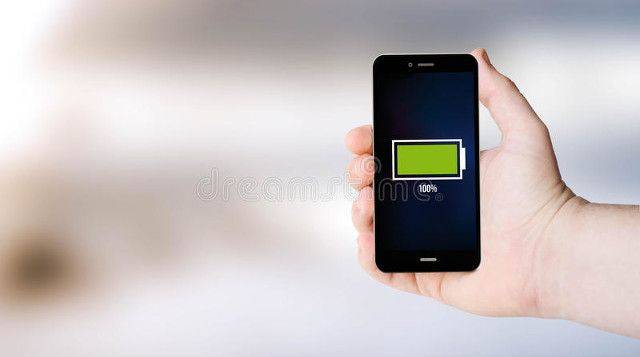
If the forced restart is invalid, try to connect the cell phone to the charger and wait a few minutes before trying to force the restart。
If a cell phone battery can be dismantled, the battery removed, waiting for a few seconds to re-install and then try to turn it on。
3. Entry into recovery mode:
For iphone: connect to the computer, open itunes, hold down the power key and the volume down key until you enter recovery mode, choose update or restore。
For android devices: hold down the power key and the volume up button in recovery mode and select " wipe catch part " or " fact reset " 。
4. Use of adb orders (only for android):
Installs the adb tool on the computer, connects the mobile phone, opens the command hint, enters the adb data to confirm the connection。
Enter the adb reboot command to try to restart the device。
5. Examination of hardware issues:
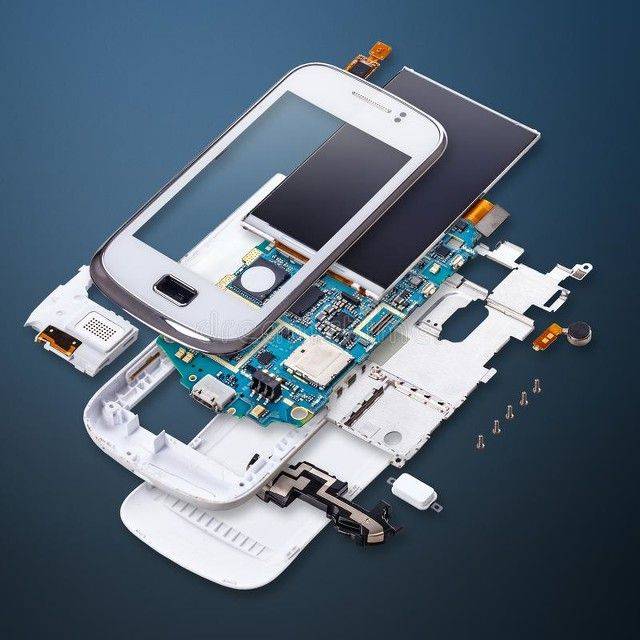
If these steps are not effective, they may be hardware problems. Checks whether the screen is physically damaged or whether the internal components are loose。
Use specialized tools such as screwdrivers (t5, t6 specifications) to unplug cell phones and check battery connections and main panels。
6. Seeking professional assistance:
If this is still not possible, it is recommended that further inspections and maintenance be carried out in contact with the official after-sale service or professional maintenance shop of the mobile brand。
These steps range from simple restarts to complex hardware checks to ensure that you can find the root causes of the problem and address it。