In today's increasingly popular digital office, the installation and configuration of printers as important output equipment has become the skills that many users must acquire. Below are a few simple steps to guide you on how to successfully install printers on your computer。
**i. Preparatory work**
First, make sure you already have the printer's physical device and the corresponding driver. The driver is a key software to connect printers to computers, usually attached to the printer or downloaded from the printer manufacturer's official website。
** ii. Connect printer**
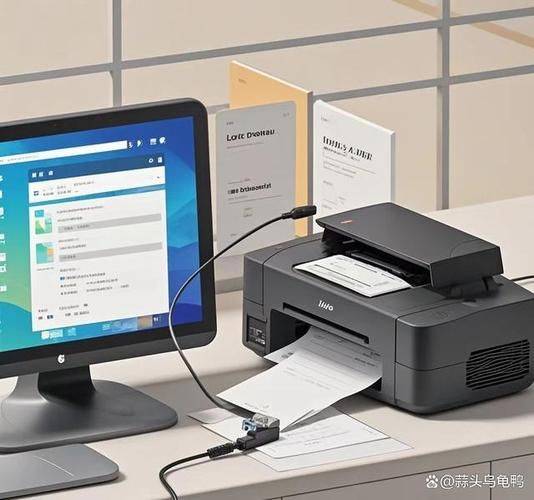
1. **cable connection**: if your printer supports the usb interface, the printer can be connected directly to the computer using the usb line. When connected, computers usually automatically identify new hardware and try to install a driver。
2. ** wi-fi connection** for printers supporting wi-fi, you need to first set up wi-fi connection for printers in accordance with the printer's instructions to ensure that printers are in the same network environment as computers。
** iii. Installation driver**
1. ** auto-installation**: for most modern operating systems, when new connected printers are detected, the driver is automatically downloaded from the internet and installed. It may take some time for this process to wait。
2. ** manual installation**: if the automatic installation fails or if you want to use a specific version of the driver, you can manually download the driver and install it. After downloading, double-click the installation program to complete the installation process as indicated。
** iv. Configure printers**
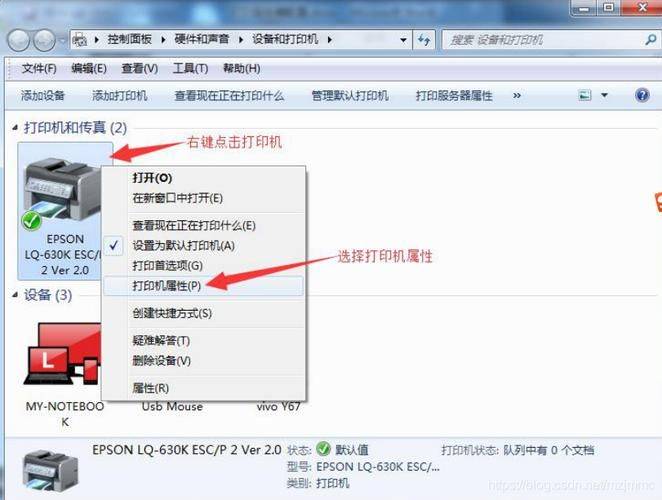
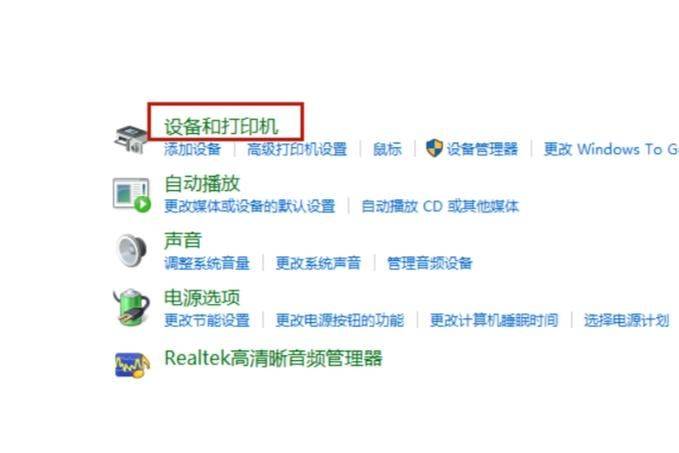
When you install a driver, you may need to further configure the printer in your operating system. This typically includes setting options for default printers, paper size, printing quality, etc. You can configure by using the " device and printer " or " printer and scanner " options in the control panel。
** v. Test printing**
Finally, do not forget to conduct printing tests to ensure that printers are correctly installed and are functional. You can print a test page or any document to check the printing effects。
Through the above steps, you should be able to easily install and configure printers on your computer. In case of any problems, it is recommended to consult printer instructions or contact the manufacturer's technical support unit。