What's a brush
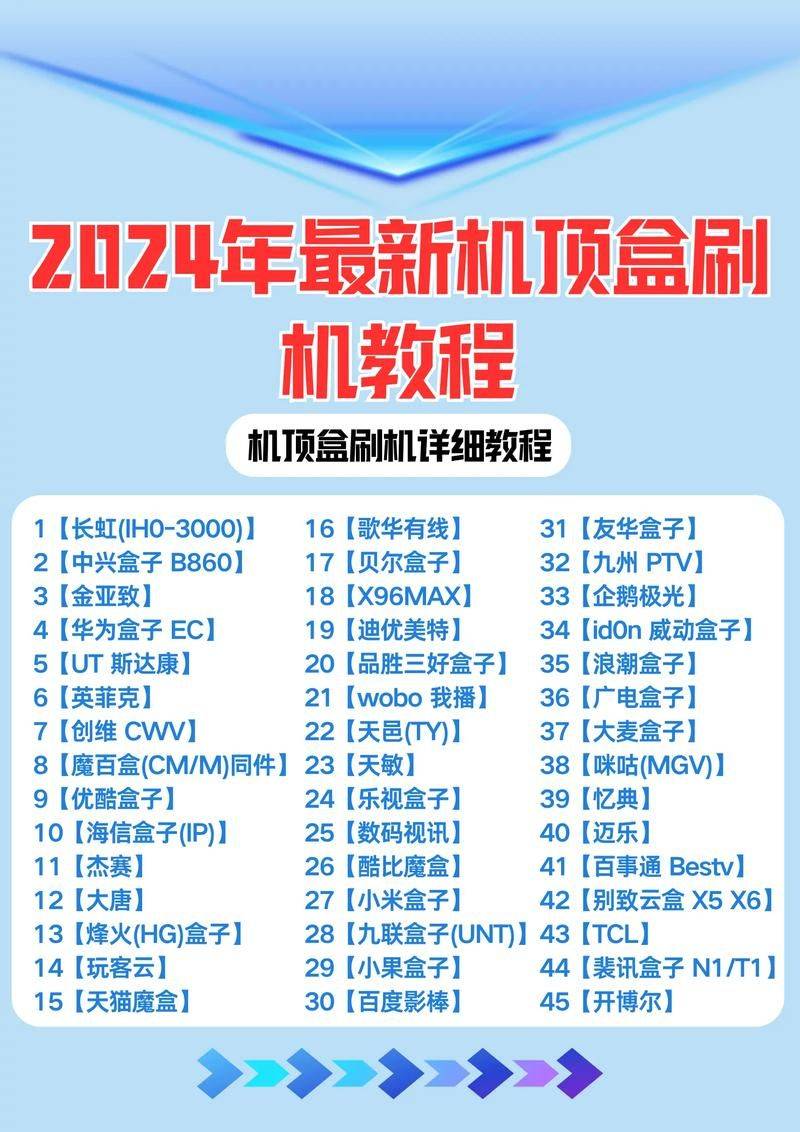
A brush is a system that improves the performance of a mobile phone by modifying or replacing some of the languages, pictures, bells and software versions or operating systems inherent in the original system. The brush can be official or unofficial。
In a nutshell, brushing is an act of changing your mobile phone operating system, which amounts to loading different versions of the windows or reloading systems. Most of the factory's mobile phones are machined。
The brush is able to boost the phone version, just as droid from 2. 3 to 4. 0, like windows98 to xp, xp to win7。
2. Advantages of a brush: what's a brush for? Why
The main purposes of the brush are:
(1) resolving the patches introduced by bug in the old version of the software, generally addressing slow reaction, small volume, sms template, dead machine, brightness, etc.
(2) others are designed to enhance the functionality of the prototype, for example, by adding digital focus, type of frames, editorial capability of images, etc., and enhancing the functionality of mobile phones without altering their hardware。
(3) the other aims of the scrubbers are also chinese software: water mobile phones are often not chinese and many people can convert them into chinese。
A lot of people hesitated on the question of why to brush the machine. Actually, it's like a reloading system for your computer. When computers are slow to reload, computers crash to reload, computer poisoning to reload... Cell phones are the same。
Note: a brush does not solve the problem of mobile hardware, nor does it upgrade the hardware configuration
3. Risk of brushing
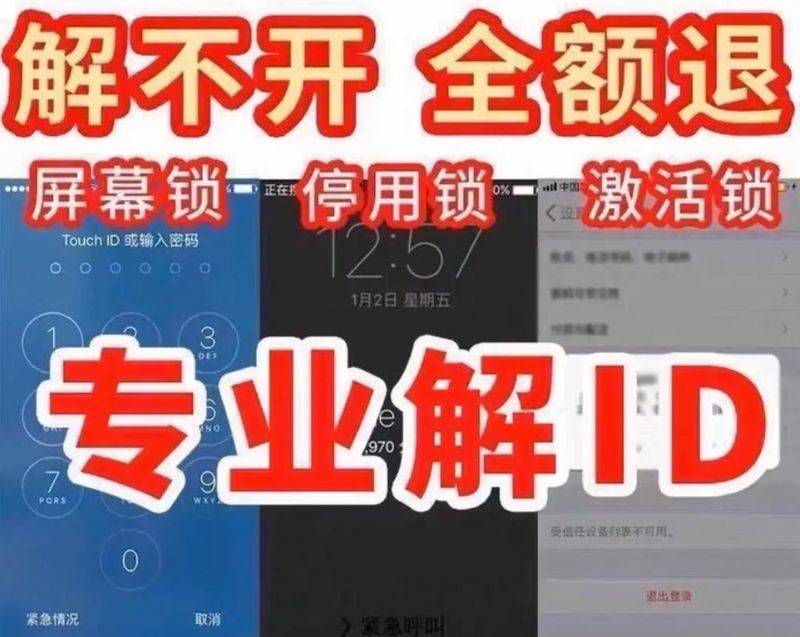
Improper brushing methods may cause unnecessary complications, such as failure to turn on, death on, failure to function, etc. The newest friends should know more about the brush before they brush the machine。
4. Brusher alerts
The following is a general note to be taken of, of course, the specific mobile phones and their respective requirements, and it is important that the instructions are clearly understood before doing anything。
(1) it is important to ensure that mobile phone batteries account for more than half of the power when brushing machines。
(2) read the brush instructions carefully before brushing
(3) the location of the four files (or three files) should not be misplaced while brushing
(4) it is recommended that the serial number remain unchanged on the basis of the original version of his cell phone (if that version changes the serial number, it is better not to paint it, otherwise such problems are difficult to solve themselves)
(5) not everything can be solved by a brush. Some problems may be hardware, so do not rely too much on brushes。
(6) a brush is best prepared in the context of risk control. The current version of diy is based on the original version, replacing the original picture with a different picture, replacing the original bell with another bell, without moving the core. Just to replace the changes in some pictures, bells or menu characters, etc., so there should be no negative effects - as long as you do a backup of your mobile phone software and do it in a step-by-step manner, the brush is largely free of risk. (it is a big deal to brush back the backup.)。
In particular, the general brush is closed, so it is better not to do so if it is not particularly necessary. Remember
5. Explanation of common terminology for brushes
(1) what's root
Root privileges and administrator privileges (system administrator privileges) can be understood as a concept. No root, everything in all the systems is locked to death and cannot be replaced, but google's application is not always available to us, and it takes resources, so we can delete them through root, so they can be faster and more software。
I've done it because of root, i've done it
It's not necessary, just go straight into the recovery brush, unless the author specifically indicates in the rom file which version of the recovery。
(3) what is s-offf and s-on
"s" means "security lock"
S-off is protection
How do we find out if the phone is s-iff or s-on
Press the volume-key and turn-on button after off
(4) how s-offf
There are currently two s-offf methods:
(a) s-off via the hboot installation model。
B) s-offf via certain equipment such as white cards. It's called white card unlocking。
The softened cell phone in the first line of bootloader ends with: engs-offf and whip s-offf. Eng is meant to be the engineering model and ship is meant to be issued for the original plant。
(5) what's rom
Rom means head oNly memory, he refers to the in-house memory of a mobile phone that is not accessible. He included the dandroid operating system and all pre-assembly application tools。
Usually a complete rom (or solid) contains: a recovery mirror, a bot mirror (including cores (kernel) and ramdisk), a system mirror (operating system, or “os”), and a radio mirror。
We also often call mirrors that can be painted into the memory of a cell phone called roms or solids。
What is "radio"? Why are we doing radio
A proper radio can improve our cell phone signals, bluetooth, wifi and gps. It might also raise the lifetime of cell phone batteries。
(6) what's recovery
Intended to resume, it is a menu for a series of operations in project mode, such as the painting of rom, and its effects are similar to those of the one-key reduction software。
What we usually say about painless root is that we brush everything. Img into a cell phone, and then it's easy to do simple rom-related operations。
Master brusher suggested that there would be no warranty after an android phone brush。