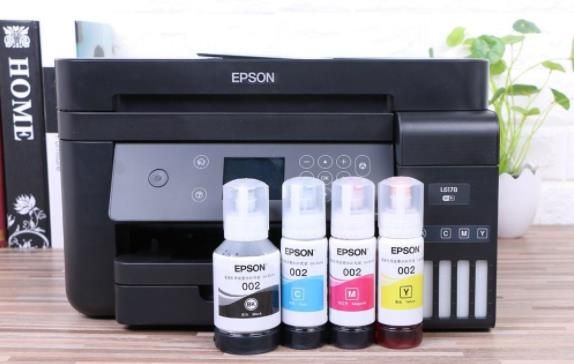
After the use of the ink, the printer of the fuscler brand can add the new toner manually, so that the printer can be reused. How does the fuscler printer replace the toner? How do we get zero after changing the ink? We're going to give you a more detailed description of how this works。
First, you can open the panel of the printer, then you can see the toner box, then you can pull out the toner box with your hands at 30 degrees, and then you can pull out the toner box from the left to the right, and then you can open the lid of the toner box, and here we need to remind your friends that when you open the toner cap, do not touch the chip on the toner box。
When the lid of the cartridge is opened, it is carefully inserted into the box, using the special ink of the brand printer, and then the lid is recapped, while the ink box is placed in the printer, and it is fixed at 30 degrees in the clockwise。
If you replace the new inkbox with the printer's display screen, you are still prompted to replace the new inkbox, then to continue with the use will require the printer to be emptied before it can work properly. Zero operations are also very simple, so the front of the printer can see that the lid on the printer screen is opened, and the system will alert you to turn it off, but do not turn it off, keep it open, and then press the ok key on the printer, press it until the screen display replaces the drum. After the last step is completed, you press the start key, and then you can see 50 on the screen, and the fast plus or minus key will be adjusted to 00, and then the ok key will be pressed。