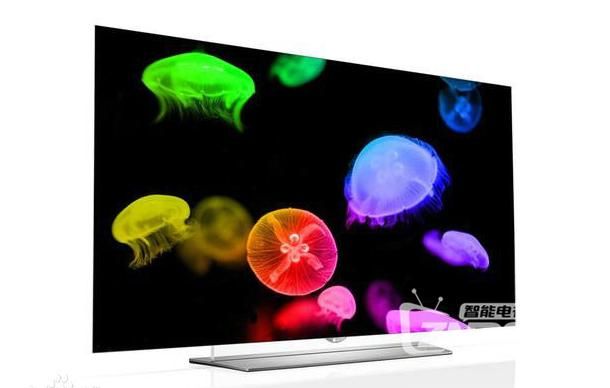
Many businesses now use smart television as a display, but special circumstances require that the image be set up as a screen. But television companies don't have this function, so how do we solve this problem
Actually, it depends on the source of the signal, if it's a connected computer. The settings within the card attributes of the computer can be achieved by adjusting them. It's not working. Television companies don't do this model, but they can switch it through computers。
The following steps can be easily shown on lcd television by setting up the display of images in computers:
Set the signal source of the television to pc mode。
2. Sets the resolution and refreshing rate of the computer graphic card. This is the key because the resolution of the graphic card is based on a computer monitor, which can only be compatible with the lcd tv at 16:9, unless it is specifically supported by the lcd card, which generally does not reach the highest resolution of the television. To be compatible with the graphic cards, televisions have a set of inherent resolution and refreshing rates (on the list in the television notes), which must be set to the same level as one of them, so that they can regularly display computer images. The specific setting is to click the right mouse button - attribute - setting, adjust the screen resolution bar, and set a refreshing rate at an advanced level。
3. If monitor no. 2 is activated in the above-mentioned settings and the filter is extended to the desktop, the browser or player can also be pulled to the right of the computer monitor until the television is shown, so that the video can be viewed while the internet is available。
More about smart tv, android box games, techniques, ptv top box cracks, please focus on znds smart tv network and znds smart tv network official tweet: zndscom, and we'll give you the most practical and up-to-date course in the first place