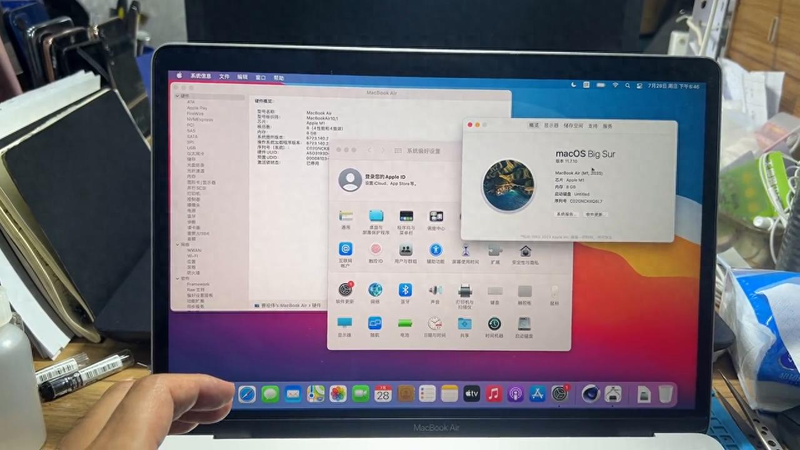
Hello, everybody. A video tells you about the activation of the mac lock. First of all, i'm a $20 macbook air, and i've returned the account. In this system, if you can get into the system, how do we see if our machine is unlocked? Right here, with regard to this machine, there's a system report here, and a click on the system reporting hardware column here shows that it is disabled, and at this point there is no activated lock。
If you're selling it yourself, you can go in here with your head and return your account, and then you can sell it. If you buy a mac, at this point you're not sure you've activated the lock, and at this point we have to see if it's disabled。
Some friends would ask, does my machine have that kind of hidden activation lock? We're going to show you how to look at your hidden activation locks。
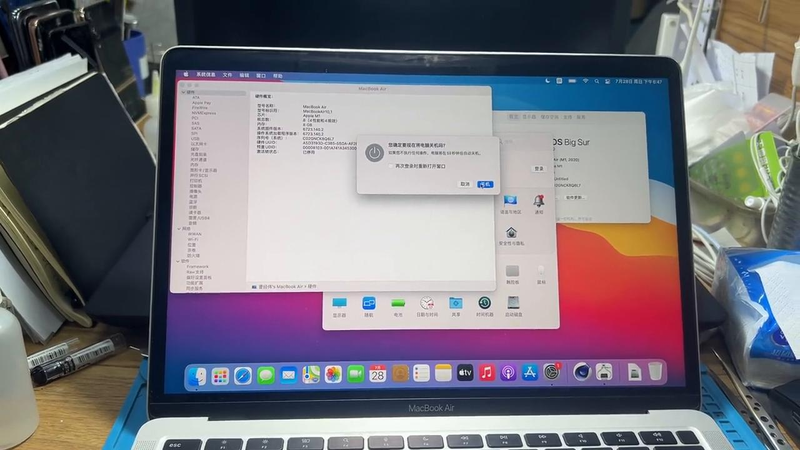
Turn it off, turn it off, and then we'll go for a second after the screen gets dark. Now the screen is dark, and we wait a little while, and then there's a fingerprint key, and it's got a fingerprint key, and it's got a fingerprint key, and we're going to press it, and we're going to show it until the starter comes up, and we're going to press it for a little while, and then we're going to let it loose。
After the release, we now wait for it to go into that option, wait for a moment, let's come in, let's go in, let's go on, let's wait, let's choose to forget all the passwords at this time and let ourselves lose id. It's just that there's no account on the machine。
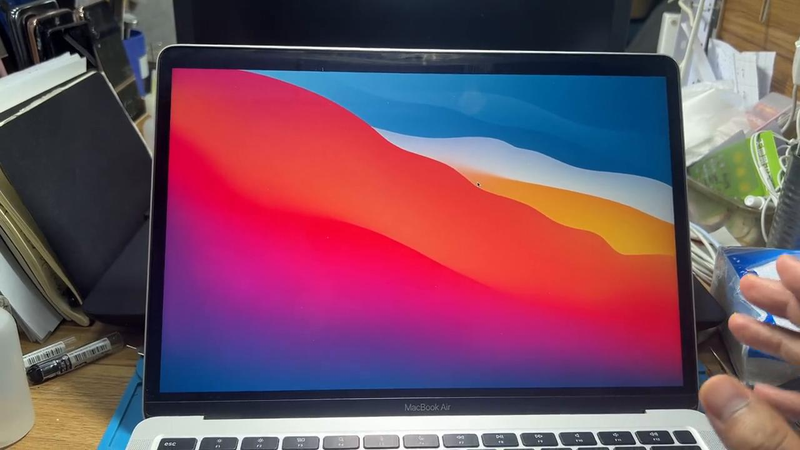
• if at this point you are shown to lose the corresponding account code, or which machine is tied to, he has a hidden id lock. This is when the machine says there's an account on it。
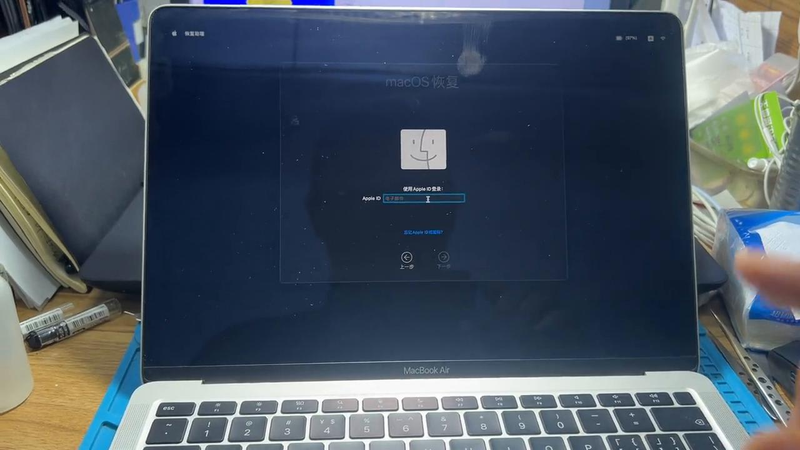
This is where you buy a second-hand mac, and you have to be careful that there's a hidden activation lock, as we can see in the deeper system, just as i don't have it. If you are in such a situation, care must be taken not to confirm receipt。