How do we start with the u. S. Flash drive? How do we start the drive with a 510s desktop reloading system? The following is a text that gives you details of the method used to set up the drive at the 510s computer bios. If your bios is similar to the one in the picture, that's how it works。
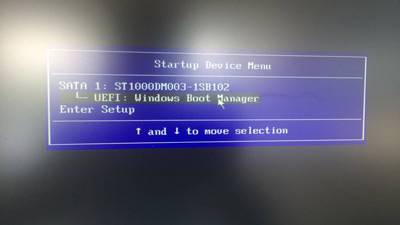
1. The launch option window, which is usually f12 or f2 when it starts with a shortcut, is selected as "enter setup" for the bios interface, as illustrated below。
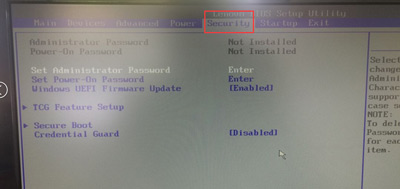
In bios, “security” was found, as shown in the figure below:
3. Find the “secure boot” option and return the car, as shown in the figure below:
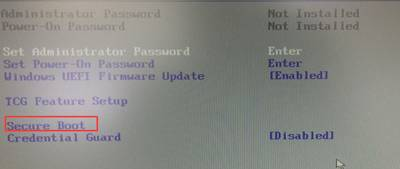
4. Set the "secure boot " option to " disabled " , as shown in the figure below:
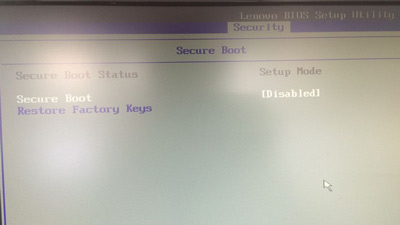
5 and then back to the bioos main page to find "startup", as shown in the figure below:
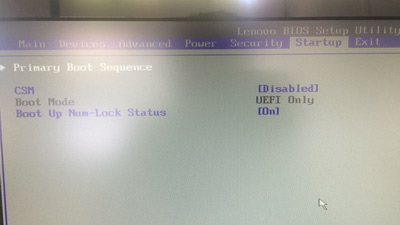
6. Change the " csm " option to " enabled " , as shown in the figure below:
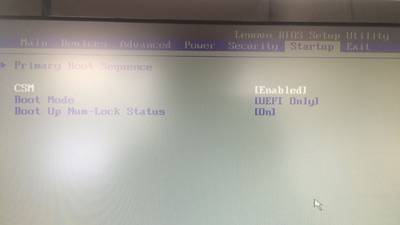
7 for boot mode read legacy only, as shown in the figure below:
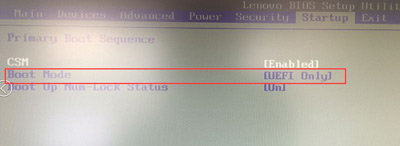
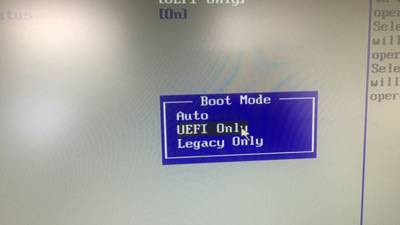
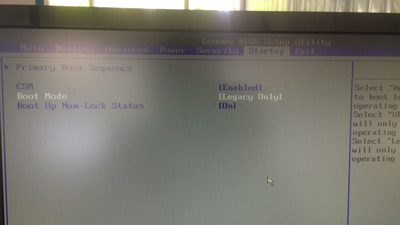
8. After completing the above steps, press f10 to save and restart the computer, and then press the shortcut pop-up option window, then select our disk and start the drive into pe。
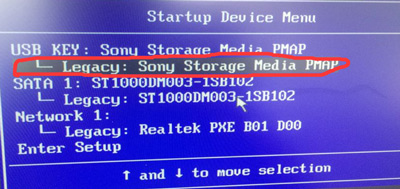
In fact, a lot of machines are basically the same setup, and there's a hint under the general screen. This is the end of the article, and i hope you will support the script home in the future。