Most of the three-star laptop system is a win8. 1, but some users want to upgrade the win10 system without knowing how to upgrade it. While housekeepers or 360 can be upgraded, how can we upgrade the win10 system if the success rate of this approach is low, there are minor problems that cannot be upgraded, and the normal ghost approach does not support the gps partition? The white cloud below teaches you how to install a system in the gpt partition to solve the problem of how the three-star notebooks reload the win10 system with win8. 1。
Three-star notebook reloading win10 method one:
Pe installation using virtual optical or hard disk installation tools
Short steps: enter the start-up menu 11, then select menu 1, enter the pe。
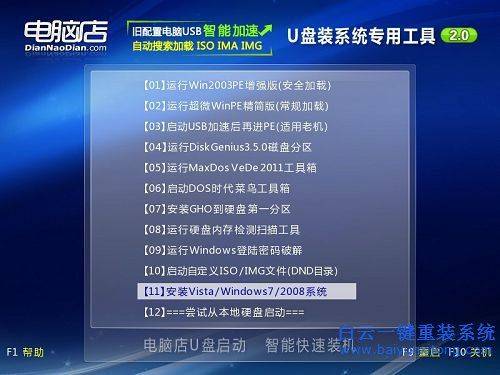
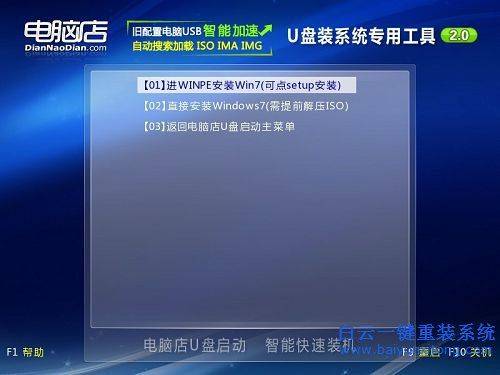
Method 1: the iso mirror of the win10 system is loaded with virtual pv, then the virtual pv is turned on and setup by direct double click. Exe. The computer store solved the problem of not having a system partition
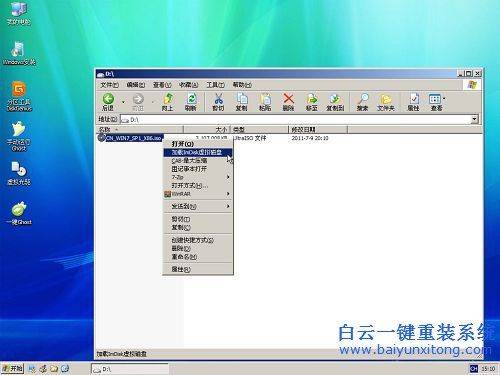
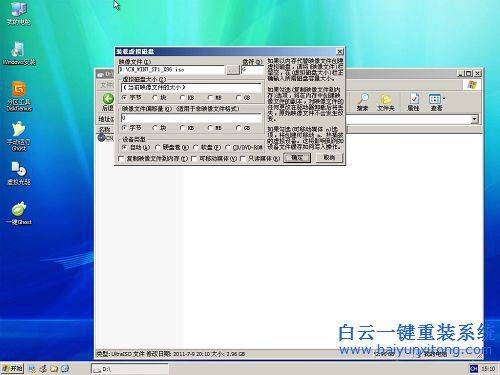
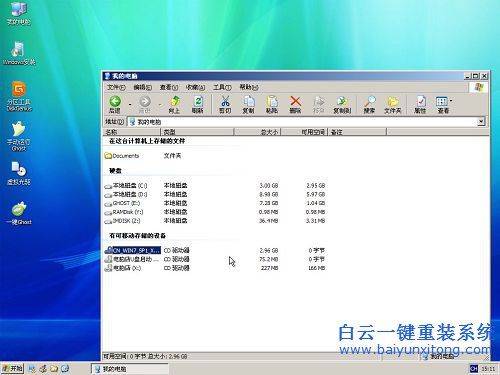
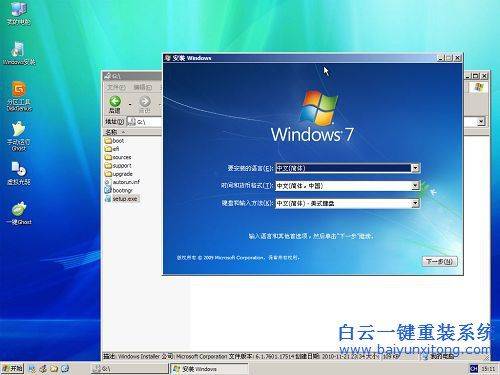
Method 2: install. Wim is extracted from the win10 installation disks directory and placed into the drive or hard drive, and then the drive is activated into the pe to find this install. Wim with the nt6 installation tool。
Method 3: installation directly in the pe with virtual pvs for windows 10 installation and then with software such as nt6 installation tools
Three-star notebook reloading system win10 method two:
1. First, the white cloud one reload system officer network (www. Baiyunxitong. Com) clicks on the mid-site to download a white cloud one reload system software。

2. The software is then installed on the computer and reloaded with a single click。
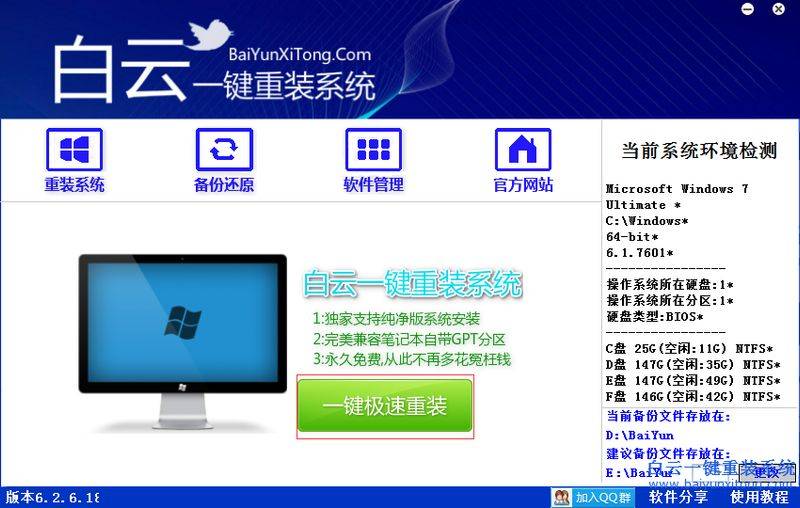
3 and then select the win1064-bit system, click the installed version. (ps: gpt partition can only install 64-bit systems)
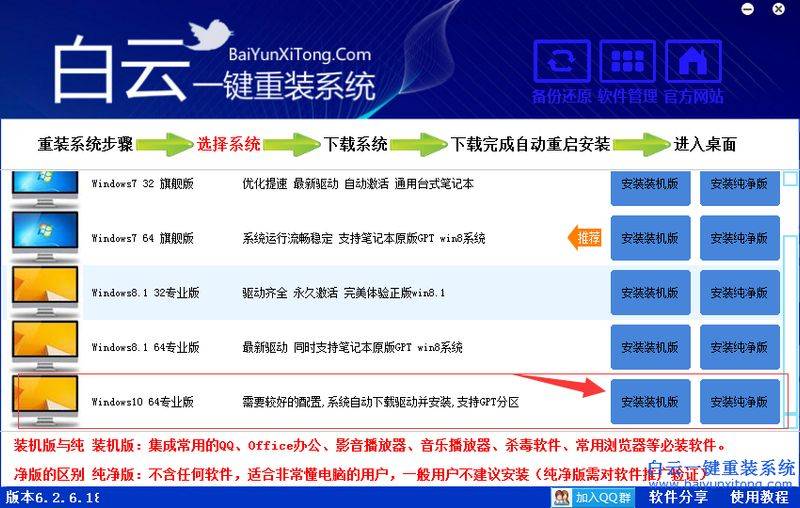
4. Click on the installed version to enter the system download process, pending completion of the system download。
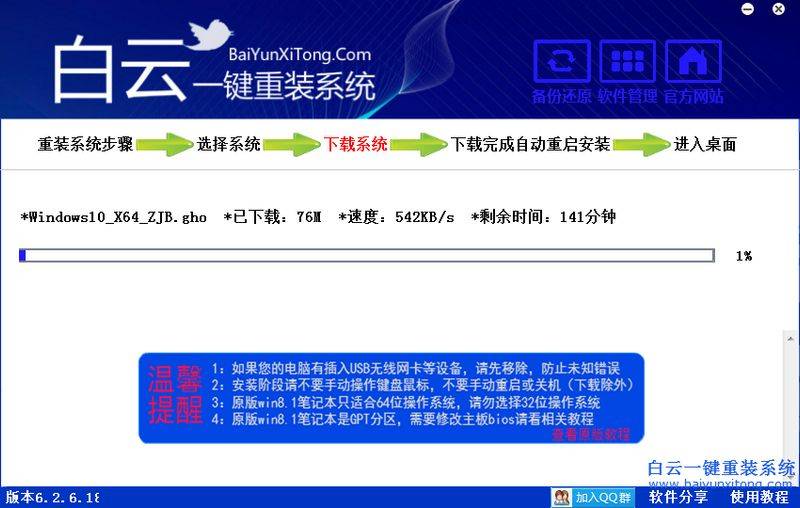
5 upon completion of the download, the computer will be automatically restarted and re-assembled。
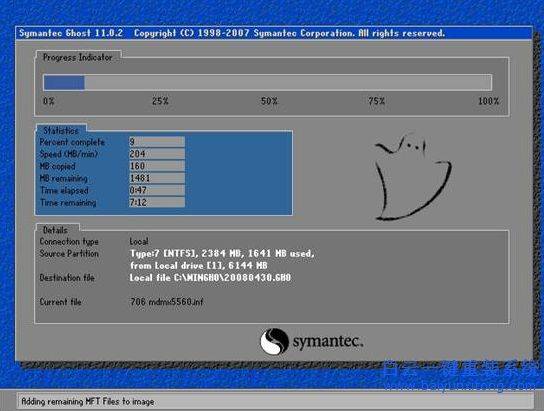
6. Just wait until the system is reloaded。
The above is how the samsung notebook reloads the win10 system, which is now basically 64-bit gps partition computers, so it is proposed to install the win1064-bit system。